




01. Edit your form 956 online
Type text, add images, blackout confidential details, add comments, highlights and more.

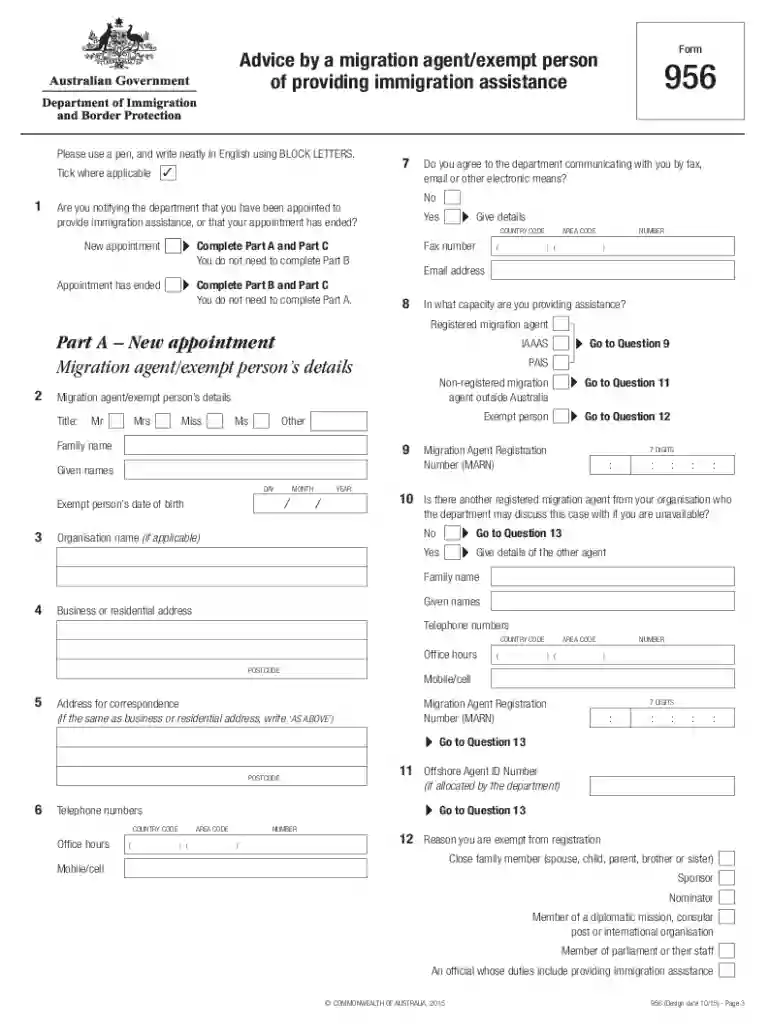
Type text, add images, blackout confidential details, add comments, highlights and more.

Draw your signature, type it, upload its image, or use your mobile device as a signature pad.

Send 956 form via email, link, or fax. You can also download it, export it or print it out.

Start using our platform today to fill out form 956 easily and for free!
At DocHub, your data security is our priority. We follow HIPAA, SOC2, GDPR, and other standards, so you can work on your documents with confidence.
Indicate whether the regional center has submitted documentation of the policies and procedures in place to ensure regional centers compliance with EB-5Read more
As required by the Water Resources Development Act of 1992 (WRDA), I am pleased to transmit the Environmental Protection Agencys (EPA) Report to CongressRead more
SAMPLES: Sample Form 6 for Casual Hires Sample Form 6 for Overload Lecturer Sample Form 6 for Faculty Overload Sample Form 6 for GA Overload (paid atRead more


