Type text, add images, blackout confidential details, add comments, highlights and more.
02. Sign it in a few clicks
Draw your signature, type it, upload its image, or use your mobile device as a signature pad.
03. Share your form with others
Send it via email, link, or fax. You can also download it, export it or print it out.
How to use or fill out subcontractor with our platform
Ease of Setup
DocHub User Ratings on G2
Ease of Use
DocHub User Ratings on G2
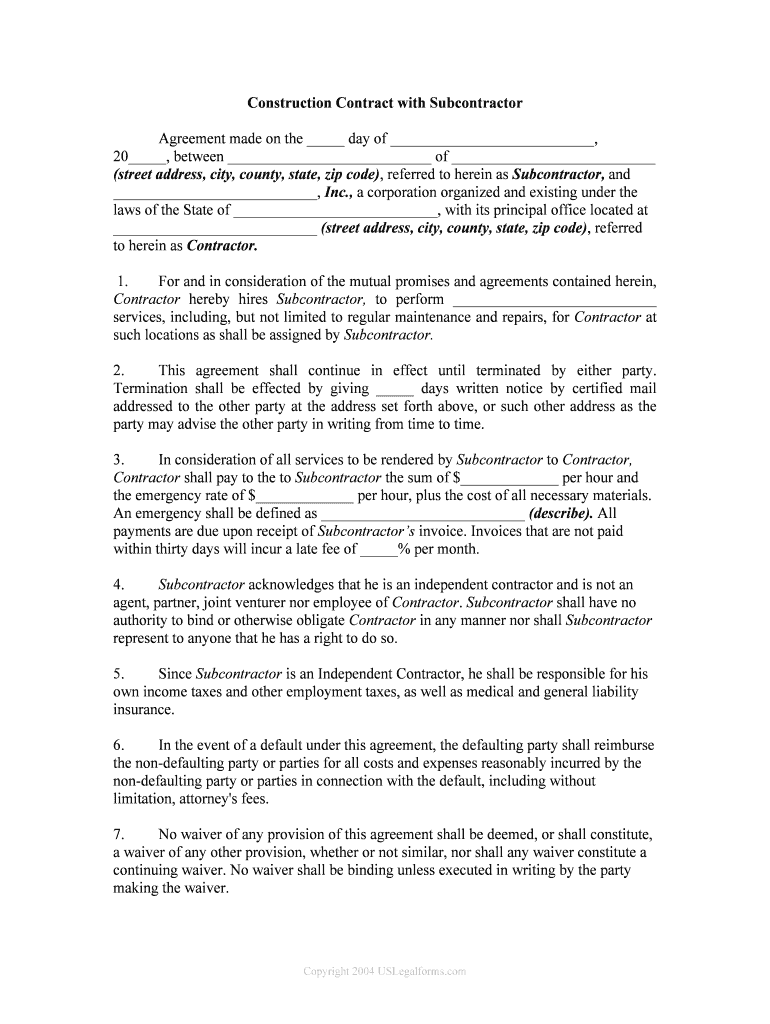
Click ‘Get Form’ to open the subcontractor agreement in the editor.
Begin by filling in the date at the top of the form, followed by the names and addresses of both the Subcontractor and Contractor. Ensure all details are accurate for legal purposes.
In Section 1, specify the services that the Subcontractor will provide. Be clear and concise to avoid any misunderstandings.
For Section 3, enter the payment terms including hourly rates and define what constitutes an emergency service. This clarity helps in managing expectations.
Review Sections 4 through 10 carefully, ensuring you understand your responsibilities as an independent contractor and any indemnification clauses.
Finally, sign and date the document at the bottom. If applicable, have a representative from the Contractor’s side sign as well.
Start using our platform today to streamline your subcontractor agreements for free!
subcontractor | Wex | US Law | LII / Legal Information Institute
A subcontractor is an outside company or individual hired by a general contractor to perform part of the work or services under an existing contract with aRead more
If your worker is a subcontractor, he is responsible for keeping his or her own records and paying his or her own income and self-employment taxes. Therefore,Read more
Cookie consent notice
This site uses cookies to enhance site navigation and personalize your experience.
By using this site you agree to our use of cookies as described in our Privacy Notice.
You can modify your selections by visiting our Cookie and Advertising Notice.