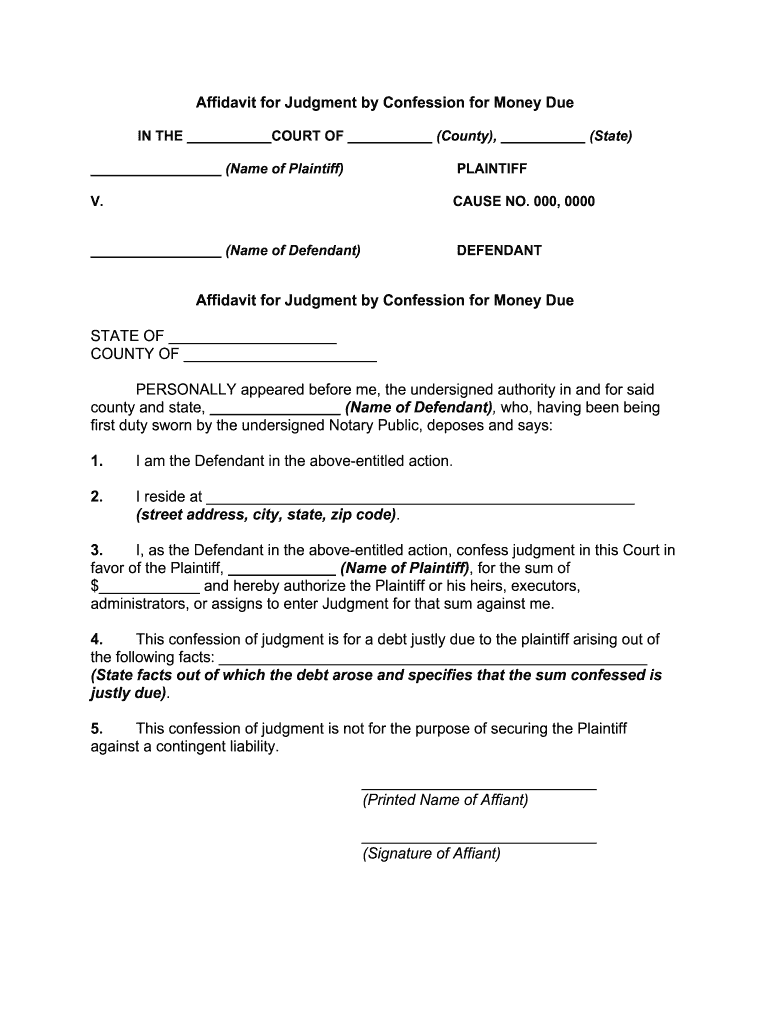
Motion to vacate judgment form 2026

Get Form
motion to vacate judgment form Preview on Page 1

Here's how it works

01. Edit your form online
Type text, add images, blackout confidential details, add comments, highlights and more.
02. Sign it in a few clicks
Draw your signature, type it, upload its image, or use your mobile device as a signature pad.
03. Share your form with others
Send it via email, link, or fax. You can also download it, export it or print it out.

How to use or fill out motion to vacate judgment form with our platform

Form edit decoration
9.5
Ease of Setup
DocHub User Ratings on G2
9.0
Ease of Use
DocHub User Ratings on G2
  1. Click ‘Get Form’ to open the motion to vacate judgment form in the editor.
  2. Begin by entering your name and contact information in the designated fields. This ensures that all parties are correctly identified.
  3. In the section for the case details, input the court name, county, and state where your case is filed. Make sure this information matches your original court documents.
  4. Next, provide a clear explanation of why you are requesting to vacate the judgment. Be concise but thorough in detailing any relevant facts or circumstances.
  5. Review all entered information for accuracy. Use our platform’s editing tools to make any necessary adjustments before finalizing your document.
  6. Once satisfied, save your changes and proceed to sign the document electronically using our platform’s signature feature.

Start using our platform today for free to efficiently complete your motion to vacate judgment form!

be ready to get more

Complete this form in 5 minutes or less

Get form

Got questions?

We have answers to the most popular questions from our customers. If you can't find an answer to your question, please contact us.
Contact us
If a court has issued a default judgment against you, you may be able to get it vacated. In legal terms, vacate means to cancel or overturn a previous court order. This means the judgment is no longer in effect, and your case may be reopened.
If you were sued and lost because you did not appear in court, you can file an SC-135 Notice of Motion to Vacate Judgment. By filing this motion, you are asking the court to cancel the judgment entered against you and to give you a new trial.
Having a conviction vacated does not mean the defendant is acquitted or found innocent. When a conviction is vacated, the original verdict is set aside, essentially annulling the outcome of the first trial.
A vacated or scratched hearing or case means that a court order or judgment has been cancelled or rendered void. Cases are sometimes vacated at the preliminary hearing stage which may mean that the formal charges were not filed or that the prosecutor has chosen to present it to the Grand Jury for indictment.
Steps to File a Motion to Dismiss Review the Complaint Thoroughly. Carefully read the plaintiffs complaint to identify any legal deficiencies. Research Relevant Laws and Precedents. Draft the Motion. Include a Conclusion. File the Motion with the Court.

Security and compliance

At DocHub, your data security is our priority. We follow HIPAA, SOC2, GDPR, and other standards, so you can work on your documents with confidence.

Learn more
ccpa2
pci-dss
gdpr-compliance
hipaa
soc-compliance
be ready to get more

Complete this form in 5 minutes or less

Get form