




01. Edit your form online
Type text, add images, blackout confidential details, add comments, highlights and more.

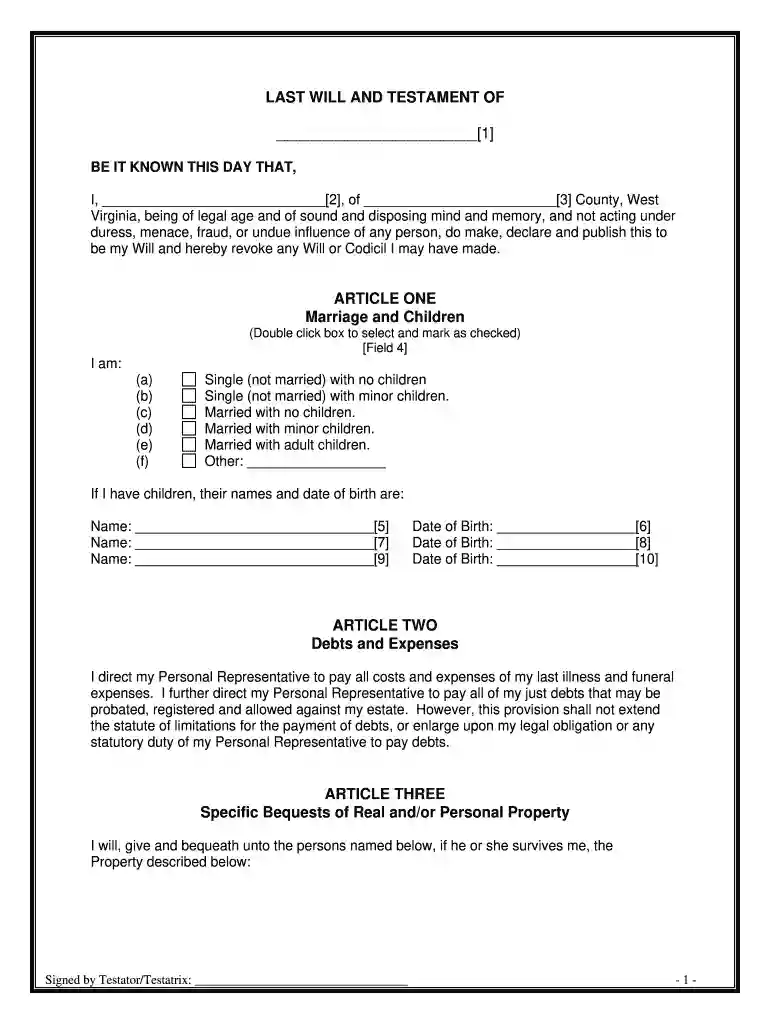
Type text, add images, blackout confidential details, add comments, highlights and more.

Draw your signature, type it, upload its image, or use your mobile device as a signature pad.

Send it via email, link, or fax. You can also download it, export it or print it out.

Start using our platform today to easily create your Last Will and Testament for free!
At DocHub, your data security is our priority. We follow HIPAA, SOC2, GDPR, and other standards, so you can work on your documents with confidence.
No will shall be valid unless it be in writing and signed by the testator, or by some other person in his presence and by his direction.Read more
Blair Mountain, West Virgina is the nationally important historical site of the 1921 Battle of Blair Mountain, the largest civil insurrection in the US
Aug 10, 2016 The general statute of limitations for a will contest in West Virginia is currently six months. West Virginia Code section 41-5-11 provides asRead more


