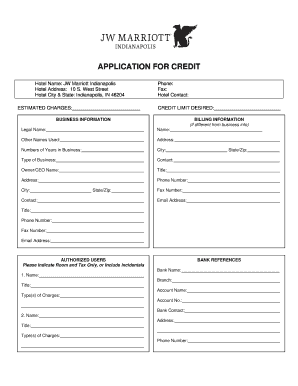
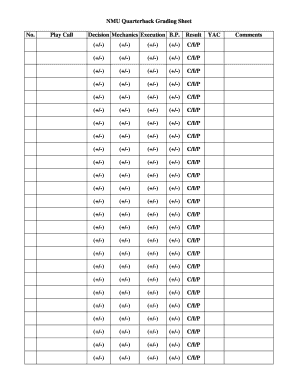
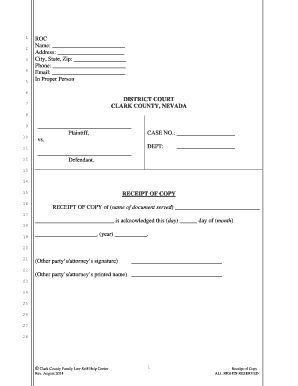
Type text, add images, blackout confidential details, add comments, highlights and more.
02. Sign it in a few clicks
Draw your signature, type it, upload its image, or use your mobile device as a signature pad.
03. Share your form with others
Send it via email, link, or fax. You can also download it, export it or print it out.
How to use or fill out ar 05a with DocHub
Ease of Setup
DocHub User Ratings on G2
Ease of Use
DocHub User Ratings on G2
Click ‘Get Form’ to open the ar 05a in our editor.
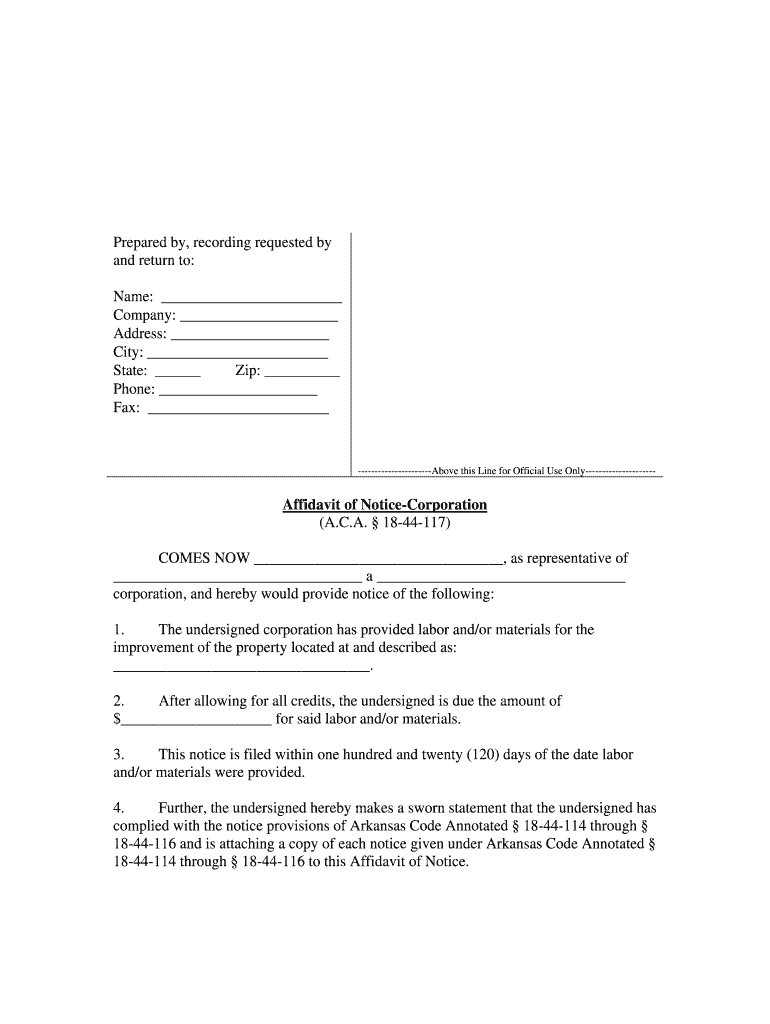
Begin by filling in the 'Prepared by, recording requested by and return to' section. Enter your name, company, address, city, state, zip code, phone number, and fax number as required.
In the 'Affidavit of Notice-Corporation' section, provide the name of the corporation and a brief description of the labor and/or materials provided for property improvement.
Specify the amount due for labor and/or materials in the designated field. Ensure this figure reflects any credits allowed.
Confirm that you are filing this notice within 120 days of providing labor/materials. This is crucial for compliance.
Complete the signature section by signing your name, printing it clearly, and indicating your title. Don't forget to have a secretary attest your signature.
Finally, ensure that all necessary notary information is filled out correctly before submitting your form.
Start using our platform today to fill out ar 05a quickly and efficiently for free!
05A (8/22) - Resource Family Approval Certificate RFA 05C (8/18) - Resource AR 1 (2/13) - New Reporting Requirements For CalWORKs and CalFresh TEMPRead more
General Travel Guidance UAMS Travel Reimbursement Manual (8.4.05A) Things To Know When Traveling For UAMS Brochure Adding Personal Days to Business Travel.Read more
Cookie consent notice
This site uses cookies to enhance site navigation and personalize your experience.
By using this site you agree to our use of cookies as described in our Privacy Notice.
You can modify your selections by visiting our Cookie and Advertising Notice.