




Here's how it works

01. Edit your form online
Type text, add images, blackout confidential details, add comments, highlights and more.

02. Sign it in a few clicks
Draw your signature, type it, upload its image, or use your mobile device as a signature pad.

03. Share your form with others
Send it via email, link, or fax. You can also download it, export it or print it out.
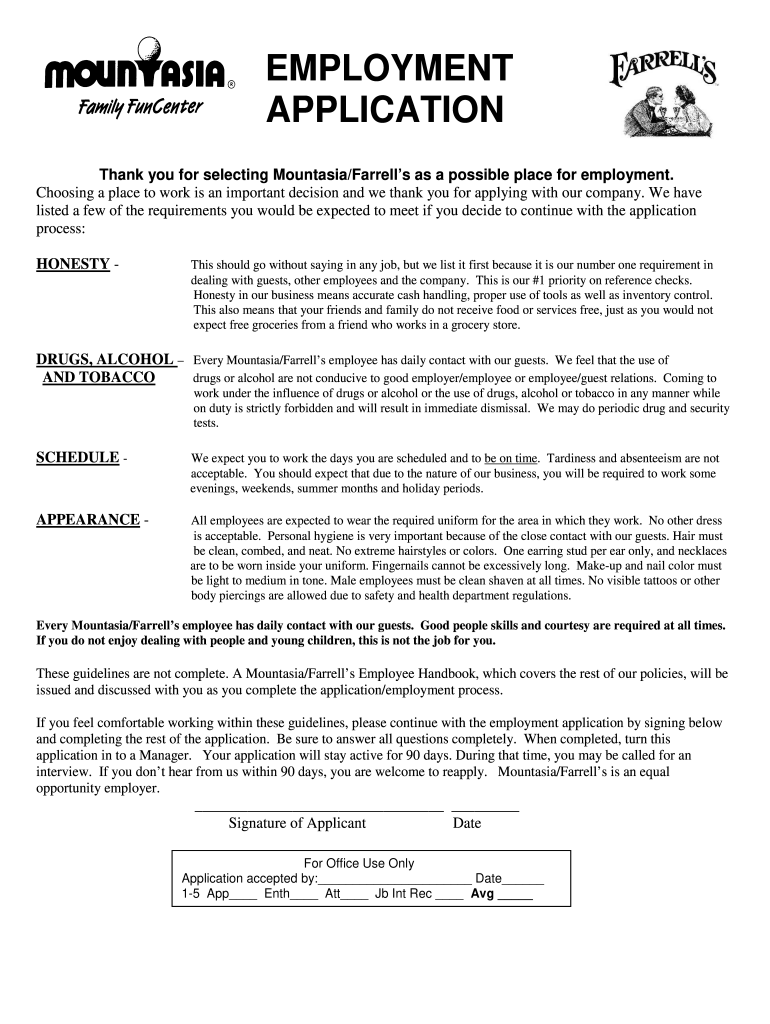
How to use or fill out mountasia with our platform

- Click ‘Get Form’ to open the mountasia application in the editor.
- Begin by filling out the 'General Information' section. Enter your last name, first name, middle initial, and optional birthdate. Provide your home phone number and both present and permanent addresses.
- In the 'Positions of Interest' section, list three positions you are interested in applying for. Ensure you answer whether you are 18 years of age or older.
- Complete the 'Education History' section by listing your schools attended, degrees received, and any honors or languages spoken.
- Fill out the 'Experience or Training' section by marking relevant experiences. Include any additional training not listed.
- Provide your employment history in detail, including company names, positions held, dates of employment, and rates of pay.
- Finally, read through the acknowledgment section carefully before signing and dating the application to confirm your understanding of its contents.
Start using our platform today to complete your mountasia application effortlessly!
Fill out mountasia online
It's free
It's free
Security and compliance
At DocHub, your data security is our priority. We follow HIPAA, SOC2, GDPR, and other standards, so you can work on your documents with confidence.
Learn more




