




01. Edit your affidavit birth status online
Type text, add images, blackout confidential details, add comments, highlights and more.

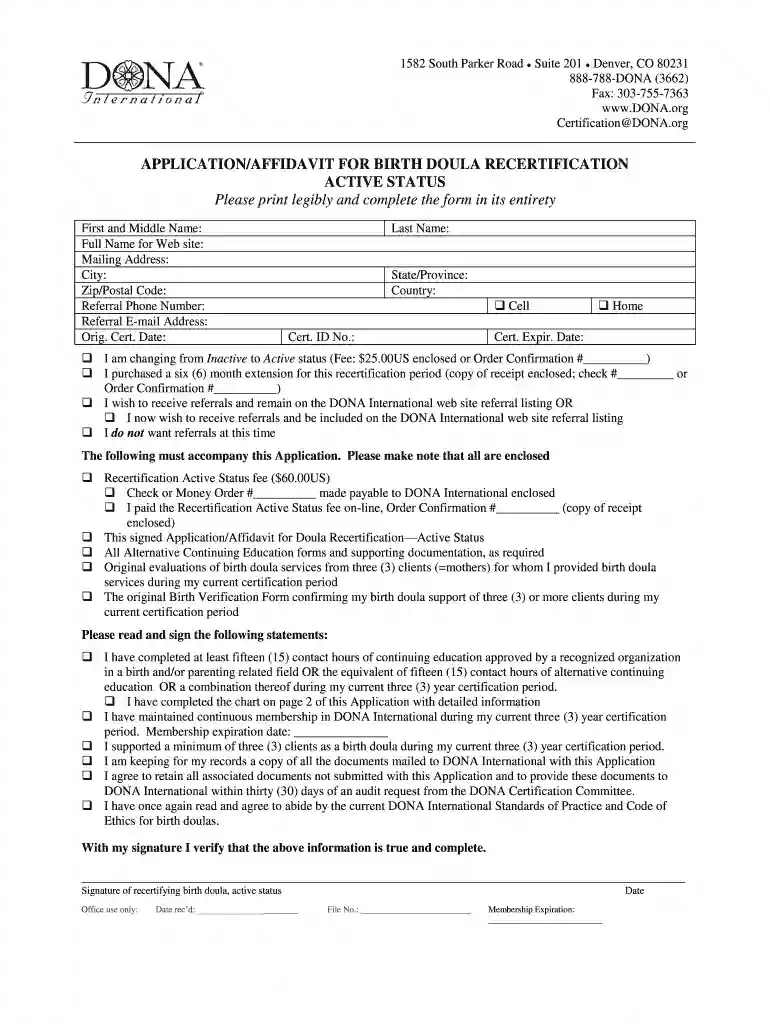
Type text, add images, blackout confidential details, add comments, highlights and more.

Draw your signature, type it, upload its image, or use your mobile device as a signature pad.

Send application affidavit birth via email, link, or fax. You can also download it, export it or print it out.

Start filling out your application birth today for free using our platform!
At DocHub, your data security is our priority. We follow HIPAA, SOC2, GDPR, and other standards, so you can work on your documents with confidence.
Feb 26, 2026 Here, were focusing on one specific mutation and its variations: Primal! Below, we have listed out the current known variations, as well as a FAQ sectionRead more
Sep 9, 2025 A CRBA documents that a child was a U.S. citizen at birth. We issue CRBAs to children under age 18 who were born abroad and got U.S.Read more
Submit an application, a copy of ID, and payment to: Location: Vital Registration Office, 350 Capitol Street, Room 165, Charleston, WV. 25301. By Phone/Online.Read more


