




01. Edit your post office withdrawal form fill up 2023 online
Type text, add images, blackout confidential details, add comments, highlights and more.

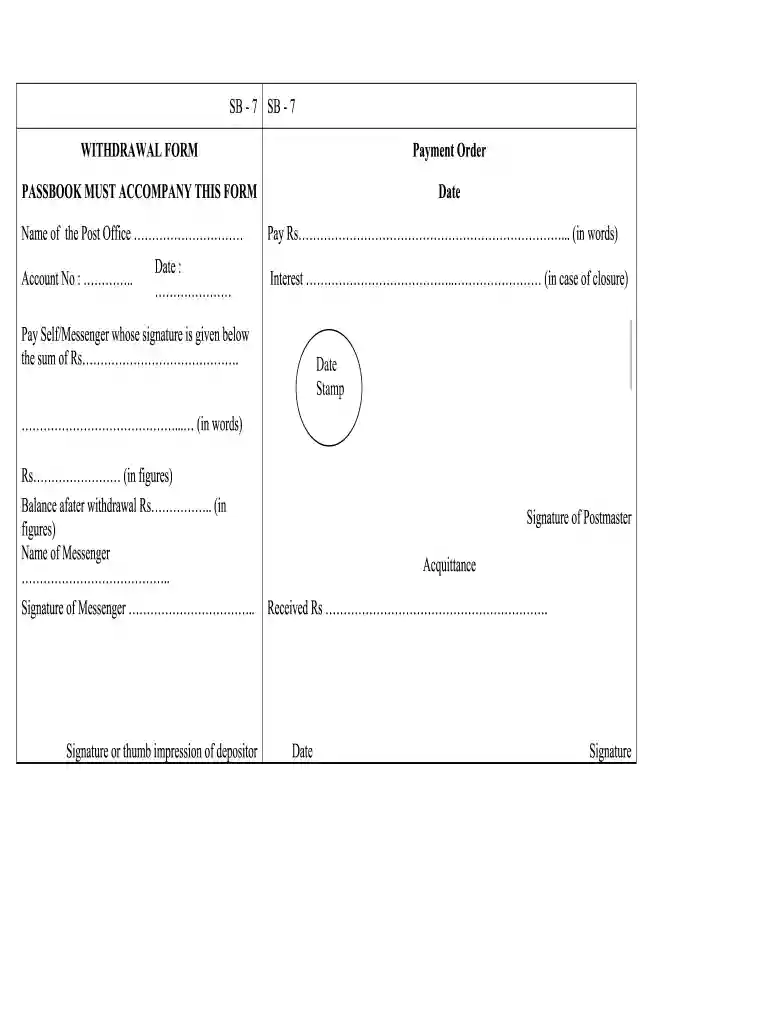
Type text, add images, blackout confidential details, add comments, highlights and more.

Draw your signature, type it, upload its image, or use your mobile device as a signature pad.

Send post office withdrawal form via email, link, or fax. You can also download it, export it or print it out.

Start using our platform today for free to streamline your document editing and signing process!
At DocHub, your data security is our priority. We follow HIPAA, SOC2, GDPR, and other standards, so you can work on your documents with confidence.
Feb 1, 2018 Enter the applicable employer identification number (EIN) or social security number. Address. Include the suite, room, or other unit numberRead more
1. 2. 3. 4. 5. 6. 7. 8. 9. REASON FOR WITHDRAWAL: □ Attending Another Institution □ Illness or Injury □ Active Military Duty □ Disciplinary □ Other.Read more
If your refund is less than $200, the Office of Personnel Management (OPM) cannot roll it over. It will be paid directly to you via Direct Deposit. Please.Read more


