Type text, add images, blackout confidential details, add comments, highlights and more.

02. Sign it in a few clicks
Draw your signature, type it, upload its image, or use your mobile device as a signature pad.

03. Share your form with others
Send fmcsa op1 collectio via email, link, or fax. You can also download it, export it or print it out.

How to use or fill out op1 form with our platform
Ease of Setup
DocHub User Ratings on G2
Ease of Use
DocHub User Ratings on G2
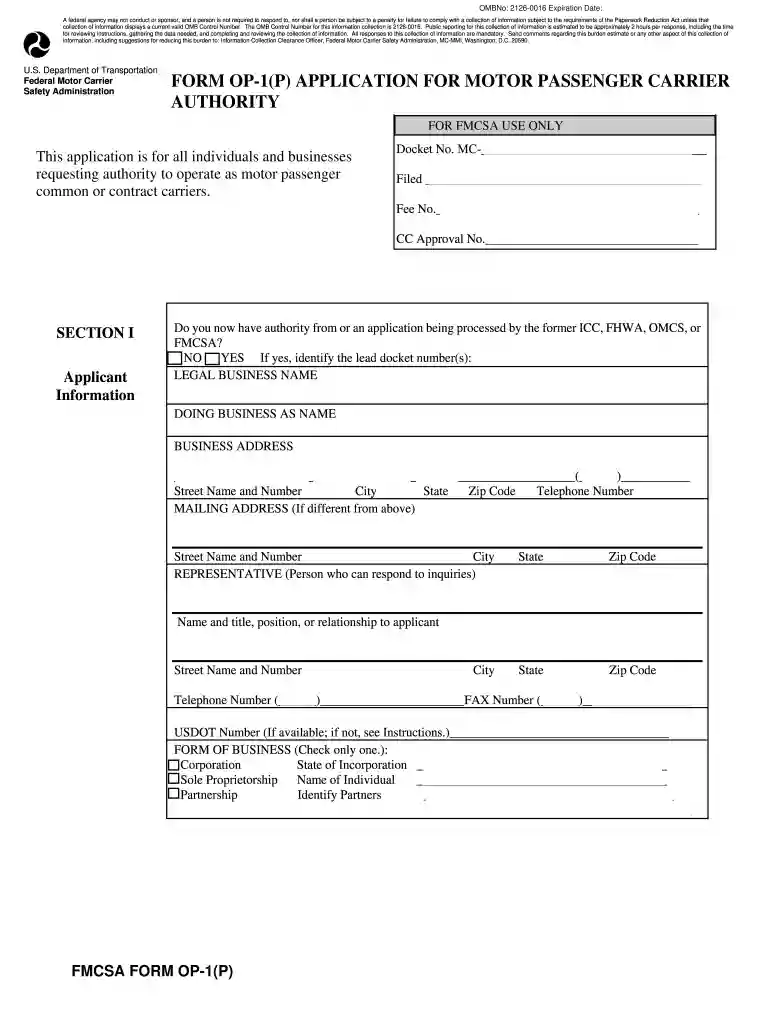
Click ‘Get Form’ to open the op1 form in the editor.
Begin with Section I, where you will provide your applicant information. Fill in your legal business name, doing business as name, and business address. Ensure accuracy as this information is crucial for processing.
In Section II, select the type of authority you are requesting by checking the appropriate boxes. Remember that a separate filing fee is required for each type of authority.
Proceed to Section III to provide insurance information. Indicate the type of coverage you will maintain based on your vehicle's seating capacity and ensure compliance with federal regulations.
Complete Section IV by certifying your familiarity with safety regulations. This is essential for demonstrating compliance with U.S. DOT standards.
Finally, review all sections for completeness and accuracy before submitting your application through our platform.
Start filling out your op1 form today for free using our editor!
365.105T Starting the application process: Form OP-1.
Form OP-1 must be filed when requesting authority to operate as a motor property carrier, a broker of general freight, or a broker of household goods.Read more
Cookie consent notice
This site uses cookies to enhance site navigation and personalize your experience.
By using this site you agree to our use of cookies as described in our Privacy Notice.
You can modify your selections by visiting our Cookie and Advertising Notice.