




01. Edit your intent to auction dmv va online
Type text, add images, blackout confidential details, add comments, highlights and more.

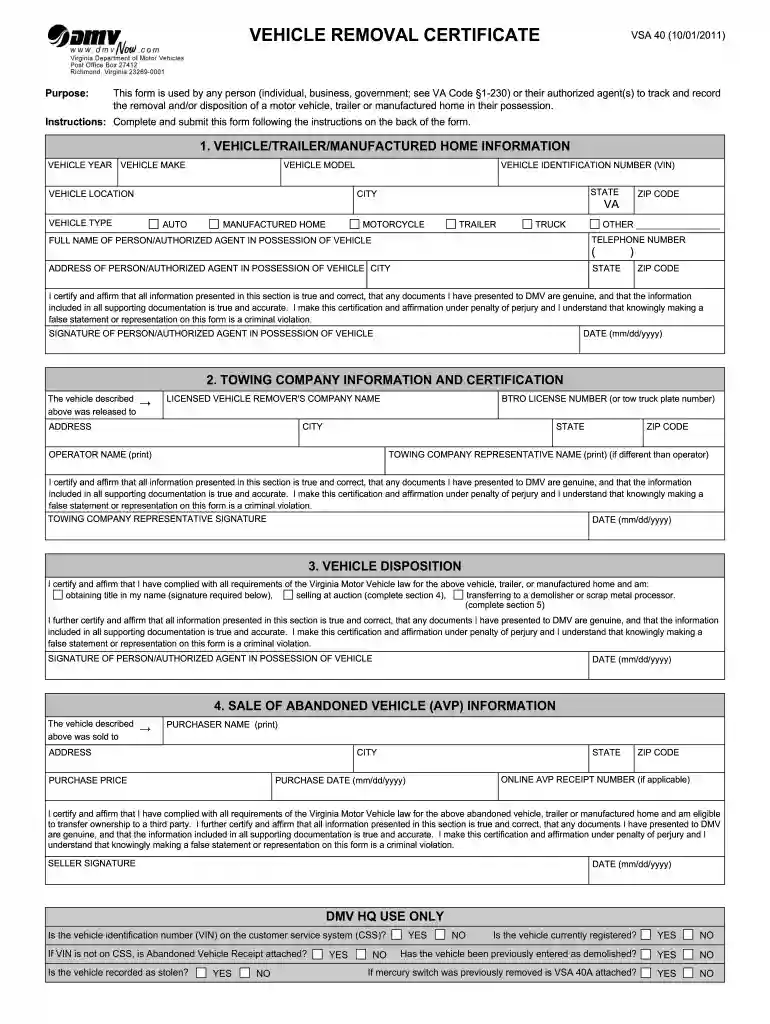
Type text, add images, blackout confidential details, add comments, highlights and more.

Draw your signature, type it, upload its image, or use your mobile device as a signature pad.

Send dmv intent to auction via email, link, or fax. You can also download it, export it or print it out.

Start using our platform today for free to streamline your VSA 40 form completion!
At DocHub, your data security is our priority. We follow HIPAA, SOC2, GDPR, and other standards, so you can work on your documents with confidence.
Nov 7, 2016 The arbitrator will issue a decision within 40 days after you file your claim, and the decision will be binding on Kia if you accept it. ForRead more
by JL Campbell 2005 Cited by 5 These are tuned for operation in L-band, have approximately. 25 dB of gain, and have a noise figure of 1.5 dB, according to the Mini-Circuits specifications.Read more
Code. 46.2-1608.2, return the original VSA 40 form and applicable documents as required to DMV at the following address: Virginia Department of Motor Vehicles.Read more


