




01. Edit your sheriff's entry of service online
Type text, add images, blackout confidential details, add comments, highlights and more.

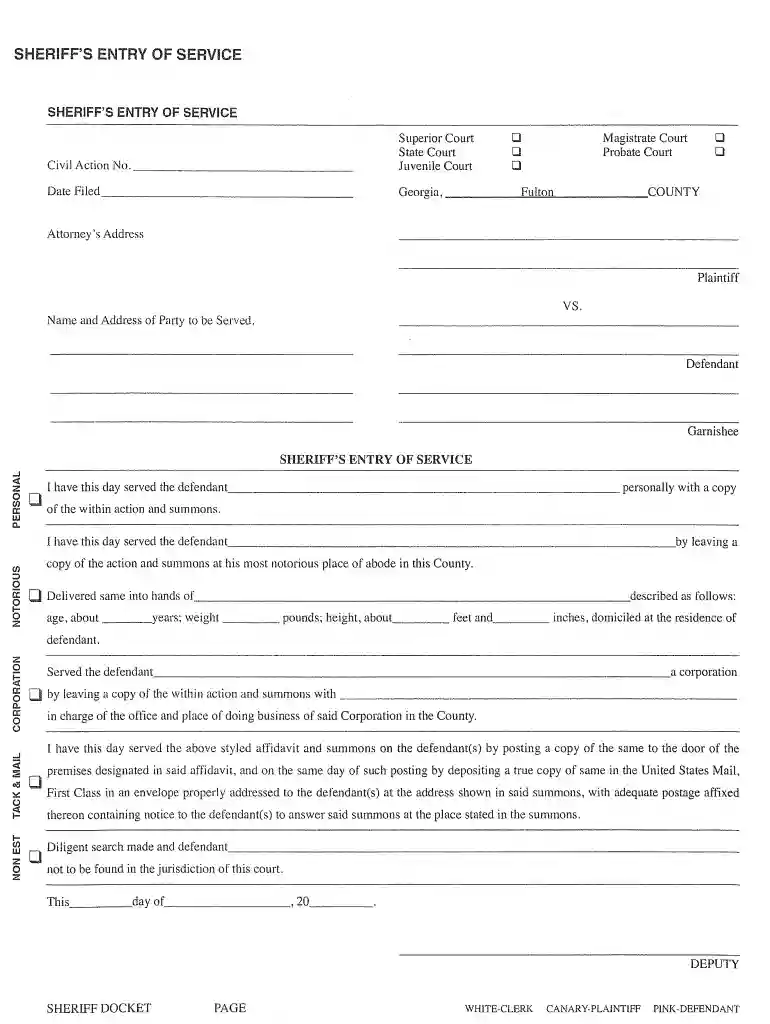
Type text, add images, blackout confidential details, add comments, highlights and more.

Draw your signature, type it, upload its image, or use your mobile device as a signature pad.

Send sheriff's entry of service form via email, link, or fax. You can also download it, export it or print it out.

Start using our platform today for free and streamline your sheriff entry service process!
At DocHub, your data security is our priority. We follow HIPAA, SOC2, GDPR, and other standards, so you can work on your documents with confidence.
The custom mission editor consists of a set of plugins that allow you to create a mission out of specific components. These components range from simpleRead more
A summons must be served with a copy of the complaint. The plaintiff is responsible for having the summons and complaint served within the time allowed by RuleRead more
The Civil Unit responds to all civil processes directed to the Sheriff, pursuant to ORS 206.010(3), including, but not limited to: Forcible Entry


