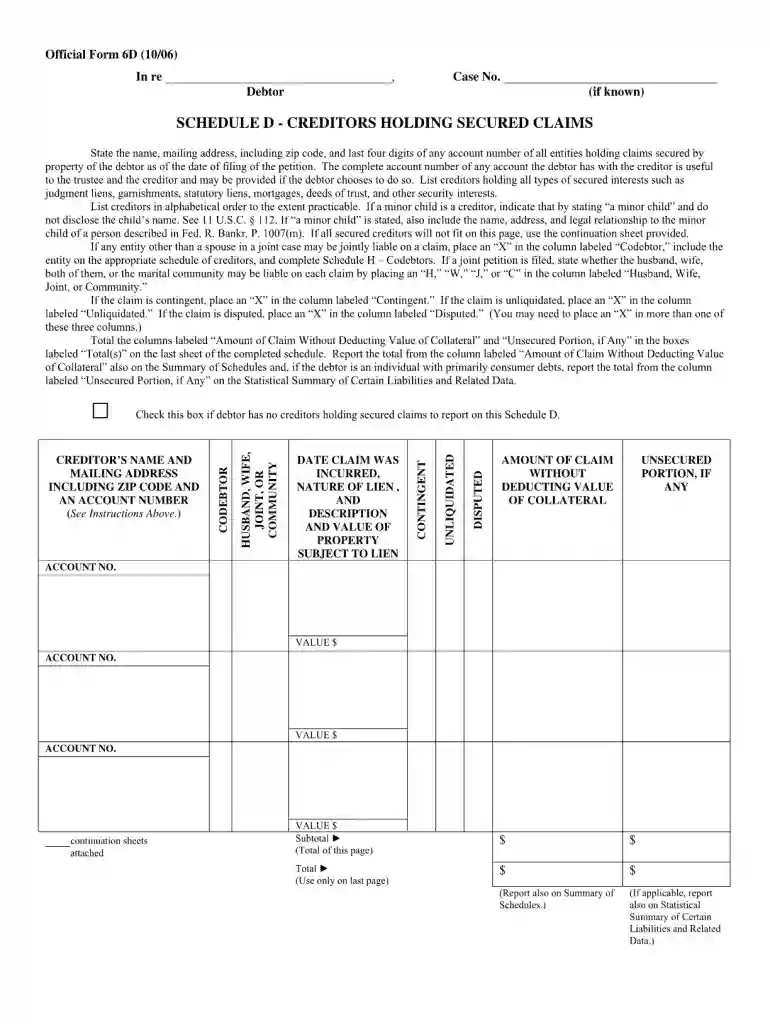
Official form 6f 1006-2026

Get Form
official form 6f 1006 Preview on Page 1

Here's how it works

01. Edit your form online
Type text, add images, blackout confidential details, add comments, highlights and more.

02. Sign it in a few clicks
Draw your signature, type it, upload its image, or use your mobile device as a signature pad.

03. Share your form with others
Send it via email, link, or fax. You can also download it, export it or print it out.

How to use or fill out official form 6f 1006 with our platform

Form edit decoration
9.5
Ease of Setup
DocHub User Ratings on G2
9.0
Ease of Use
DocHub User Ratings on G2
  1. Click ‘Get Form’ to open the official form 6f 1006 in the editor.
  2. Begin by filling out your personal information in the designated fields, including your name, address, and contact details. Ensure accuracy for a smooth processing experience.
  3. Proceed to the next section where you will provide specific details related to the purpose of the form. Carefully read each prompt and input the required information.
  4. Review any additional sections that may require signatures or dates. Utilize our platform’s signature feature to sign electronically, ensuring compliance with submission requirements.
  5. Once all fields are completed, take advantage of our editing tools to review your entries for any errors before finalizing your document.

Start using our platform today for free and streamline your form completion process!

See more official form 6f 1006 versions

We've got more versions of the official form 6f 1006 form. Select the right official form 6f 1006 version from the list and start editing it straight away!
Versions Form popularity Fillable & printable
2022 4.8 Satisfied (191 Votes)
2022 4.8 Satisfied (88 Votes)
2021 4.8 Satisfied (121 Votes)
2020 4.9 Satisfied (47 Votes)
2020 4.4 Satisfied (41 Votes)
2020 4.2 Satisfied (57 Votes)
2020 4.7 Satisfied (53 Votes)
2019 4.9 Satisfied (29 Votes)
2018 4.2 Satisfied (65 Votes)
2017 4.2 Satisfied (26 Votes)
2016 4.8 Satisfied (212 Votes)
2016 4.6 Satisfied (53 Votes)
2016 4.8 Satisfied (236 Votes)
2016 4.9 Satisfied (53 Votes)
2016 4.6 Satisfied (22 Votes)
be ready to get more

Complete this form in 5 minutes or less

Get form

Got questions?

We have answers to the most popular questions from our customers. If you can't find an answer to your question, please contact us.
Contact us
Chapter 7 discharge is less expensive, much faster, offers a more reliable outcome and allows rebuilding of credit sooner than debt settlement.
Schedule J: Expenses (Official Form 106J) works alongside Schedule I. This is where you list your monthly expenses, such as rent, food, utilities, transportation, and other living costs. For most Chapter 7 filers, expenses either match or exceed their income, which is normal.
In Chapter 7, the court will use Schedule J to evaluate your ability to pay a reaffirmation agreement. A reaffirmation agreement creates a new contract between a debtor and a creditor. It is used primarily for auto loans when the filer wants to keep a car.
In addition to obtaining your credit report, you will need the following documents: Tax returns for the past four years. Paystubs or other proof of income for the last six months before filing. Bank account statements from the past 36 months. Recent mortgage statement(s) and real estate tax bills (if applicable)
Schedule J helps the bankruptcy trustee determine your disposable income, which is the amount of money you have left over each month after paying your necessary expenses. As we discussed in conjunction with our analysis of Schedule I, the budget schedules are critical in a chapter 13 case.

Security and compliance

At DocHub, your data security is our priority. We follow HIPAA, SOC2, GDPR, and other standards, so you can work on your documents with confidence.

Learn more
ccpa2
pci-dss
gdpr-compliance
hipaa
soc-compliance
be ready to get more

Complete this form in 5 minutes or less

Get form