




01. Edit your ohp login online
Type text, add images, blackout confidential details, add comments, highlights and more.

Type text, add images, blackout confidential details, add comments, highlights and more.

Draw your signature, type it, upload its image, or use your mobile device as a signature pad.

Send oregon one login via email, link, or fax. You can also download it, export it or print it out.

Start filling out your OHP Renewal PART 1 today for free using our platform!
At DocHub, your data security is our priority. We follow HIPAA, SOC2, GDPR, and other standards, so you can work on your documents with confidence.
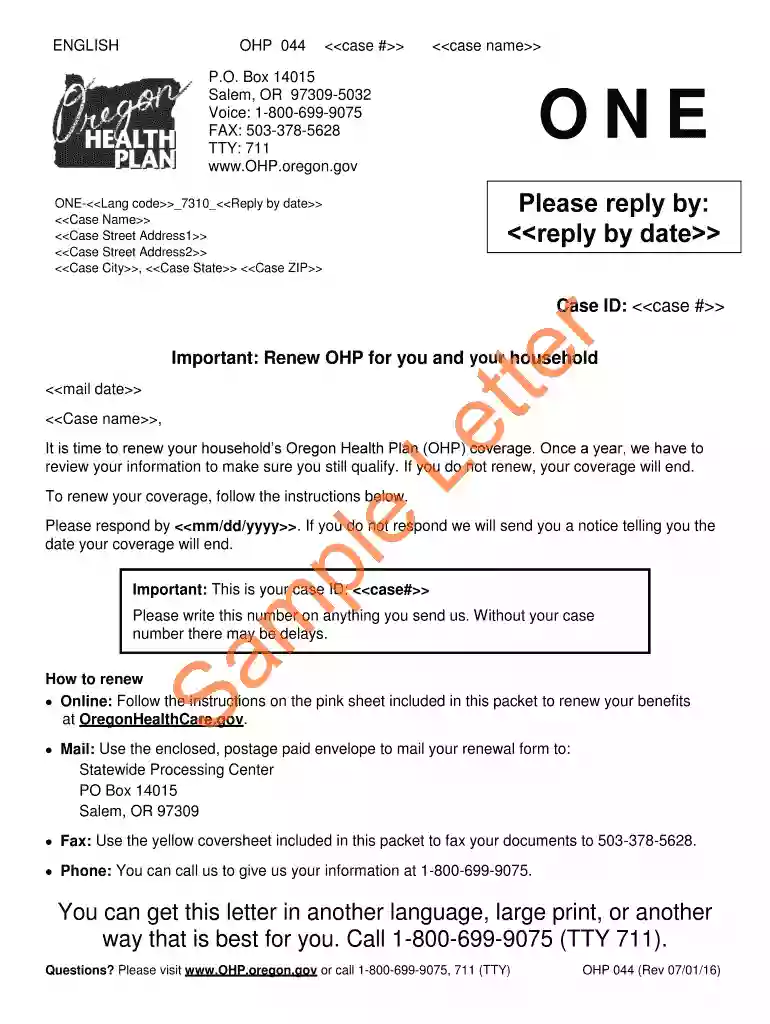
Renewing your OHP means making sure you still qualify for OHP. When it is time for you to renew, we will check to see if we have your updated information.Read more
(1) General information as it relates to application processing is as follows: (a) An individual may apply for one or more medical programs administered by theRead more
Jan 2, 2015 Jerome Halperin had a distinguished career of public service that began as a pharmacist at the. Public Health Service Albuquerque IndianRead more


