




01. Edit your how do your illnesses injuries or conditions limit your ability to work examples online
Type text, add images, blackout confidential details, add comments, highlights and more.

Type text, add images, blackout confidential details, add comments, highlights and more.

Draw your signature, type it, upload its image, or use your mobile device as a signature pad.

Send describe what you do from the time you wake up until going to bed examples via email, link, or fax. You can also download it, export it or print it out.

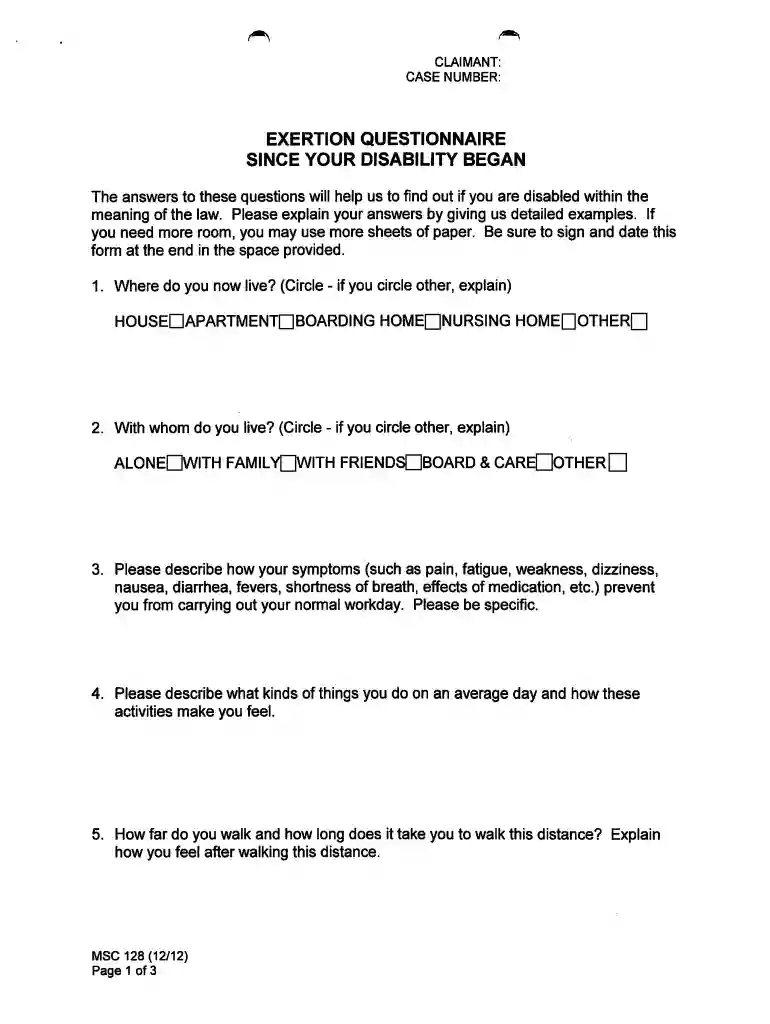
Start using our platform today to complete your EXERTION QUESTIONNAIRE easily and for free!
Many software solutions are available on the market for document editing and signing. DocHub is one of the most in-demand online solutions that comply with all data protection and compliance standards and guarantees your eSigned paperwork is legally enforceable. All you need to try it out is to register an account, add your ssa questionnaire, fill out the required details, and click Sign. Create your electronic signature by typing, drawing it, uploading its image to your template, or scanning a unique QR code.
It is a no-brainer on a computer or via a mobile phone to complete a exertion questionnaire social security with DocHub. All you need to do is open any installed browser on your smartphone and proceed to the DocHub site. Once authenticated, add your document and open it in editing mode. Use our toolbar to make your edits and save changes. Optionally, keep your file in your files or send it to a recipient immediately.
At DocHub, your data security is our priority. We follow HIPAA, SOC2, GDPR, and other standards, so you can work on your documents with confidence.
Jul 26, 2017 — The SSA-3367 is used for title II and title XVI disability or blindness ... SSA-3881 (Questionnaire for Children Claiming SSI Benefits).
DePaul Symptom Questionnaire. Please answer the following questions. 1. What is your height? 2. What is your weight? 3. What is your date of birth?
FDA regulations began as interstate commerce Companies who intend to market drugs usually fund their development Engage academic and community ...


