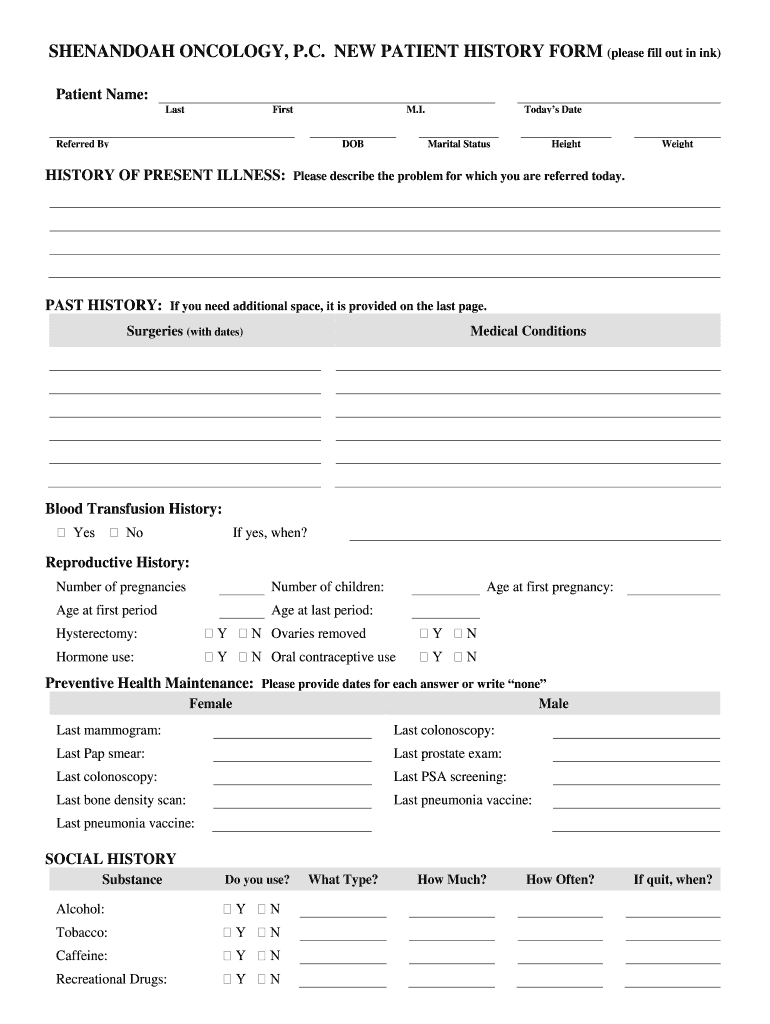
Start filling out your SHENANDOAH ONCOLOGY PC NEW PATIENT HISTORY FORM today for free using our platform!
Managing your documentation with DocHub this way is extremely easy after you have downloaded its extension for Google Chrome. Go to the Chrome Web Store and set up DocHub - Sign PDF from Gmail to obtain it. Give our tool access to your Google account, and then open an email with the shenandoah oncology attached and point to the file with your cursor - the DocHub extension key will automatically show up there. Click on it to open your document in our editor. Make any essential edits, fill out the blanks, and click Sign to create your legally-binding eSignature.
With DocHub, you have several convenient methods to edit your shenandoah oncology patient portal online. You can drag and drop the form and edit it straight at the DocHub site or use our browser extension to fill out your form right away. On top of that, you can edit your PDF on your phone, as DocHub works with all the available mobile platforms.
At DocHub, your data security is our priority. We follow HIPAA, SOC2, GDPR, and other standards, so you can work on your documents with confidence.
Learn more