




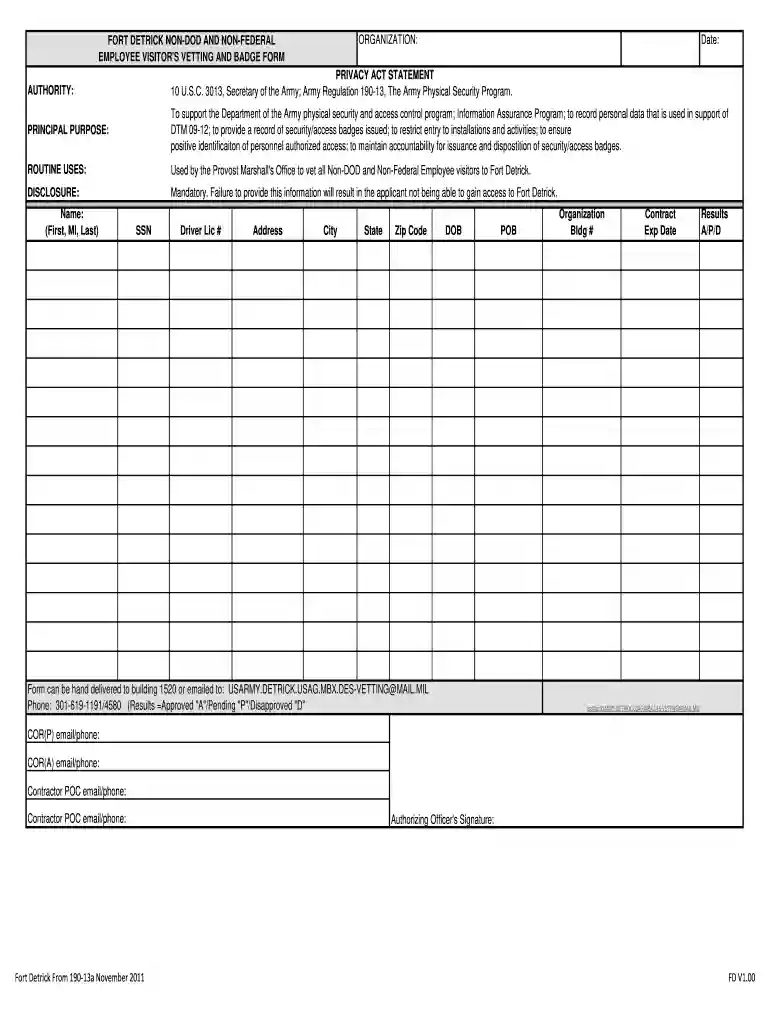
01. Edit your fort detrick visitor center online
Type text, add images, blackout confidential details, add comments, highlights and more.

Type text, add images, blackout confidential details, add comments, highlights and more.

Draw your signature, type it, upload its image, or use your mobile device as a signature pad.

Send fort detrick visitor center photos via email, link, or fax. You can also download it, export it or print it out.

Start using our platform today to fill out your FORT DETRICK visitor form quickly and efficiently!
At DocHub, your data security is our priority. We follow HIPAA, SOC2, GDPR, and other standards, so you can work on your documents with confidence.
Access to Fort Detrick. If you do not have a military ID, please report to the installations Pass Office or Visitor Center. You may be asked to provide a copyRead more
The following visitors at the Frederick Main Campus do NOT require a FNLCR Daily Visitor Pass, but Non-US Citizens will be vetted at the Army Gate. Refer toRead more
Federal facilities that are being transferred to non-federal ownership are subject to additional oversight under CERCLA Section 120(h). In most casesRead more


