
Afrikaans Tweede Addisionele Taal - nwdesdgovza - nwdesd gov 2026

Get Form
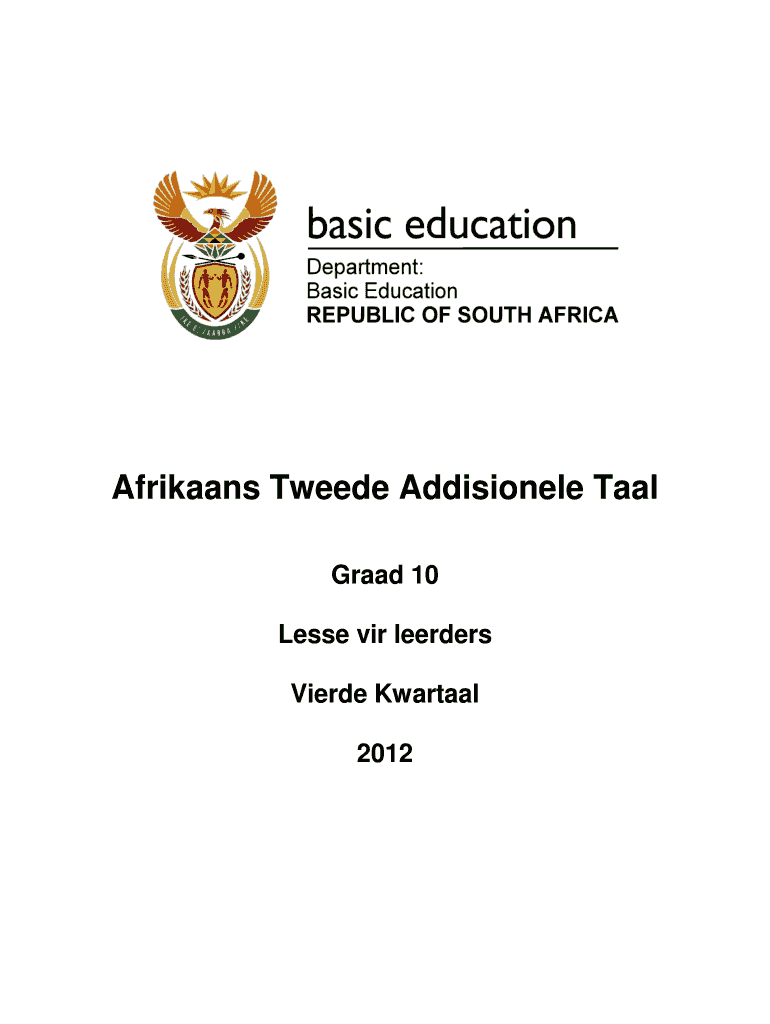
afrikaans tweede addisionele taal Preview on Page 1

Here's how it works

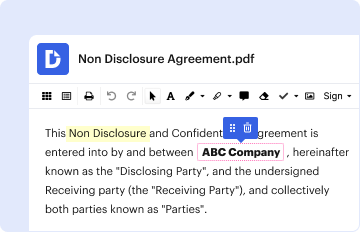
01. Edit your afrikaans tweede addisionele taal online
Type text, add images, blackout confidential details, add comments, highlights and more.
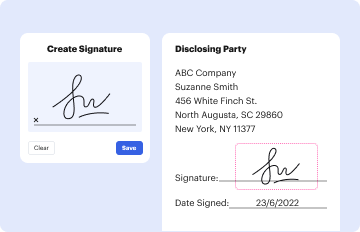
02. Sign it in a few clicks
Draw your signature, type it, upload its image, or use your mobile device as a signature pad.
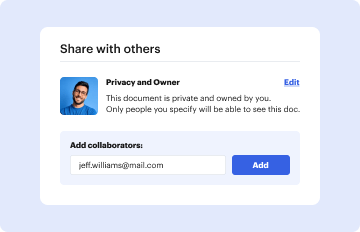
03. Share your form with others
Send claim form in afrikaans via email, link, or fax. You can also download it, export it or print it out.

How to use or fill out Afrikaans Tweede Addisionele Taal - nwdesdgovza - nwdesd gov with our platform

Form edit decoration
9.5
Ease of Setup
DocHub User Ratings on G2
9.0
Ease of Use
DocHub User Ratings on G2
  1. Click ‘Get Form’ to open it in the editor.
  2. Begin by reviewing the table of contents, which outlines the chapters and exercises included in the document. This will help you navigate through the form effectively.
  3. Fill in your personal details in the designated fields, such as your name, surname, and date of birth. Ensure accuracy for identification purposes.
  4. Proceed to complete each exercise as instructed. For example, when asked to fill in missing words related to family members, type your answers directly into the provided spaces.
  5. Utilize our platform's features to highlight important sections or make notes as you read through comprehension questions and language structures.
  6. Once all sections are completed, review your entries for any errors or omissions before saving or submitting your form.

Start using our platform today for free and streamline your document editing experience!

be ready to get more

Complete this form in 5 minutes or less

Get form

Got questions?

We have answers to the most popular questions from our customers. If you can't find an answer to your question, please contact us.
Contact us

Electronic document approval requires a software solution that complies with data security and eSignature standards. DocHub is an excellent tool for that, since it meets all the aforementioned requirements. Whatever method you like to sign your taal hub com in DocHub, your eSignature will be legally binding and court-admissible.

With DocHub, you have several convenient ways to edit your Afrikaans Tweede Addisionele Taal - nwdesdgovza - nwdesd gov online. You can drag and drop the form and modify it straight at the DocHub site or use our browser extension to fill out your form immediately. On top of that, you can modify your PDF on your phone, as DocHub is compatible with all the accessible mobile platforms.

Security and compliance

At DocHub, your data security is our priority. We follow HIPAA, SOC2, GDPR, and other standards, so you can work on your documents with confidence.

Learn more
ccpa2
pci-dss
gdpr-compliance
hipaa
soc-compliance