




01. Edit your midas form online
Type text, add images, blackout confidential details, add comments, highlights and more.

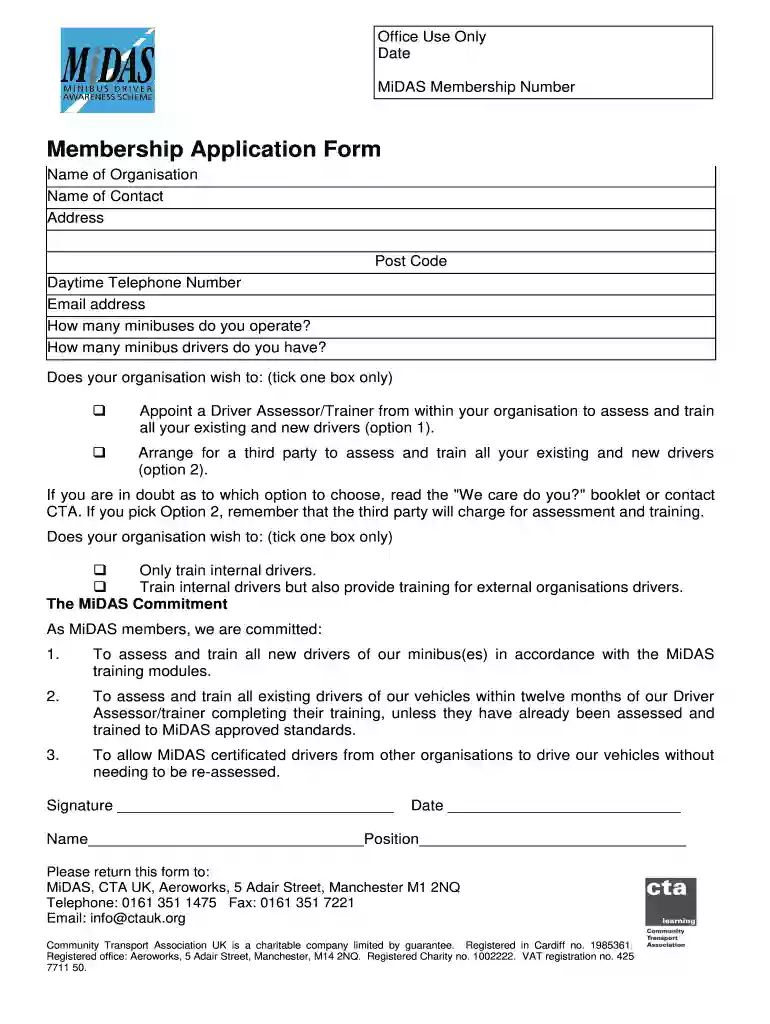
Type text, add images, blackout confidential details, add comments, highlights and more.

Draw your signature, type it, upload its image, or use your mobile device as a signature pad.

Send it via email, link, or fax. You can also download it, export it or print it out.

Start using our platform today to fill out your uk form midas easily and for free!
At DocHub, your data security is our priority. We follow HIPAA, SOC2, GDPR, and other standards, so you can work on your documents with confidence.
by YD Fragoso 2002 Cited by 83 MIDAS was developed as a fast and efficient method for identification of migraine in need of medical evaluation and treatment. It was necessary to translate
Mar 13, 2026 Midas Interactive Entertainment (formerly Midas Games) was a British video game publisher founded in February 1999.Read more


