




01. Edit your form online
Type text, add images, blackout confidential details, add comments, highlights and more.

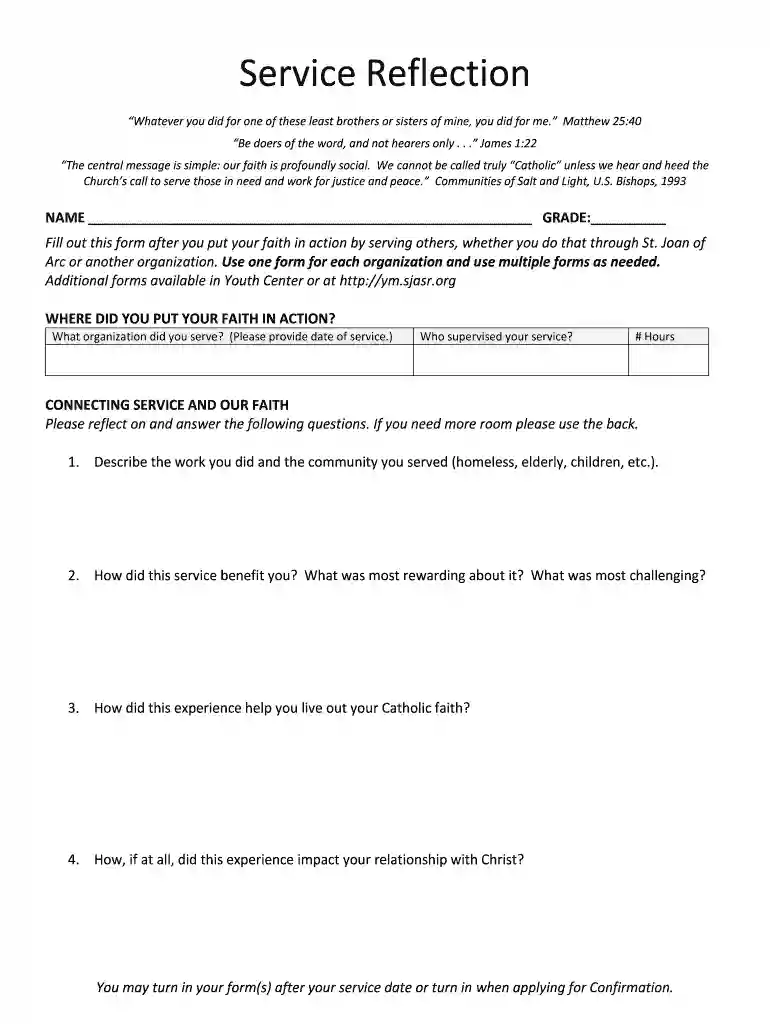
Type text, add images, blackout confidential details, add comments, highlights and more.

Draw your signature, type it, upload its image, or use your mobile device as a signature pad.

Send it via email, link, or fax. You can also download it, export it or print it out.

Start using our platform today to easily fill out your Service Reflection Form and make a meaningful impact!
At DocHub, your data security is our priority. We follow HIPAA, SOC2, GDPR, and other standards, so you can work on your documents with confidence.
by RJ Kealey 1998 Cited by 7 As we prepare for Gods kingdom, we never know when we will be called. This essay was submitted by Cecilia A. Smith, former principal of Sts. Joan of Arc andRead more
Biography Donelle Poling brings over 30 years of ministry experience to her work of inviting people into deeper relationship with God and living out the.


