




01. Edit your form online
Type text, add images, blackout confidential details, add comments, highlights and more.

Type text, add images, blackout confidential details, add comments, highlights and more.

Draw your signature, type it, upload its image, or use your mobile device as a signature pad.

Send it via email, link, or fax. You can also download it, export it or print it out.

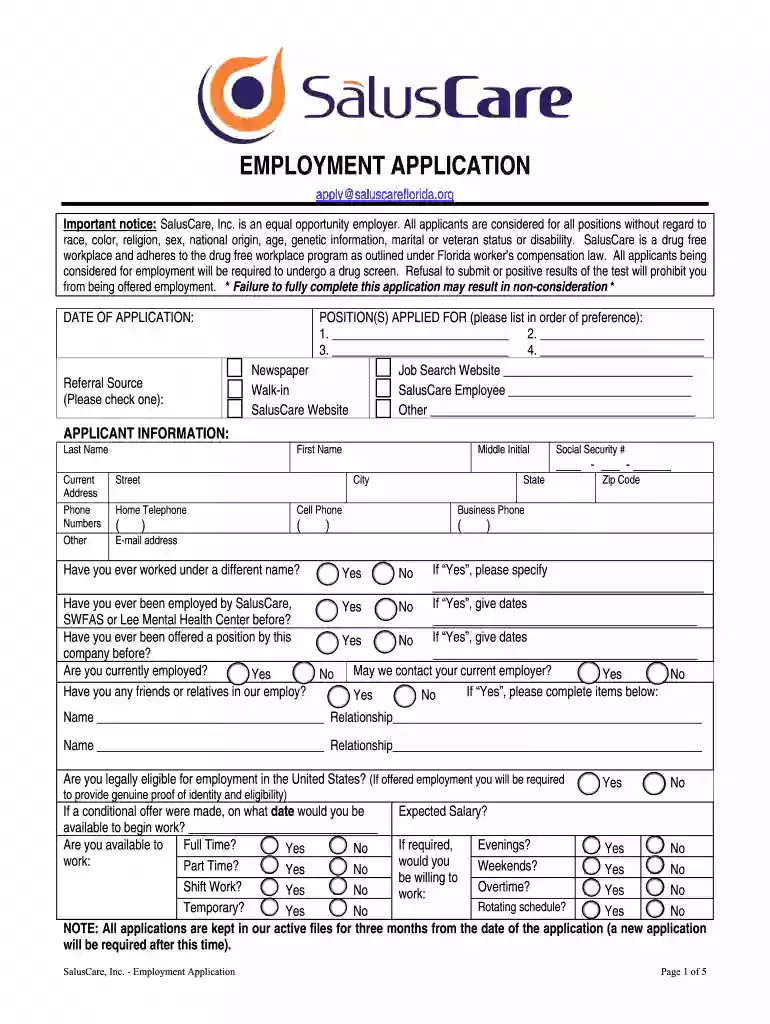
Start filling out your saluscare employment application today using our platform for a seamless experience!
With DocHub, you can easily approve your saluscare employment or any other paperwork on iOS, even without installing additional applications. You can access your DocHub account from any web-connected browser and fill out and sign your form in any way you like with just a few clicks.
You need only a web connection and a web browser to complete your saluscare employment by using an iOS phone. Open the DocHub website and authenticate. Then, add your file or select it from the list in your dashboard. Then use our editing tools to complete your form and preserve all your modifications. You can also send it to a specified recipient immediately.
At DocHub, your data security is our priority. We follow HIPAA, SOC2, GDPR, and other standards, so you can work on your documents with confidence.
Jun 1, 2021 SalusCare Inc. has accepted an OSHA finding that it exposed behavior health technicians to attacks on five occasions in 2020.Read more
Our staff was comprised of approximately 470 employees. We employ psychiatrists, therapists, case managers, and paraprofessional staff whom perform one or moreRead more


