Type text, add images, blackout confidential details, add comments, highlights and more.
02. Sign it in a few clicks
Draw your signature, type it, upload its image, or use your mobile device as a signature pad.
03. Share your form with others
Send it via email, link, or fax. You can also download it, export it or print it out.
How to use or fill out Dog Tag Forms for pdf - Wisconsin Veterans Museum with our platform
Ease of Setup
DocHub User Ratings on G2
Ease of Use
DocHub User Ratings on G2
Click ‘Get Form’ to open it in the editor.
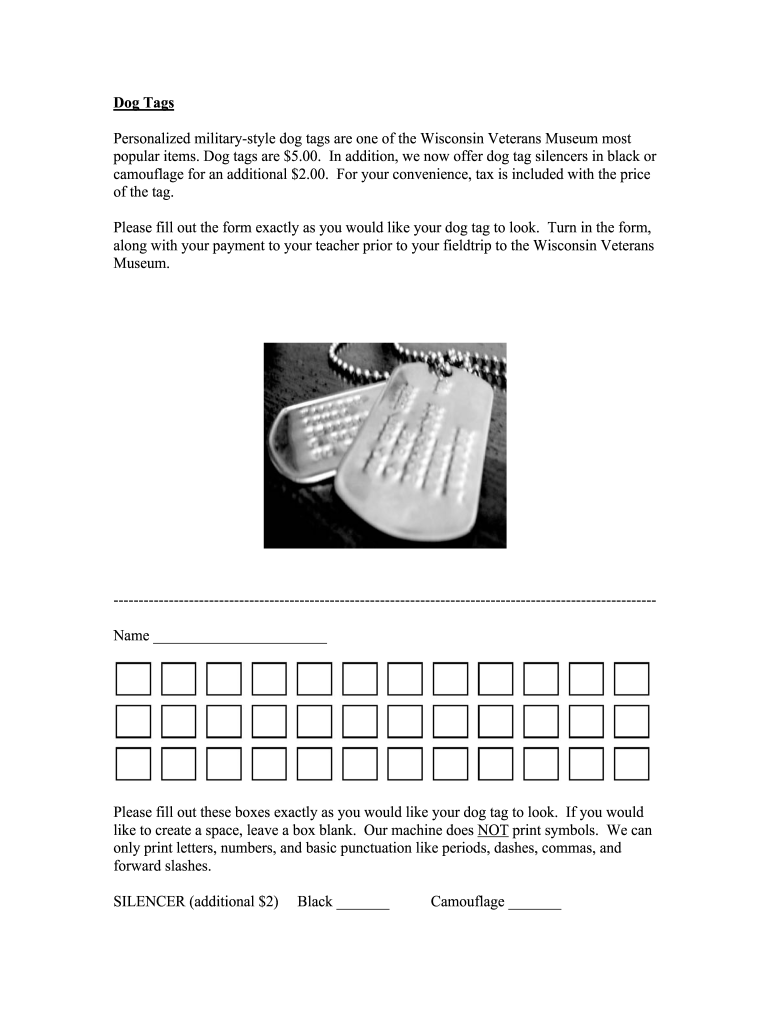
Begin by entering your name in the designated box. Ensure that you spell it exactly as you want it to appear on the dog tag.
Next, fill out the boxes for your desired text on the dog tag. Remember, if you want a space, leave a box blank. Only letters, numbers, and basic punctuation are allowed; symbols cannot be printed.
If you wish to add a silencer, indicate your choice by checking either 'Black' or 'Camouflage' in the appropriate section. Note that this will incur an additional charge of $2.
Once all fields are completed, review your entries for accuracy before finalizing the form.
Print the completed form and submit it along with your payment to your teacher before your field trip.
Start using our platform today to easily fill out and manage your Dog Tag Forms!
Fill out Dog Tag Forms for pdf - Wisconsin Veterans Museum online It's free
Wisconsin Veterans museum gift shopWisconsin Veterans Museum EventsWisconsin Veterans Museum HoursVeterans Museum near meAmerican veterans museumMilwaukee Veterans MuseumTank museum wisconsinWisconsin military history
Security and compliance
At DocHub, your data security is our priority. We follow HIPAA, SOC2, GDPR, and other standards, so you can work on your documents with confidence.
Dog Cat Licenses Application Form Animal License Fee Application Submissions Proof of Rabies Vaccination Pet Limits Animal Regulations Dog Parks Read more
Cookie consent notice
This site uses cookies to enhance site navigation and personalize your experience.
By using this site you agree to our use of cookies as described in our Privacy Notice.
You can modify your selections by visiting our Cookie and Advertising Notice.