




01. Edit your form online
Type text, add images, blackout confidential details, add comments, highlights and more.

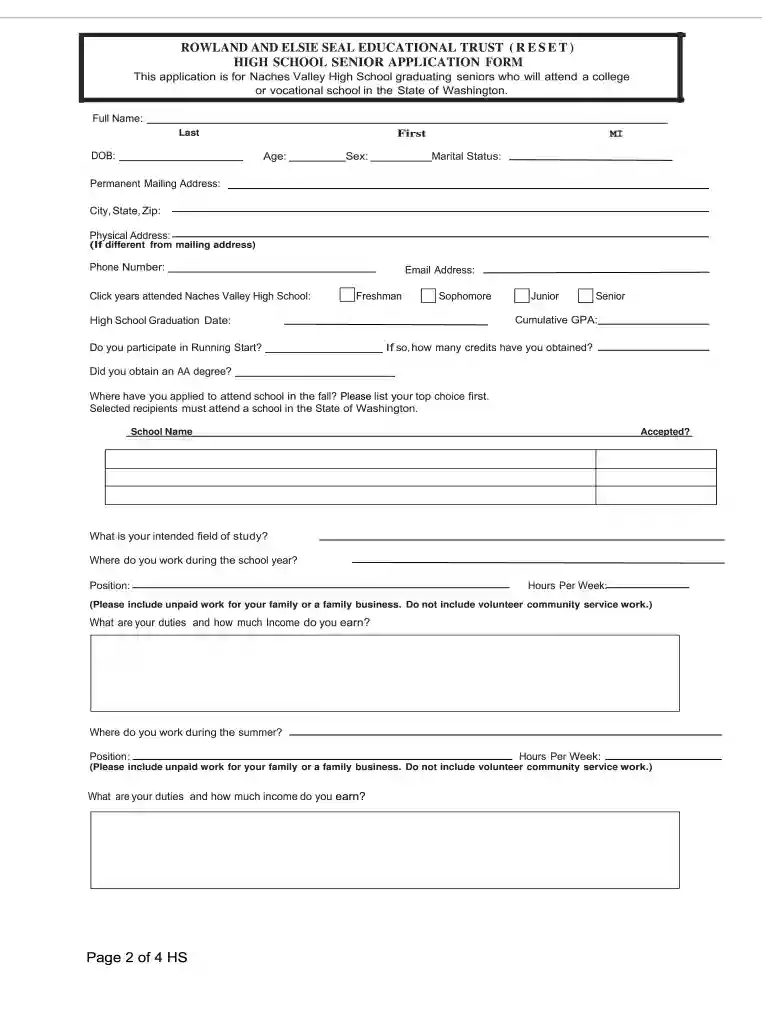
Type text, add images, blackout confidential details, add comments, highlights and more.

Draw your signature, type it, upload its image, or use your mobile device as a signature pad.

Send it via email, link, or fax. You can also download it, export it or print it out.

Start filling out your application today using our platform for free!
Electronic document approval demands a software solution that complies with data security and eSignature laws. DocHub is a perfect tool for that, as it meets all the aforementioned requirements. Whatever method you like to sign your ROWLAND AND ELSIE SEAL EDUCATIONAL TRUST (RESET) in DocHub, your electronic signature will be legally binding and court-admissible.
Document editing with DocHub is equally convenient on desktop and mobile devices. You only need an internet browser to modify your ROWLAND AND ELSIE SEAL EDUCATIONAL TRUST (RESET) on Android. Open our site and sign in to access the tools you require. Add your file and introduce your intended modifications. After that, you can keep your form in your file storage or send it out instantly.
At DocHub, your data security is our priority. We follow HIPAA, SOC2, GDPR, and other standards, so you can work on your documents with confidence.
This file is alphabetically arranged. Headings include topics, individual names, and names of organizations. Inclusive dates are provided for the materialRead more
[Senate Document 104-29] [From the U.S. Government Publishing Office] 104th Congress Document SENATE 2d Session 104-29Read more


