




01. Edit your form online
Type text, add images, blackout confidential details, add comments, highlights and more.

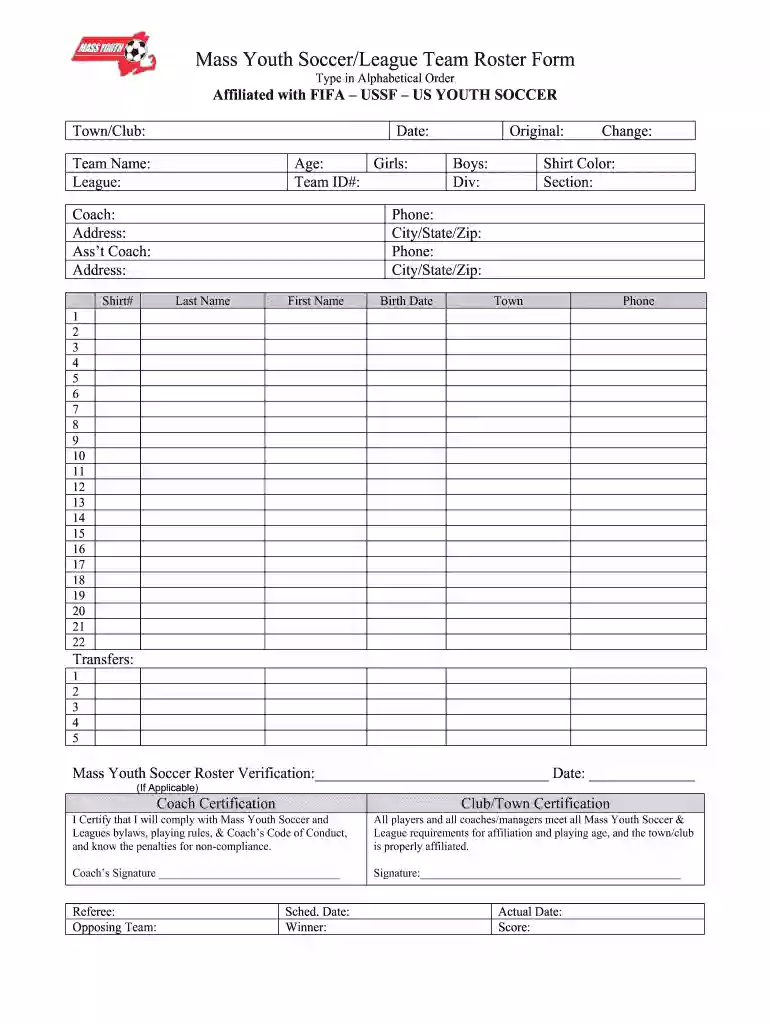
Type text, add images, blackout confidential details, add comments, highlights and more.

Draw your signature, type it, upload its image, or use your mobile device as a signature pad.

Send it via email, link, or fax. You can also download it, export it or print it out.

Start using our platform today to easily complete your Mass Youth Soccer roster form online for free!
Sure, it is possible with DocHub. This trustworthy and compliant online service has a phone-based signing option. When you log in to your DocHub account and import your Mass Youth Soccer/League Team Roster Form - mayouthsoccer to our editor, fill out all necessary fields and utilize the Sign tool on the upper barf. Click on Create your signature and select Phone from the available options. Here, you scan a QR code with your smartphone and draw your signature on your phone screen, as you usually do when signing hard copies. If you access DocHub right from your mobile device, you can electronically sign your paperwork by drawing your electronic signature, uploading its picture, or simply with a typed name.
You may complete and eSign your Mass Youth Soccer/League Team Roster Form - mayouthsoccer on the internet, even on a tight deadline. All you need to access high quality editing instruments on any device is a DocHub profile, that you can register in just a couple of moments. After you sign up, add your file or find what you are looking for in our catalog, complete it using the editing instruments you need, and place your electronic signature on it at the end.
At DocHub, your data security is our priority. We follow HIPAA, SOC2, GDPR, and other standards, so you can work on your documents with confidence.
The Longmeadow Soccer Association offers this popular program for players from Pre Kindergarten through 8th grade, with over 900 participants last year.
by M Eberhardt 2017 INCREASING YOUTH INVOLVEMENT. 14 teams, club organizations, religious groups and other youth programs. Massachusetts Youth Soccer. (2017). AgeRead more


