




01. Edit your ballast tank inspection checklist online
Type text, add images, blackout confidential details, add comments, highlights and more.

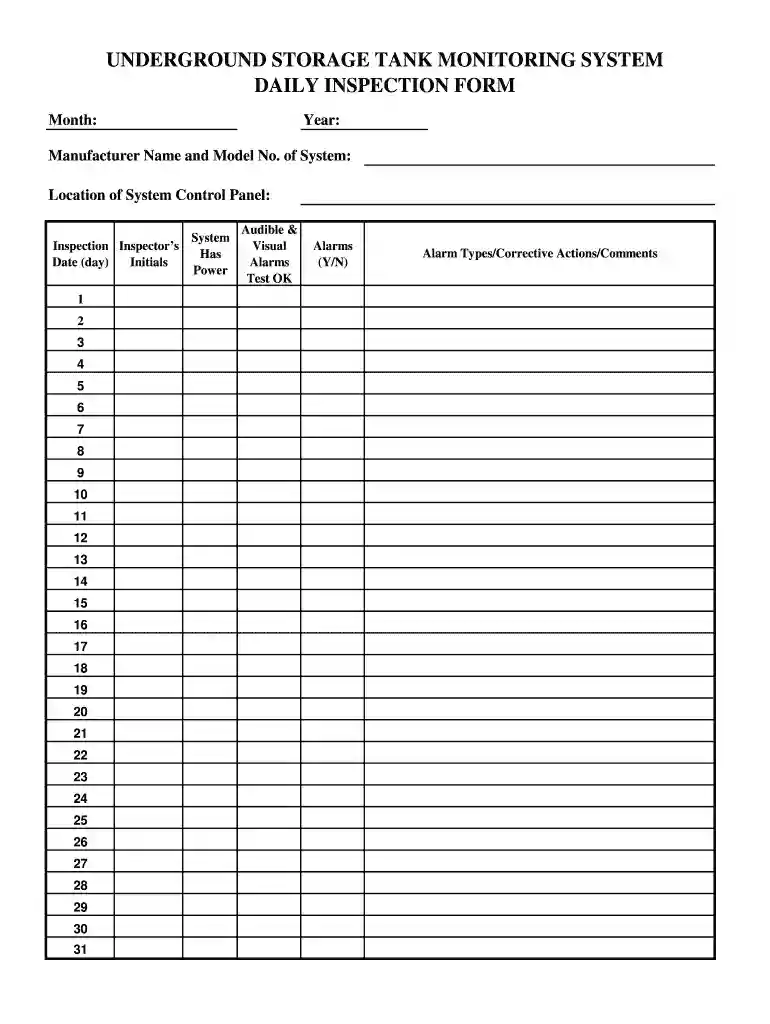
Type text, add images, blackout confidential details, add comments, highlights and more.

Draw your signature, type it, upload its image, or use your mobile device as a signature pad.

Send ballast tank inspection via email, link, or fax. You can also download it, export it or print it out.

Start using our platform today to streamline your tank daily inspection process for free!
At DocHub, your data security is our priority. We follow HIPAA, SOC2, GDPR, and other standards, so you can work on your documents with confidence.
Monthly Inspection Report. Instructions: 1. Use one inspection form per tank or area. 2. Send completed inspection report to EHS Environmental Programs at.Read more
Confirm the recovery tank is drained and clean. □ Check the right solution tank cover seal for damage and wear. □ Check the vacuum hoses for debris or blockage.Read more
Sep 4, 2025 Tank Institute (STI) includes the inspection and testing of: aboveground shop-fabricated tanks,; small field-erected tanks,; portableRead more


