




01. Edit your form online
Type text, add images, blackout confidential details, add comments, highlights and more.

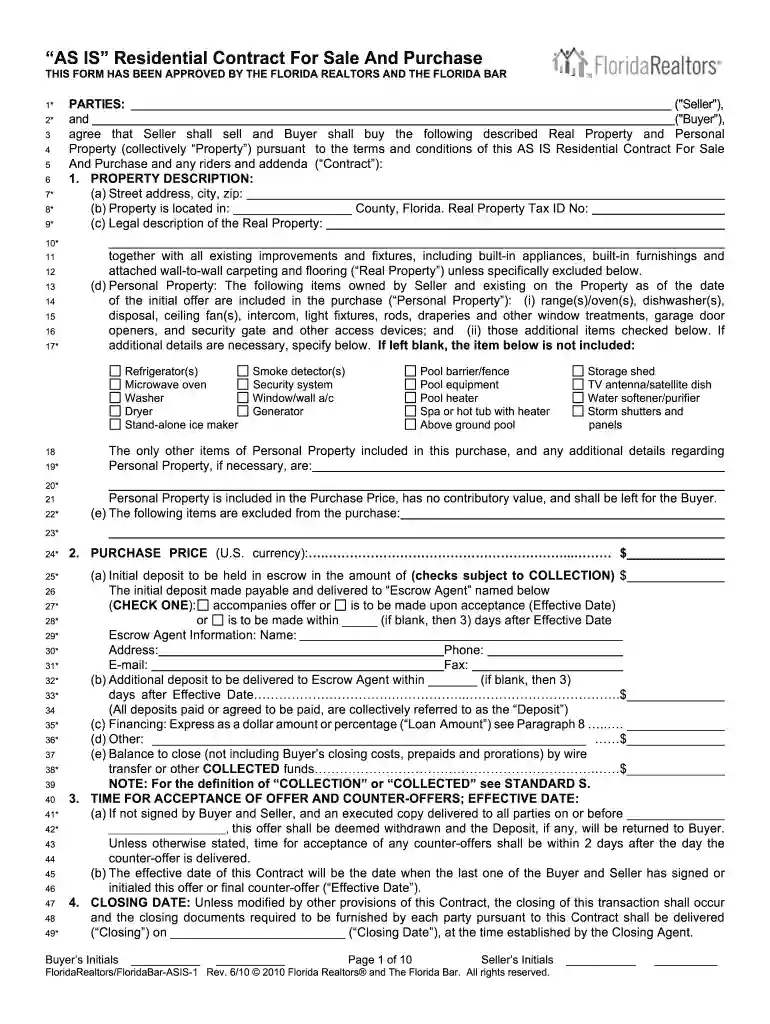
Type text, add images, blackout confidential details, add comments, highlights and more.

Draw your signature, type it, upload its image, or use your mobile device as a signature pad.

Send it via email, link, or fax. You can also download it, export it or print it out.

Start using our platform today to easily fill out your ASIS June 18 form for free!
At DocHub, your data security is our priority. We follow HIPAA, SOC2, GDPR, and other standards, so you can work on your documents with confidence.
PROJECT DESCRIPTION: Rehabilitate State Line Fence, Assateague Island National Seashore - Maryland. The work will include all construction, labor, supplies,
It is far better to convert data (files) to an open format (Open Document Format/ODF) or a more sustainable, platform-independent format such as CSV, or PDF/A.Read more


