




01. Edit your form online
Type text, add images, blackout confidential details, add comments, highlights and more.

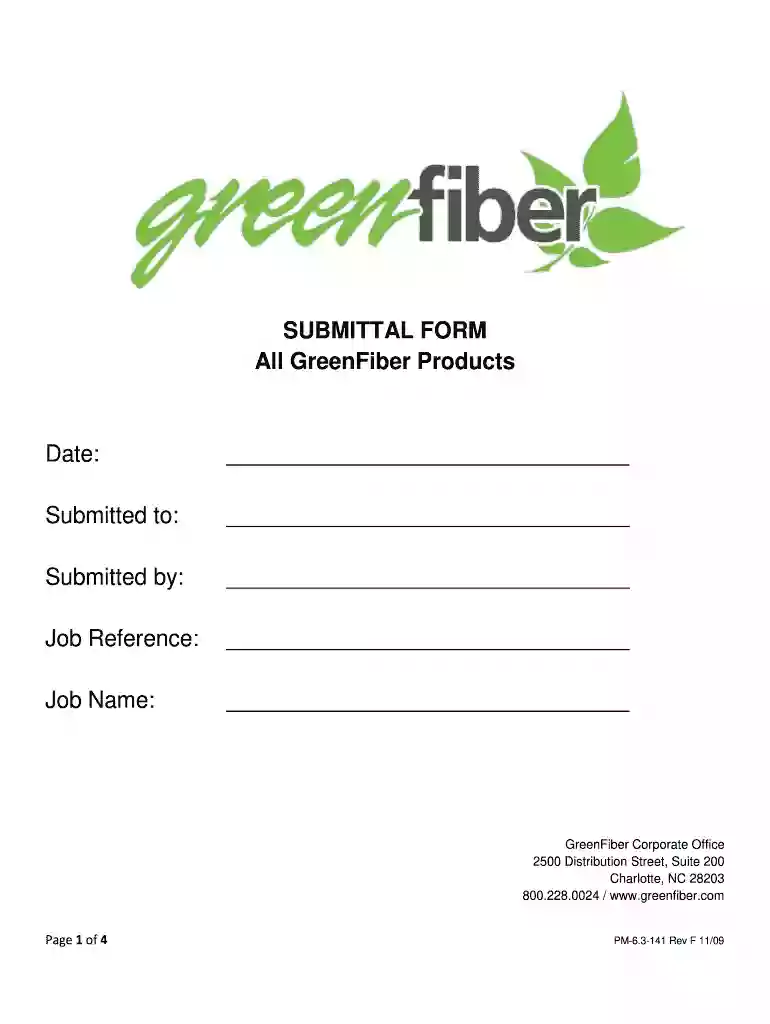
Type text, add images, blackout confidential details, add comments, highlights and more.

Draw your signature, type it, upload its image, or use your mobile device as a signature pad.

Send it via email, link, or fax. You can also download it, export it or print it out.

Start using our platform today for free and streamline your document editing process!
You need to use only reliable software solutions with strong data protection compliance to sign your paperwork electronically. DocHub is just the type of service you need! It stores data on Amazon Web Servers and complies with all essential security criteria and eSignature regulations, so it’s a trusted way to electronically sign your SUBMITTAL FORM All GreenFiber Products Date: Submitted to: or other forms with this tool.
With DocHub, you have several convenient methods to edit your SUBMITTAL FORM All GreenFiber Products Date: Submitted to: online. You can drag and drop the form and modify it directly at the DocHub website or use our browser extension to fill out your form right away. On top of that, you can modify your PDF on your phone, as DocHub is compatible with all the available mobile platforms.
At DocHub, your data security is our priority. We follow HIPAA, SOC2, GDPR, and other standards, so you can work on your documents with confidence.
Indicates the date the company was ordered Out of Service. If there are multiple Out of Service orders, the earliest date will be displayed. Please note:IfRead more
All of the insulation produced by GreenFiber is made from 85% recycled paper fibers. The Salt Lake City facility boasts the largest community-based recyclingRead more


