




01. Edit your erc bma form online
Type text, add images, blackout confidential details, add comments, highlights and more.

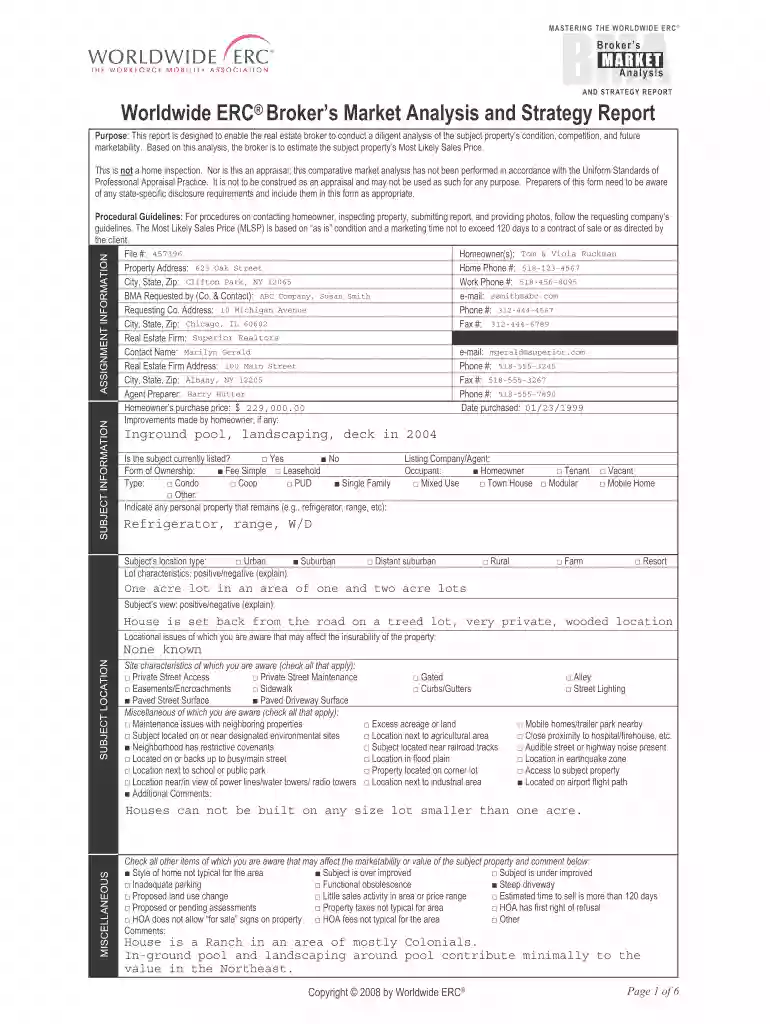
Type text, add images, blackout confidential details, add comments, highlights and more.

Draw your signature, type it, upload its image, or use your mobile device as a signature pad.

Send erc bma via email, link, or fax. You can also download it, export it or print it out.

Start using our platform today to streamline your document editing and form completion process for free!
Sure, a typed name is accepted as a valid electronic signature when you add it to your paperwork using a compliant solution like DocHub. Simply import your erc broker to our editor, click Sign in the top tool pane → Create your signature → Type your name in the appropriate tab, and decide how it will appear on your document.
It is a no-brainer on a computer or via a mobile device to complete a worldwide erc with DocHub. All you need to do is open any installed internet browser on your smartphone and go to the DocHub website. Once authenticated, add your document and open it in editing mode. Use our toolbar to make your edits and save adjustments. Optionally, keep your document in your files or send it to a recipient on the spot.
At DocHub, your data security is our priority. We follow HIPAA, SOC2, GDPR, and other standards, so you can work on your documents with confidence.
Oct 3, 2019 Statements regarding our future results of operations and financial position, business strategy and plans and objectives of management forRead more
by GA Karolyi 2019 Cited by 75 Because capital markets have become increasingly globalized, IR functions that focus on interactions with investors and brokers have also become more.Read more
May 27, 2025 Worldwide ERC appraisal report. Broker Market Analysis (BMA)/Broker Price Opinion (BPO): Shall mean a brokers written market analysis of.Read more


