




01. Edit your rxbenefits prompt pa online
Type text, add images, blackout confidential details, add comments, highlights and more.

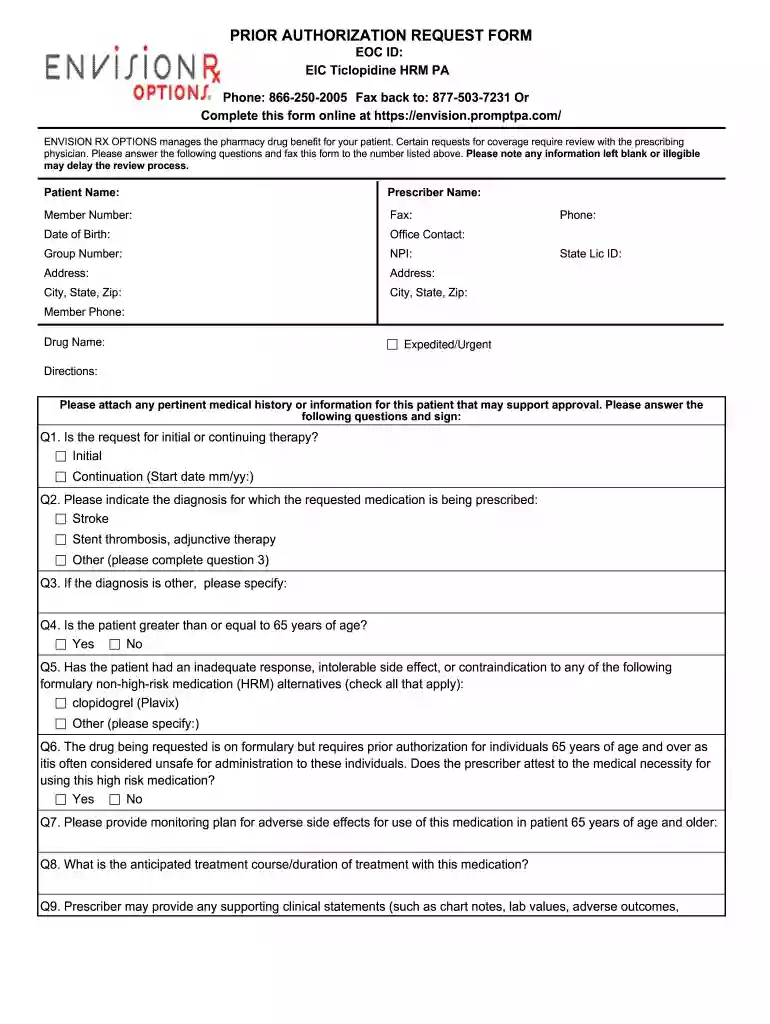
Type text, add images, blackout confidential details, add comments, highlights and more.

Draw your signature, type it, upload its image, or use your mobile device as a signature pad.

Send prompt pa via email, link, or fax. You can also download it, export it or print it out.

Start filling out your Prior Authorization Request Form today for free using our platform!
At DocHub, your data security is our priority. We follow HIPAA, SOC2, GDPR, and other standards, so you can work on your documents with confidence.
Nov 9, 2015 To achieve prompt and efficient review and approval, include enough narrative on key issues to make the CEE a readable and coherent documentRead more
Providers and nurses can submit a prior authorization request online electronically to: . Providers should attach any chart notes asRead more
Aug 31, 2023 Non-construction prime contractors must pay their small diverse business and veteran-owned business enterprise subcontractors within 10 days


