




01. Edit your form online
Type text, add images, blackout confidential details, add comments, highlights and more.

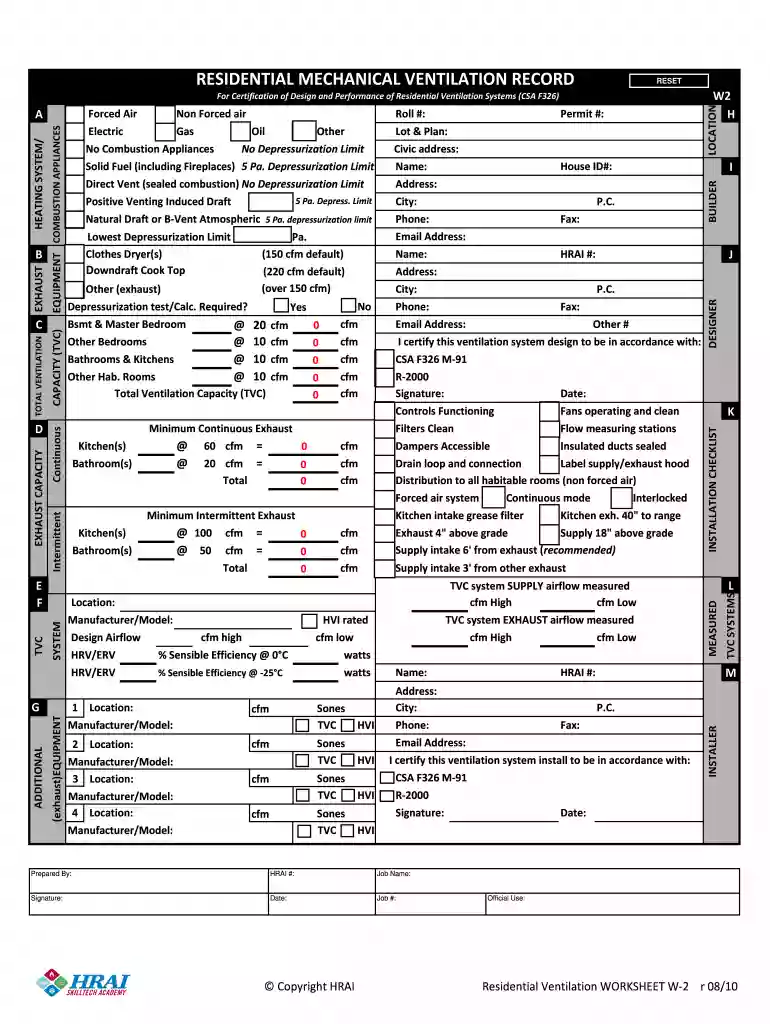
Type text, add images, blackout confidential details, add comments, highlights and more.

Draw your signature, type it, upload its image, or use your mobile device as a signature pad.

Send it via email, link, or fax. You can also download it, export it or print it out.

Start using our platform today to streamline your ventilation record completion for free!
At DocHub, your data security is our priority. We follow HIPAA, SOC2, GDPR, and other standards, so you can work on your documents with confidence.
A ventilation assessment plan to provide a comprehensive review and evaluation of building ventilation systems, remediate any issues uncovered.Read more
Any nail salon which obtains a new appearance enhancement business license shall attain compliance with the minimum ventilation rate specifications.Read more
Laboratories should have proper ventilation, typically including natural or mechanical ventilation systems. The lab should be an open workspace withoutRead more


