Type text, add images, blackout confidential details, add comments, highlights and more.
02. Sign it in a few clicks
Draw your signature, type it, upload its image, or use your mobile device as a signature pad.
03. Share your form with others
Send rural carrier evaluation chart via email, link, or fax. You can also download it, export it or print it out.
How to use or fill out ps form 4003 with our platform
Ease of Setup
DocHub User Ratings on G2
Ease of Use
DocHub User Ratings on G2
Click ‘Get Form’ to open the PS Form 4003 in the editor.
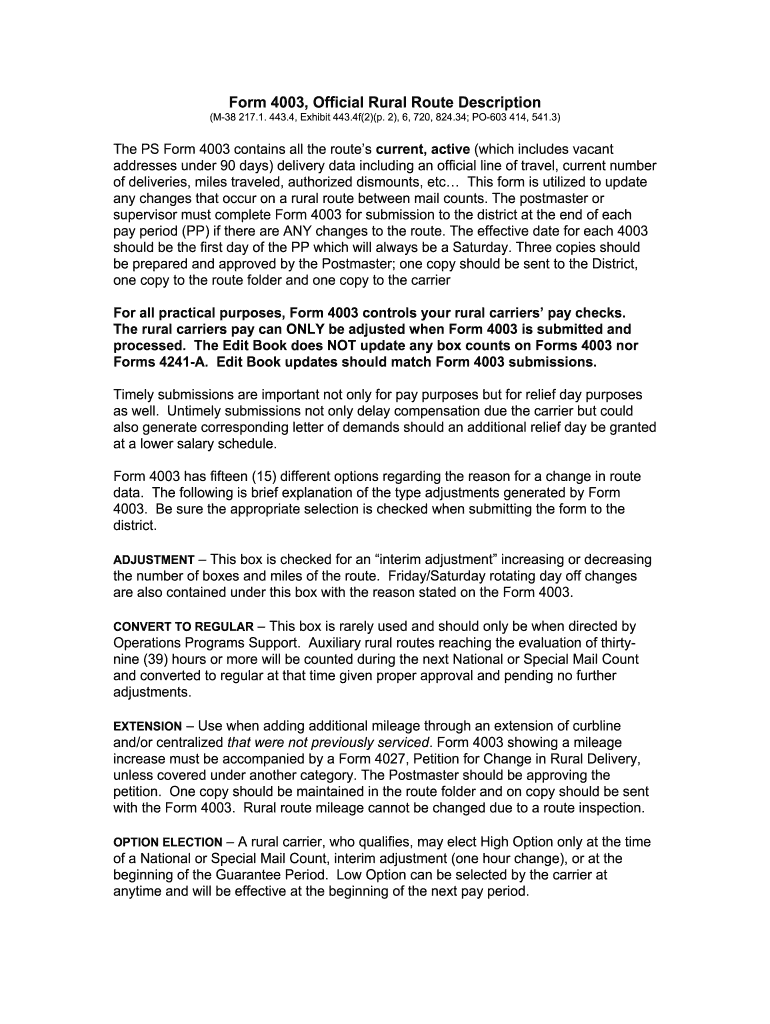
Begin by entering the effective date, which should be the first day of the pay period. Ensure this date is accurate as it impacts compensation.
In the 'Reason for Change' section, select one of the fifteen options that best describes the adjustment needed. Each option has specific implications, so choose carefully.
Fill in details regarding current deliveries, miles traveled, and authorized dismounts. This data is crucial for accurate route management and pay adjustments.
Review all entries for accuracy before finalizing. Once completed, save your changes and prepare three copies: one for submission to the district, one for the route folder, and one for the carrier.
Start using our platform today to streamline your form completion process for free!
May 25, 2017 The DOIS and e-PS Form 4003 are used to record the authorized base miles for carrier routes and the AVUS manages day-to-day vehicle use.Read more
Postal Bulletin 22530 (October 10, 2019). Keep the Mail Safe
Oct 10, 2019 To enhance the safety and security of USPS employ- ees and customers, the Postal Service is updating the Avi- ation Security Program, alsoRead more
Cookie consent notice
This site uses cookies to enhance site navigation and personalize your experience.
By using this site you agree to our use of cookies as described in our Privacy Notice.
You can modify your selections by visiting our Cookie and Advertising Notice.