




01. Edit your ckc registration lookup online
Type text, add images, blackout confidential details, add comments, highlights and more.

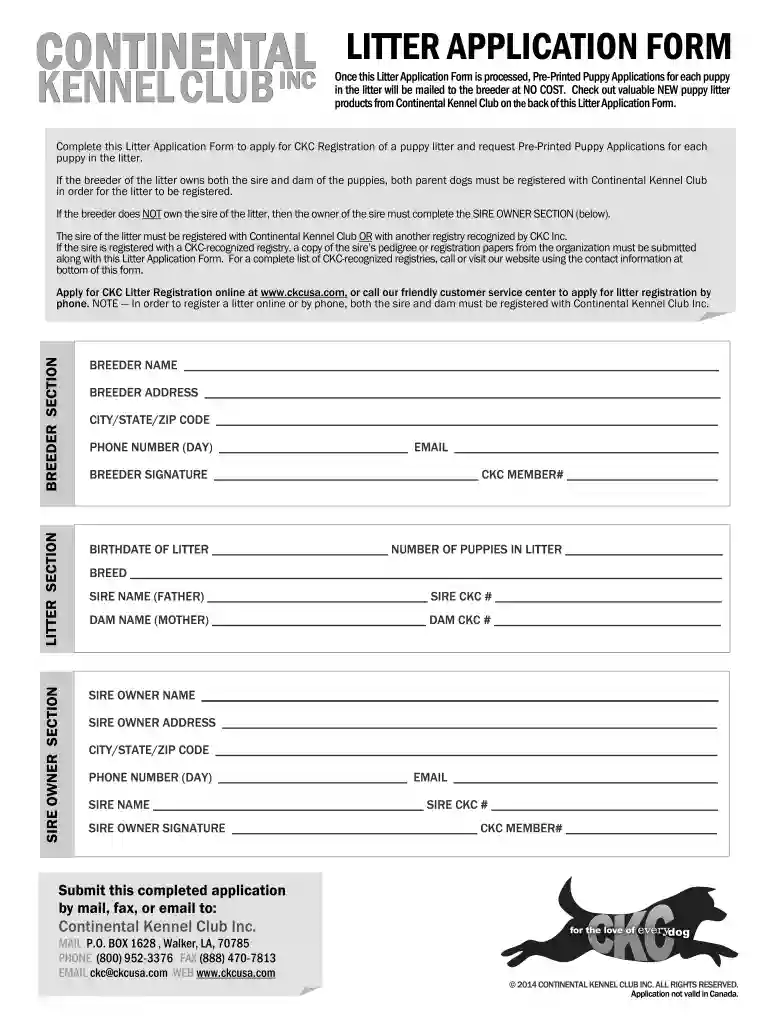
Type text, add images, blackout confidential details, add comments, highlights and more.

Draw your signature, type it, upload its image, or use your mobile device as a signature pad.

Send ckc registered dog lookup via email, link, or fax. You can also download it, export it or print it out.

Start filling out your ckc application today for free on our platform!
At DocHub, your data security is our priority. We follow HIPAA, SOC2, GDPR, and other standards, so you can work on your documents with confidence.
Connecting Kids to Coverage (CKC) outDocHub and enrollment grants support activities aimed at identifying and enrolling children who are eligible for Medicaid.Read more
The attached file is an advertisement for an internship with Cary Kopczynski Company, a structural engineering firm will headquarters in Bellevue. This entry
KYT Certification (CKC): Equips users to apply compliance workflows with Chainalysis Know Your Transaction. Asset Seizure Certification: Teaches lawRead more


