




01. Edit your move out statement template online
Type text, add images, blackout confidential details, add comments, highlights and more.

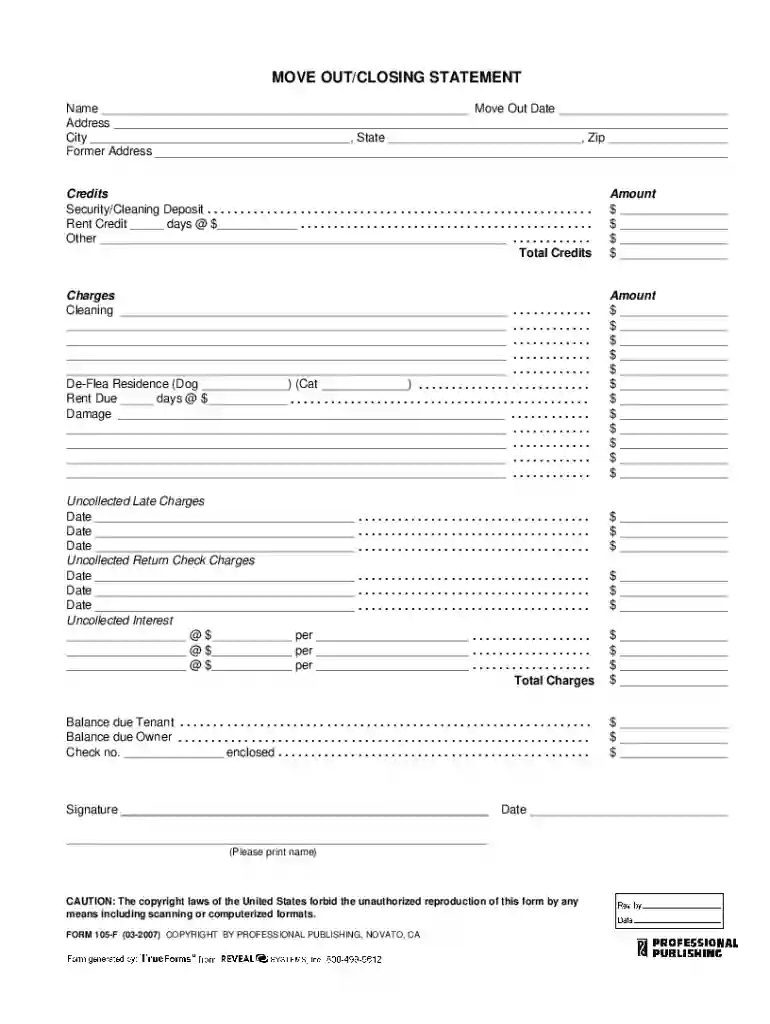
Type text, add images, blackout confidential details, add comments, highlights and more.

Draw your signature, type it, upload its image, or use your mobile device as a signature pad.

Send move out statement via email, link, or fax. You can also download it, export it or print it out.

Start using our platform today for free to streamline your move out closing statement process!
At DocHub, your data security is our priority. We follow HIPAA, SOC2, GDPR, and other standards, so you can work on your documents with confidence.
Civil Code 1946.7 allows you to notify your landlord, break the lease, move out, and no longer be required to pay rent after 14 days. When can I use thisRead more
Nov 18, 2023 If the move comes out slower, this means that the opponent is waiting for you to use a move and as soon as they see something (you moving orRead more
You must give written notice to your landlord at least 20 days (not including the day your serve the notice) before the last day of the month that you want toRead more


