




01. Edit your form online
Type text, add images, blackout confidential details, add comments, highlights and more.

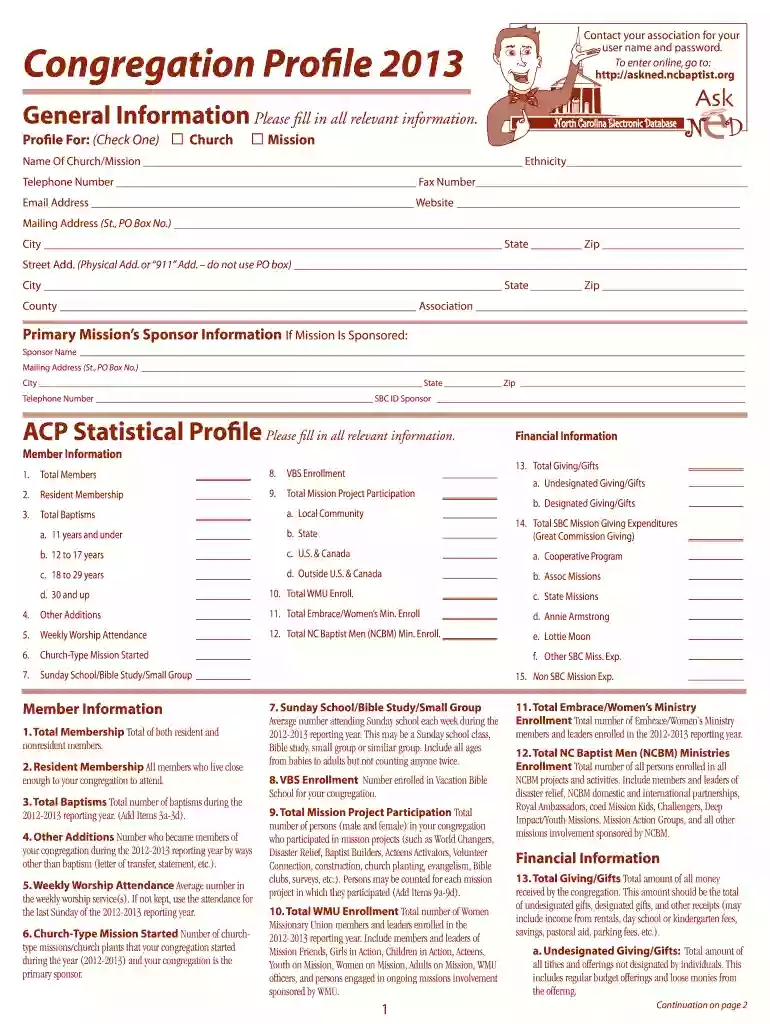
Type text, add images, blackout confidential details, add comments, highlights and more.

Draw your signature, type it, upload its image, or use your mobile device as a signature pad.

Send it via email, link, or fax. You can also download it, export it or print it out.

Start using our platform today to streamline your form completion process for free!
At DocHub, your data security is our priority. We follow HIPAA, SOC2, GDPR, and other standards, so you can work on your documents with confidence.
by PE Santos 2024 This study will investigate how pastors and ministry leaders describe their experiences with church growth and revitalization. Purpose Statement.Read more
The City of New Bern, North Carolina is a beautiful coastal community with a long history and a wide range of local assets and historic properties.Read more
The Public Works Commission was created on March 4, 1905, through an act of the State Legislature, to manage, operate, and supervise the three utilities .Read more


