







Definition & Meaning of IRS Form 1041
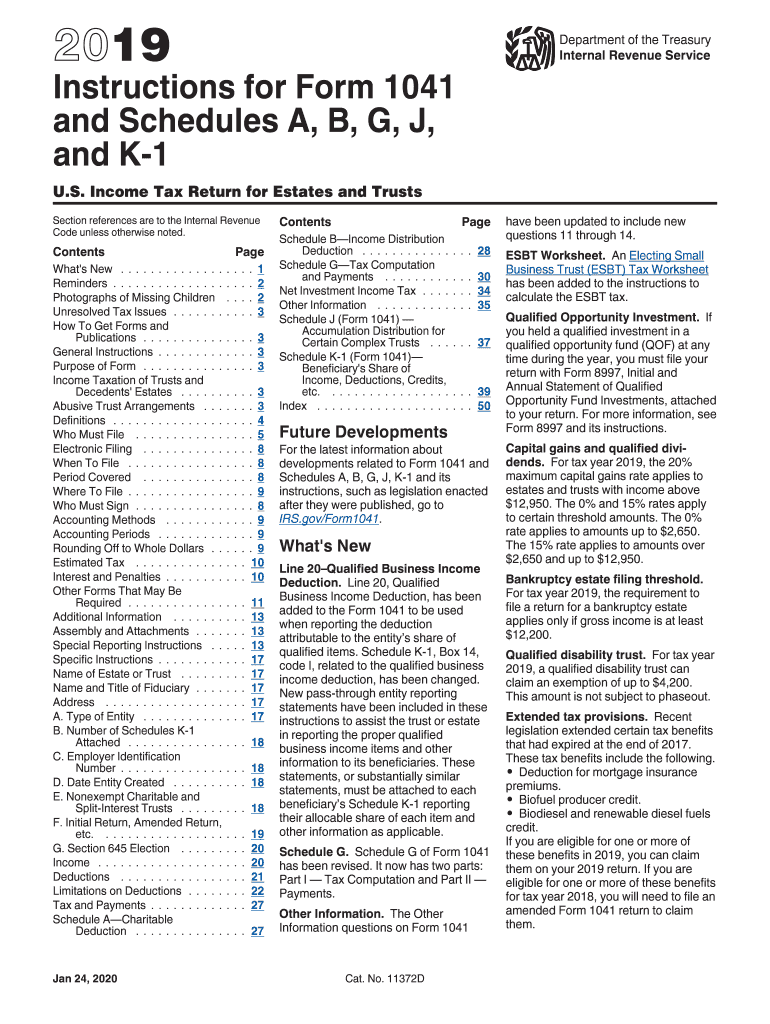
IRS Form 1041, known as the U.S. Income Tax Return for Estates and Trusts, is a critical document used to report income, gains, losses, deductions, and credits for a decedent’s estate or trust. This form is essential in ensuring that estates and trusts remain compliant with federal tax obligations. Through this form, the fiduciary, who is responsible for managing the trust or estate, declares any earnings or deductions, thereby determining the tax liability owed by the estate or trust. Estates and trusts, much like individuals, are subject to income taxes, and Form 1041 facilitates this process by providing a structured format for reporting financial activities.
Steps to Complete IRS Form 1041
-
Gather Required Documents: Collect all relevant financial documents, including income statements, records of expenses, and supporting documents for any deductions claimed.
-
Fill Out the Header: Enter the estate or trust’s name, address, and employer identification number (EIN). If using a fiscal year, specify the year-end date.
-
Report Income: List all sources of income, such as interest, dividends, gains from property sales, and other income. Ensure accuracy to avoid discrepancies.
-
Calculate Deductions: Identify allowable deductions, including fiduciary fees, legal expenses, and charitable contributions. Document these extensively to substantiate claims.
-
Consider Tax Credits: Determine eligibility for credits, which can reduce the overall tax liability. Common credits include foreign tax credits and credits for prior overpayments.
-
Complete the Form: Follow the specific instructions provided for each part of Form 1041, ensuring you complete each section accurately.
-
Attach Schedules: Include necessary schedules, such as Schedule K-1, to report each beneficiary’s share of income, deductions, and credits.
-
Review and Submit: Carefully review the completed form and all supporting schedules. File the form with the IRS by the required deadline to avoid penalties.
Who Typically Uses IRS Form 1041
Form 1041 is primarily used by the fiduciaries of estates and trusts. This includes executors, administrators, or trustees responsible for managing the assets and liabilities of the estate or trust. Executors of a decedent’s estate, who are tasked with settling the business matters and distributing assets to beneficiaries, utilize Form 1041 to report income received by the estate. Similarly, trustees of various types of trusts, such as charitable trusts or irrevocable trusts, file this form to report income retained by the trust.
Key Elements of IRS Form 1041
Key aspects of Form 1041 include:
-
Income Reporting: Comprehensive reporting of income derived from various sources tied to the estate or trust.
-
Deduction Listings: A detailed account of all eligible deductions which can be applied to lower taxable income.
-
Beneficiary Information: Utilizing Schedule K-1 to provide a breakdown of income distributions to beneficiaries, ensuring they can accurately report their share on personal tax returns.
-
Signature Requirement: Ensuring that the form is signed by the fiduciary, affirming the accuracy of the information provided.
Filing Deadlines / Important Dates for Form 1041
Filing deadlines for Form 1041 vary based on the tax year followed:
-
Calendar Year Filers: Must file by April 15th of the year following the close of the tax year.
-
Fiscal Year Filers: The form must be filed by the 15th day of the fourth month after the tax year ends.
Extensions for filing can be requested using Form 7004, providing up to an additional five months to complete and file the form, though any taxes owed must be paid by the original due date.
Penalties for Non-Compliance
Failure to file Form 1041 by the due date may lead to various penalties:
-
Failure-to-File Penalty: A financial penalty imposed for each month the return is late, up to a maximum amount.
-
Failure-to-Pay Penalty: Additional charges for taxes not paid by the original due date, accumulating interest until the balance is cleared.
Timely filing and payment are crucial to avoiding these costly penalties and maintaining the estate or trust’s compliance with federal tax laws.
Important Terms Related to IRS Form 1041
Familiarity with these terms is essential for accurate completion of Form 1041:
-
Fiduciary: An individual trusted with managing the estate or trust assets and ensuring proper legal and tax conduct.
-
Beneficiary: Any individual or entity entitled to receive income or assets from the estate or trust as specified in the will or trust agreement.
-
Distributable Net Income (DNI): The income generated by the estate or trust that must be distributed to beneficiaries annually, which determines the income tax responsibility.
Software Compatibility for IRS Form 1041
To simplify the filing process, numerous tax preparation software options, such as TurboTax and QuickBooks, offer compatibility with Form 1041. These platforms can automate calculations, generate necessary schedules, and ensure that all tax regulations are adhered to, reducing the risk of errors. Using compatible software can be especially beneficial for fiduciaries seeking an efficient and streamlined filing process while navigating the complexities of tax obligations for estates and trusts.




