
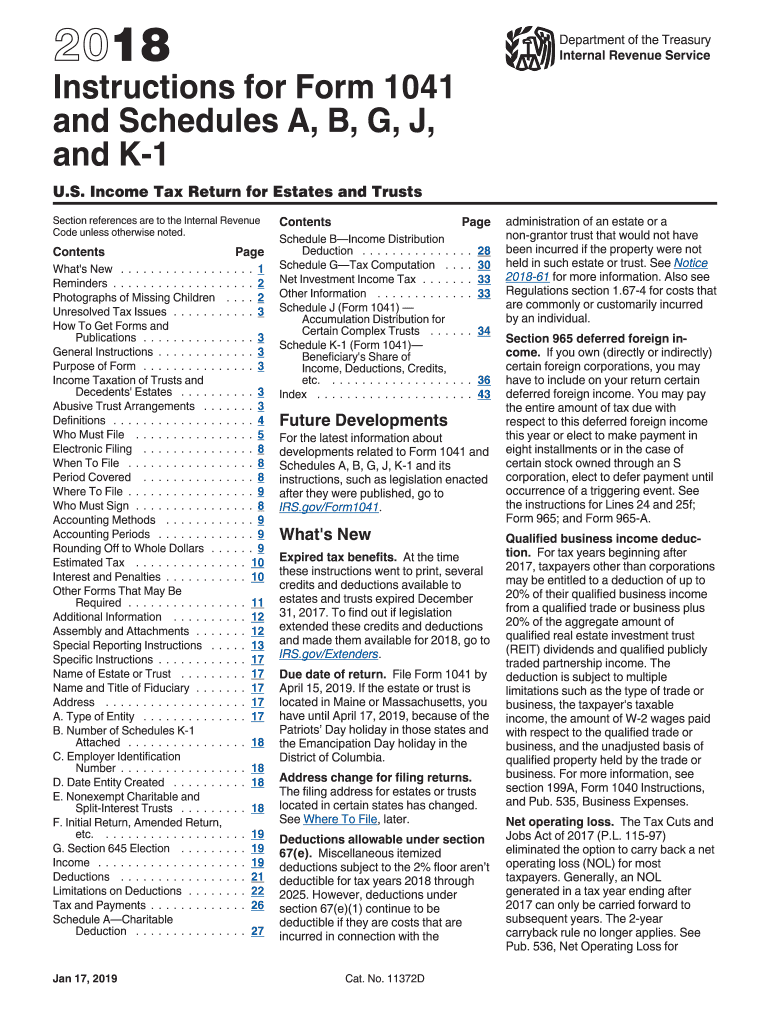







Definition and Purpose of Form 1041
Form 1041 is utilized to report the income, gains, losses, deductions, and credits of estates and trusts. This tax form plays a critical role for fiduciaries managing a decedent's estate, simple trusts, complex trusts, and electing small business trusts. It is designed to meet IRS requirements for U.S. income tax returns for these entities.
Key Elements of Form 1041
- Income Reporting: Includes gross income from all sources such as interest, dividends, capital gains, and rent.
- Deductions: Allows for deductions associated with administrative expenses, distributions to beneficiaries, and charitable contributions.
- Tax Rate Application: Income is taxed at rates applicable to estates and trusts, which differ from individual rates.
How to Obtain the 1041 Instructions for 2016
The instructions for Form 1041 for the year 2016 can be acquired from several sources. The IRS website is a reliable source for downloading the instructions in PDF format. Tax software platforms, such as TurboTax and QuickBooks, often integrate these instructions within their programs to assist users in preparing their returns accurately.
Steps to Complete Form 1041 for 2016
-
Gather Financial Documents: Collect all relevant financial statements and supporting documents, including bank statements and investment transactions.
-
Calculate Gross Income: Sum up all income sources, including interest, dividends, and any executor's fees.
-
Apply Allowable Deductions: Deduct allowable expenses related to the estate or trust.
-
Determine Taxable Income: Subtract deductions from the gross income to determine taxable income.
-
Complete Form 1041: Enter the computed figures in the correct sections of the form.
-
Include Schedules: Attach any necessary schedules that pertain to the specifics of the estate or trust.
-
Review and Submit: Double-check all entries for accuracy before filing the form with the IRS by the designated deadline.
Filing Deadlines and Important Dates
For the 2016 tax year, Form 1041 is typically due on the 15th day of the 4th month following the end of the tax year. If the estate or trust operates on a calendar year basis, the due date is April 15. Extensions can be requested, which provide up to an additional five months for filing.
Required Documents
- Financial Statements: To accurately report income and expenses.
- Prior Year Returns: Useful for consistency checks and maintaining continuity.
- Beneficiary Information: Must be gathered to properly distribute income and report deductions.
Who Typically Uses Form 1041 Instructions
Fiduciaries of estates and trusts, such as executors, administrators, and trustees, primarily use Form 1041 instructions to ensure compliance with federal tax obligations. These documents guide users in accurately preparing the return and utilizing deductions properly.
Legal Use and Compliance
Form 1041 must be used in compliance with IRS regulations governing income reporting for estates and trusts. Misreporting income or omitting required information can lead to penalties and interest on unpaid taxes. Compliance involves meticulous adherence to instructions and applicable tax codes.
Penalties for Non-Compliance
Failure to file Form 1041 or inaccuracies can incur penalties. The penalties may be calculated as a percentage of the tax unpaid, with additional interest accruing on the outstanding amount. Timely and accurate filing is crucial to avoid such financial liabilities.




