




01. Edit your chicago residential lease online
Type text, add images, blackout confidential details, add comments, highlights and more.

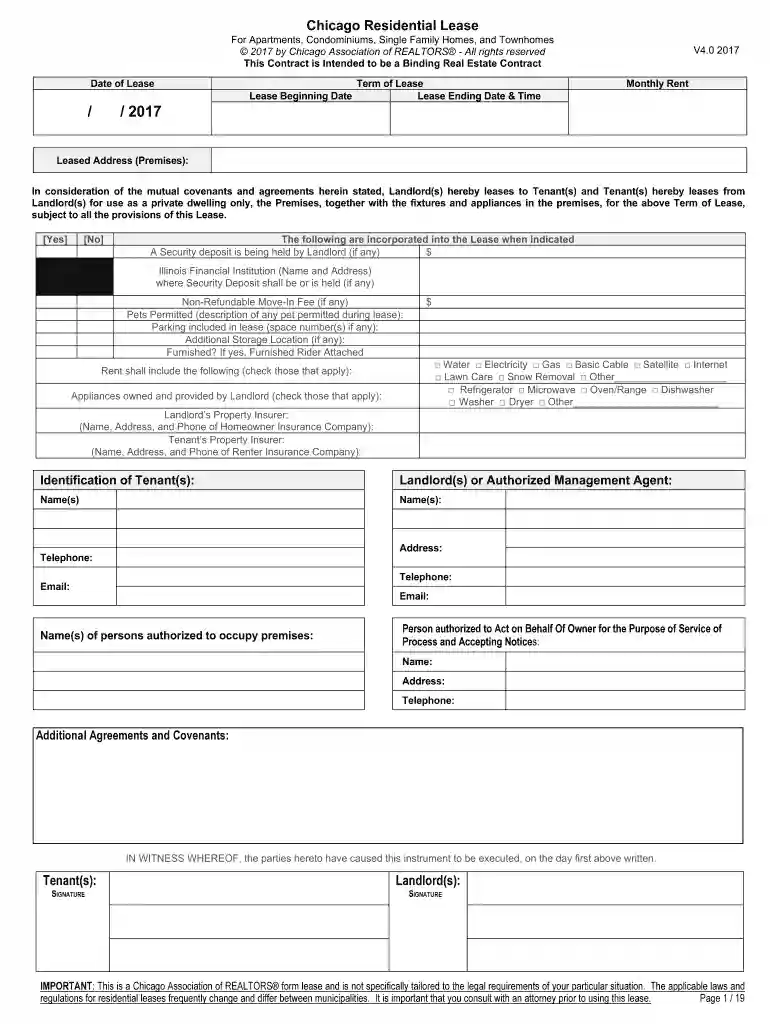
Type text, add images, blackout confidential details, add comments, highlights and more.

Draw your signature, type it, upload its image, or use your mobile device as a signature pad.

Send chicago residential lease pdf via email, link, or fax. You can also download it, export it or print it out.

Start using our platform today to streamline your lease completion process for free!
At DocHub, your data security is our priority. We follow HIPAA, SOC2, GDPR, and other standards, so you can work on your documents with confidence.
May 10, 2024 In Chicago, the Residential Landlord Tenant Ordinance limits late rent fees to $10 per month on rents under $500 plus 5% per month on anyRead more
Additional Guidance for Residential Properties. This document provides additional details on how to benchmark residential properties in ENERGY STAR.Read more
A Special Message after our feature: Stay tuned after our feature, for a special message. Special Previews: Be sure to stay tuned after our feature, forRead more


