




01. Edit your 1263 form online
Type text, add images, blackout confidential details, add comments, highlights and more.

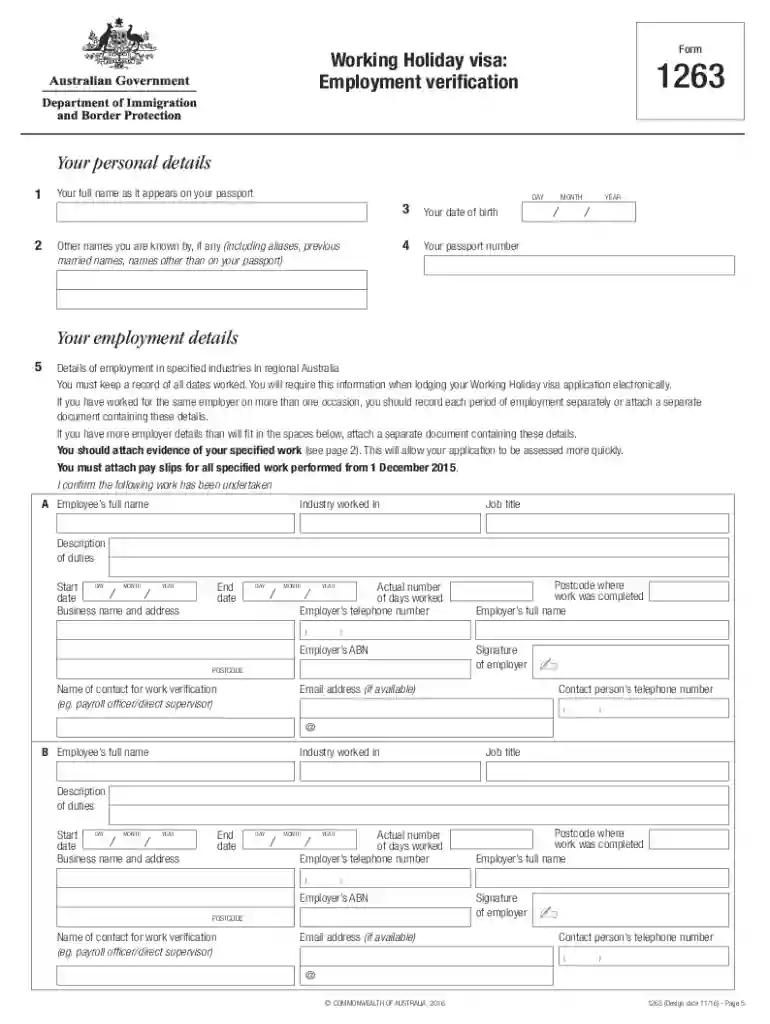
Type text, add images, blackout confidential details, add comments, highlights and more.

Draw your signature, type it, upload its image, or use your mobile device as a signature pad.

Send form 1263 via email, link, or fax. You can also download it, export it or print it out.

Start filling out form 1263 online for free today!
At DocHub, your data security is our priority. We follow HIPAA, SOC2, GDPR, and other standards, so you can work on your documents with confidence.
Form H1263-A is used to request an incurred medical expense deduction for certain durable medical equipment and obtain verification that the items areRead more
As of July 1, 2025, several changes to Hawaiʻi Revised Statutes (HRS) 6E were codified in SB1263 CD1, most importantly, HRS 6E-2 was amended to add theRead more
In addition to this form a signed credit card receipt or a copy of the credit card statement is required along with the names of attendees (if eight or fewer.Read more


