




01. Edit your form online
Type text, add images, blackout confidential details, add comments, highlights and more.

Type text, add images, blackout confidential details, add comments, highlights and more.

Draw your signature, type it, upload its image, or use your mobile device as a signature pad.

Send it via email, link, or fax. You can also download it, export it or print it out.

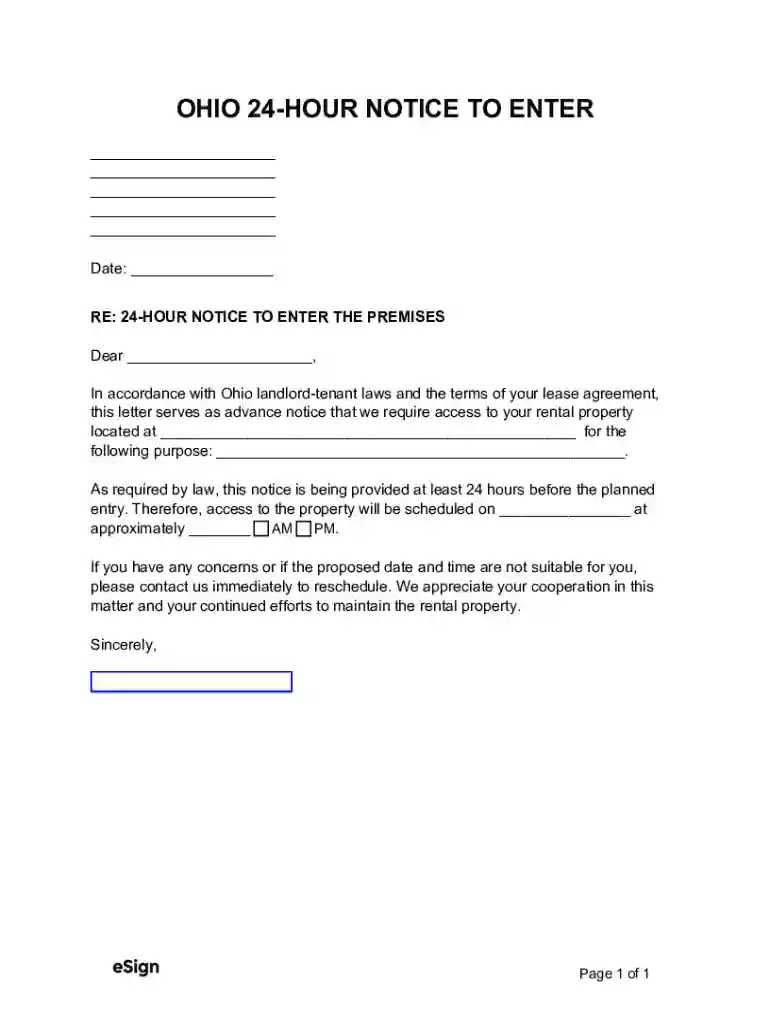
Working on paperwork with our feature-rich and intuitive PDF editor is straightforward. Follow the instructions below to complete Ohio 24-Hour Notice to Enter online quickly and easily:
Make the most of DocHub, one of the most easy-to-use editors to promptly manage your documentation online!
At DocHub, your data security is our priority. We follow HIPAA, SOC2, GDPR, and other standards, so you can work on your documents with confidence.
A landlord may enter a tenants unit only after giving a 24 hour notice, except in an emergency. Landlords may not enter at an unreasonable time or in anRead more
In 2011, Gov. Kasich signed a law passed by Ohios Republican-controlled legislature allowing drilling companies to frack in state parks.Read more


