




01. Edit your form online
Type text, add images, blackout confidential details, add comments, highlights and more.

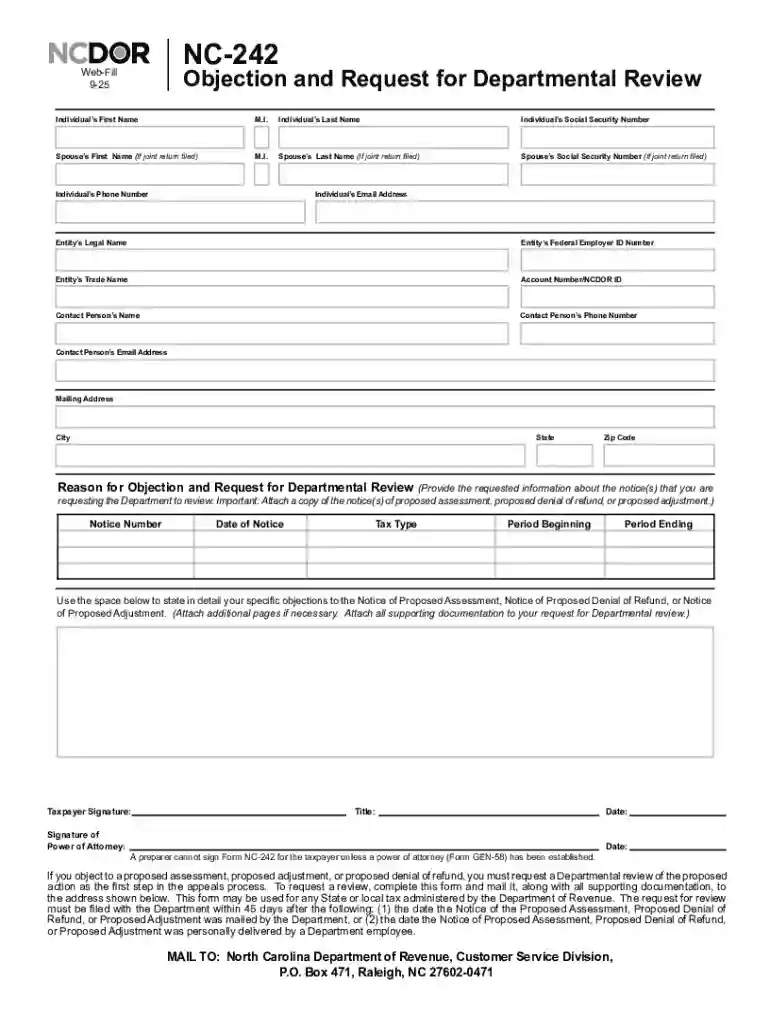
Type text, add images, blackout confidential details, add comments, highlights and more.

Draw your signature, type it, upload its image, or use your mobile device as a signature pad.

Send it via email, link, or fax. You can also download it, export it or print it out.
The "Web Fill-in Form Instructions" refer to the guidelines and directions provided for completing forms that are designed to be filled out electronically via online platforms. These forms simplify the process of document submission and interaction, eliminating the need for physical paperwork. Web fill-in forms are commonly used when dealing with businesses, governmental agencies, and various organizations, where they streamline the data collection process by guiding users on how to accurately enter information.
These instructions typically cover multiple aspects of the form, ensuring that users understand every component needed to fill it out correctly. For instance, they provide insights into what each field means and how to select correct options. They can also help users prevent errors that might occur while entering data, which is crucial in maintaining the integrity of the information collected.
Understanding the main components of web fill-in form instructions is essential for anyone tasked with completing these forms. Typically, the instructions highlight the necessary fields, which may include:
Instructional guides often emphasize the importance of completing all required sections, indicated by markers such as asterisks (*). They also might advise on the use of specific formats for dates, phone numbers, and other data to ensure consistency and accuracy.
Completing web fill-in forms efficiently requires a step-by-step approach. Here’s a typical sequence to follow:
These steps are designed to save time and minimize errors, ensuring that the form is submitted correctly on the first attempt.
Accessing these instructions is usually straightforward. Depending on the organization or platform, they might be available directly on the web form's page. Users can often view or download the instructions as a PDF document. Alternatively, instructions might arrive via email after initiating an interaction with a service provider or organization. For individuals who have difficulty accessing these materials online, contacting customer service for assistance is a common route.
Organizations providing these forms often ensure that the instructions are intuitive and easy to access, catering to users of varying technical skill levels.
Using the provided instructions maximizes efficiency and accuracy when completing forms. These guidelines are crafted to prevent common mistakes, such as leaving mandatory fields empty or entering information in the wrong format. Following the instructions can lead to:
Using instructions is also essential in environments where the data entered is sensitive or subject to legal scrutiny, ensuring compliance with firm regulations.
Familiarity with certain terms can significantly aid in understanding these instructions:
Understanding these terms helps users approach the form with a more comprehensive perspective, enhancing the completion process.
The proper application of these instructions extends to legal aspects, particularly when dealing with legal documents or contracts through platforms like DocHub. Users must adhere to legal stipulations such as the ESIGN Act, which governs electronic signatures. This ensures that digital signatures are recognized as legally binding.
Failure to properly follow web fill-in form instructions could result in invalid submissions or legal issues. Hence, careful attention to these legal aspects is crucial for maintaining compliance and ensuring the forms fulfill legal requirements.
Practical examples illustrate how these instructions are utilized in various sectors:
Each scenario underscores the importance of leveraging instructions to achieve precise and effective form completion, showcasing the value of these guidelines in different contexts.
At DocHub, your data security is our priority. We follow HIPAA, SOC2, GDPR, and other standards, so you can work on your documents with confidence.



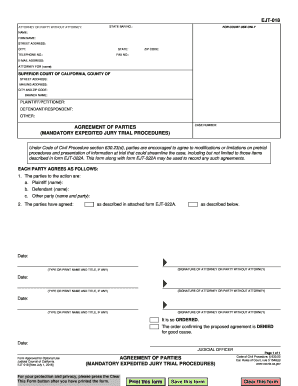

You must complete the web fill-in forms by using your computer to enter the required information. Do not handwrite any information. Do not submit photocopies ofRead more
While holding down the alt key, click to open the fillable form on the website. Your computer should download the form into your downloads folder.Read more
The RP-5217-PDF Real Property Transfer Report (RPL Article 9, Section 333) is a one-part, downloadable, barcoded, pdf form used to document the informationRead more


