




01. Edit your form online
Type text, add images, blackout confidential details, add comments, highlights and more.

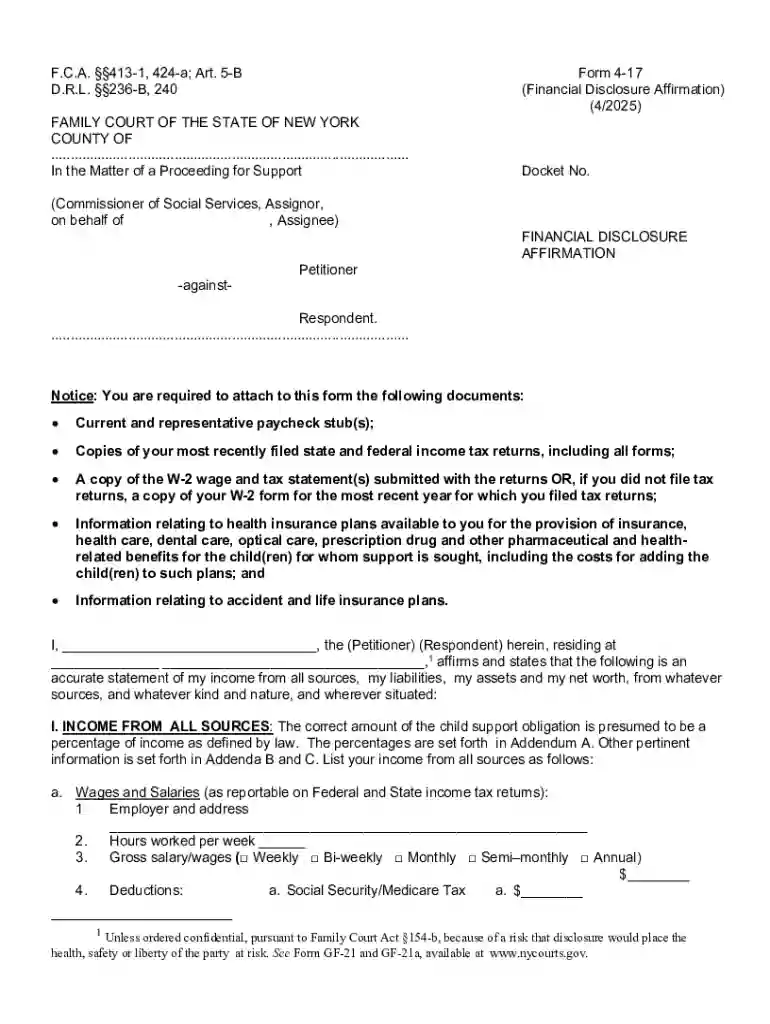
Type text, add images, blackout confidential details, add comments, highlights and more.

Draw your signature, type it, upload its image, or use your mobile device as a signature pad.

Send it via email, link, or fax. You can also download it, export it or print it out.
The concept of completing forms online refers to the ability to fill out and submit documents through a digital platform, eliminating the need for paper-based forms. This process simplifies document handling by allowing users to type responses directly into designated fields on an electronic form, often in formats such as PDF, DOC, or HTML. Online forms can be used for a wide range of purposes, including applications, registrations, and submissions in various sectors like government, education, and business.
Filling out a form online generally follows a straightforward process designed for user convenience. Here is a typical step-by-step guide:
Access the Form: Navigate to the website or online platform where the form is hosted. This could be through a direct link provided by a service or found on a governmental or institutional website.
Review Instructions: Before starting, read any instructions or guidelines provided with the form to understand the requirements and the type of information needed.
Fill Out Required Fields: Enter information into the designated fields accurately. Required fields are usually marked with an asterisk (*) or are highlighted in some way.
Attach Supporting Documents: If the form requires additional documentation, upload scanned copies or electronic files in the accepted formats.
Verify Entries: Review the completed form to ensure all information is correct and complete. Many platforms offer a preview feature to facilitate this.
Submit the Form: Once satisfied, submit the form by clicking the submit button. Confirmation of submission is typically provided via email or on the screen.
Engaging in online form submissions leverages technology to streamline processes and enhance user experience across various sectors. Here’s why it is advantageous:
Forms online serve a wide audience across different fields. Typical users include:


Online forms must comply with legal standards to ensure they are valid and enforceable. In the United States, electronic forms and signatures are recognized under laws such as the Electronic Signatures in Global and National Commerce Act (ESIGN) and the Uniform Electronic Transactions Act (UETA), which provide a legal framework for conducting online transactions.
When dealing with online forms, several key components are crucial for efficient and successful use:
While online submission is the primary method, some forms still provide alternative options:
Real-world applications of online forms encompass a variety of situations, demonstrating their versatility:
Exploring these aspects provides comprehensive insights into the significance, use, and benefits of forms online, offering valuable guidance for users across numerous domains.
At DocHub, your data security is our priority. We follow HIPAA, SOC2, GDPR, and other standards, so you can work on your documents with confidence.
Use Microsoft Forms to easily create online surveys, forms, quizzes and questionnaires. AI powered, free survey tool from Microsoft.
Oct 30, 2025 This page lists the USCIS forms that are currently available to file online. Visit the File Online page to learn about the benefits of filing a form using our
Creating a Form. Most forms should be instances of Djangos models.ModelForm class. This makes it simpler to create a form for most, if not


