




01. Edit your form online
Type text, add images, blackout confidential details, add comments, highlights and more.

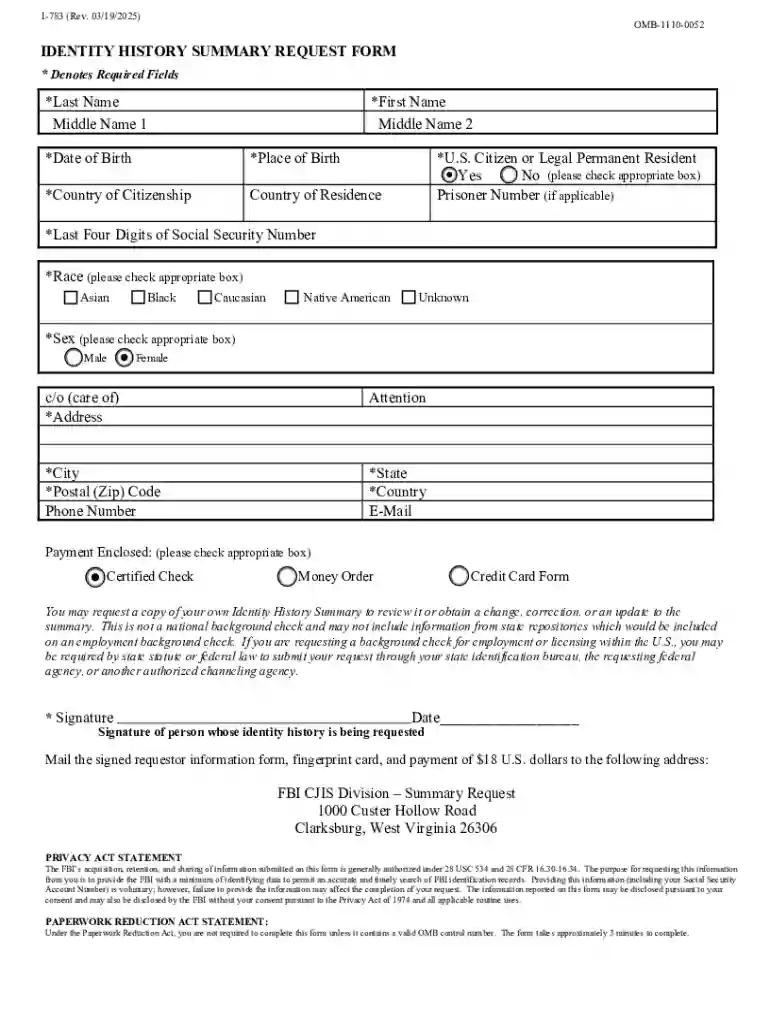
Type text, add images, blackout confidential details, add comments, highlights and more.

Draw your signature, type it, upload its image, or use your mobile device as a signature pad.

Send it via email, link, or fax. You can also download it, export it or print it out.
The term "form online" encompasses a wide array of digital documents designed for various applications, from tax forms to application submissions. These forms simplify the submission and completion processes, offering a user-friendly alternative to traditional methods. By providing digital accessibility, these forms cater to diverse needs, including legal documentation, identity verification, and business transactions. Understanding the full scope of "form online" is essential for anyone seeking to streamline administrative tasks through digital means.
Completing an online form typically involves several stages to ensure accuracy and efficiency. Here’s a step-by-step guide for a typical online form process:
Accessing the Form: Forms can usually be accessed directly through an organization's website or a dedicated online portal. Ensure you have the correct URL or page to avoid fraudulent sites.
Filling Out Information: Enter your required personal or professional details. This may include fields such as name, contact details, and relevant personal identifiers.
Verification of Details: Double-check all entered information for accuracy. Errors can lead to processing delays or rejections.
Document Upload: If necessary, attach required documents. Ensure these are in supported file formats like PDF, DOC, JPEG, etc.
Review and Submit: Go through the form once more before submission to confirm all details are correct. After final review, submit the form electronically.
Confirmation Receipt: Successfully submitting the form should generate a confirmation receipt. Save or print this receipt for your records.
Online forms serve legitimate functions and are supported by legal frameworks, ensuring compliance and accountability:
Electronic Signatures: Recognized under laws like the ESIGN Act, electronic signatures on forms are legally binding, equivalent to handwritten signatures.
Privacy and Data Protection: Compliance with data protection laws such as GDPR, CCPA ensures that submitted information remains secure and confidential.
Sector-Specific Regulations: Forms related to health, finance, or education comply with specific guidelines like HIPAA in healthcare to maintain legal compliance.
The versatility of online forms makes them suitable for various demographics and industries:
Individuals: From college students applying for financial aid to individuals submitting tax returns.
Businesses: Organizations use forms for employee onboarding, client interactions, and vendor agreements.
Government Agencies: They rely on forms for census data, benefits applications, and regulatory compliance submissions.
These users benefit significantly from the efficiency and ease of digital forms.


Understanding the core components of an online form ensures efficient completion:
Form Fields: Includes text boxes, checkboxes, dropdown menus, and radio buttons for data entry.
Mandatory Sections: Highlighted fields must be completed for the form to be valid.
Navigation Controls: Features like 'Next', 'Back', and 'Save Progress' enhance user interaction and allow for efficient navigation through the form.
The practical uses of online forms span various scenarios:
Tax Filing: E-filing tax returns reduces errors and ensures quicker refunds compared to traditional methods.
Job Applications: Streamlines processes for both applicants and employers, facilitating easier resume submissions and interviews scheduling.
Permit Requests: Local governments often offer online permitting forms, simplifying application submissions for construction or business licenses.
Depending on the form's purpose, you may need to submit additional documents:
Identification: Valid ID copies may be required for identity verification or when applying for sensitive services.
Financial Records: Necessary for loan applications or tax submissions, ensuring eligibility and legality.
Supporting Documentation: Such as verification letters, proof of address, or medical records, to support form contents.
Ensuring these documents are prepared and formatted correctly before submission is crucial.
Compatibility with specific software enhances usability:
Document Editing: Tools like Adobe Acrobat for PDF forms enable easy filling and signing.
Form Management Systems: Platforms such as DocHub or HelloSign support comprehensive document workflows, including signing and sharing.
These tools ensure that forms are not only accessible but also manageable in a digital workspace, improving efficiency.
State laws and regulations may affect how certain forms are completed or submitted:
Tax Forms: Variation in state tax laws means that residents must ensure compliance with both federal and state requirements.
Healthcare Forms: States may have unique mandates for patient information and consent, affecting processing and usage.
Business Registrations: Varies from state to state, particularly in licensing and incorporation requirements, demanding precise adherence to local statutes.
By understanding these variances, form users can ensure their submissions meet all relevant legal requirements.
At DocHub, your data security is our priority. We follow HIPAA, SOC2, GDPR, and other standards, so you can work on your documents with confidence.
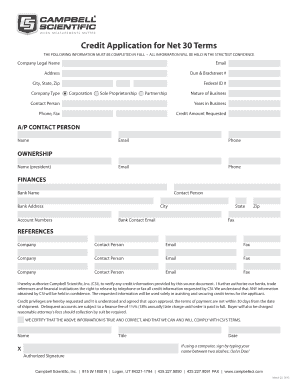
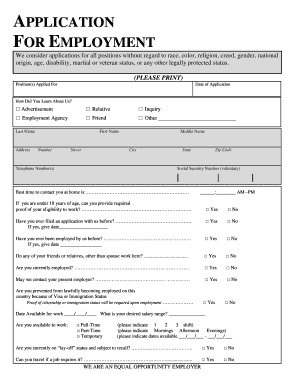
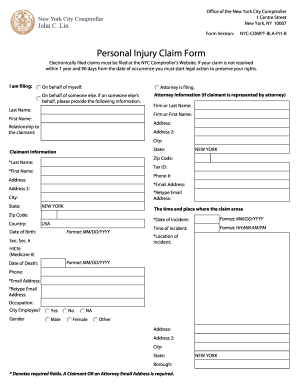
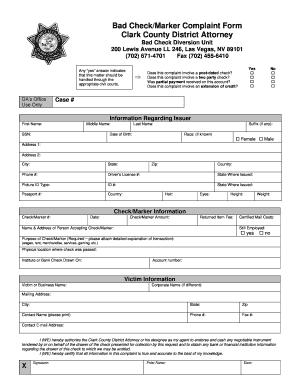
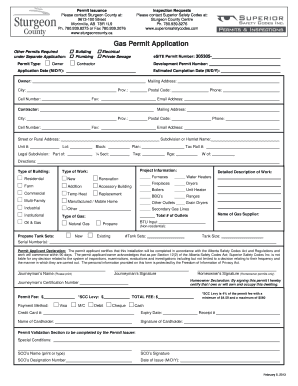
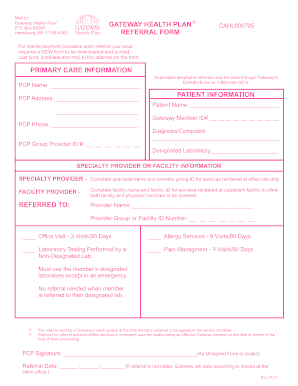

Oct 2, 2025 This page lists the USCIS forms that are currently available to file online. Visit the File Online page to learn about the benefits of filing a form using our
Formstack is a no-code online form builder with AI-powered, enterprise-grade features, automating data collection and workflows, and offering touchless form
Q: Is the accident report form available on the Internet? A: Yes. The Motor Vehicle Accident Report Form is now available in fillable PDF format. Visit our


