
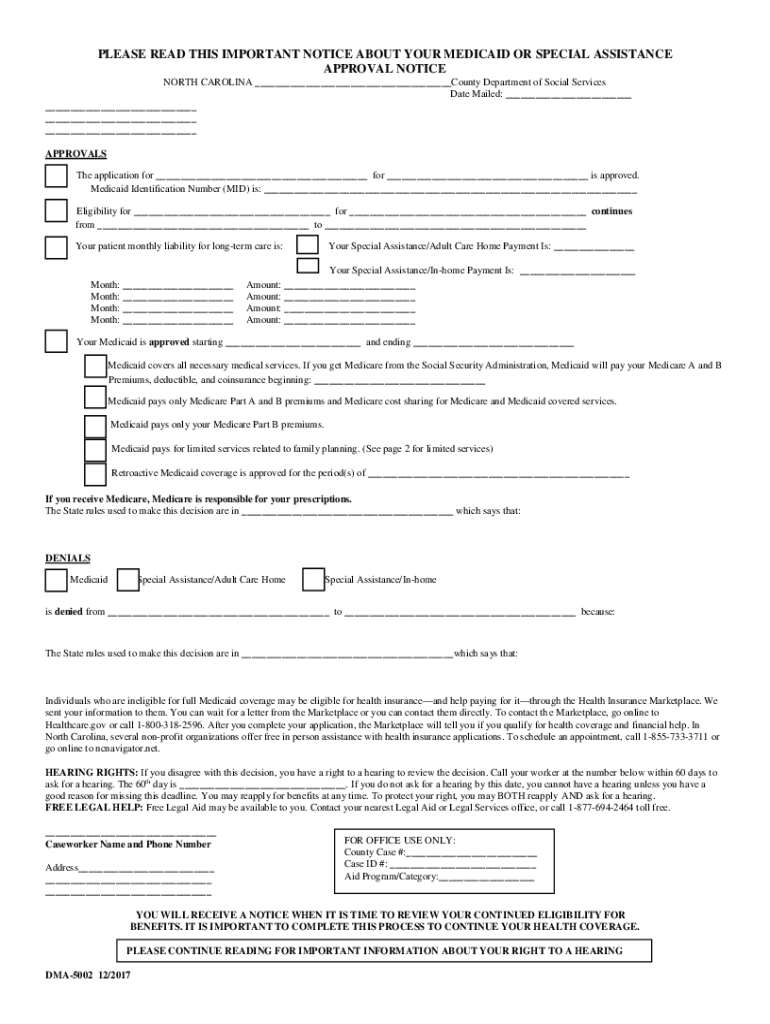







Definition and Meaning
"Form online" refers to digital documents that users can access, fill out, and submit through internet-based platforms. These forms are a cornerstone in transitioning from traditional paper-based processes to efficient, digital solutions. They come in various types, including tax forms, application forms, and registration documents, among others. Typically, these forms contain fields that users can complete by typing in responses, selecting options, or digitally signing using platforms like DocHub.
The advantage of using digital forms includes easy accessibility, ensuring that users can complete necessary documentation from any location with internet access. This negates the need for printing, scanning, or mailing physical copies, fostering a streamlined and eco-friendly approach to documentation.
How to Use the Form Online
Using a form online typically involves several steps, beginning with accessing the platform that offers the form. Users first locate the specific form they need within the document management tool or service platform like DocHub. Once accessed, they can start filling out the form directly within the platform's interface.
Many platforms offer tools for:
- Typing directly into text fields: Users enter data by typing into fields designated for specific information.
- Selecting from dropdown menus: This minimizes errors by providing predetermined options.
- Inserting digital signatures: Users can sign using a mouse, touchscreen, or stylus.
Platforms like DocHub provide tutorials or guides to assist users who are unfamiliar with digital forms, ensuring a wide demographic can navigate and use these forms efficiently.
Steps to Complete the Form Online
-
Access the Form: Visit the website or platform offering the form, such as DocHub, and log in if necessary.
-
Locate the Form: Use the search function to quickly find the form you need.
-
Fill in the Necessary Information:
- Enter text into required fields.
- Select options from dropdown lists where applicable.
- Use checkboxes for multi-option selection.
-
Review Your Information: Double-check all entered details for accuracy and completeness.
-
Sign the Form: Apply your digital signature using available options like drawing, typing, or uploading a signature image.
-
Submit the Form: Once completed, submit the form as instructed, typically via a submit button within the platform interface.
-
Save a Copy: It’s advisable to download or save a copy of the submitted form for your records.
Key Elements of the Form Online
When dealing with any form online, certain elements are integral for its effective function:
- Interactive Fields: These include text boxes, checkboxes, and dropdown menus to guide respondents.
- Instructions and Guidelines: Offering clear instructions to facilitate accurate and complete form filling.
- Digital Signature Capability: Ensures forms can be legally authenticated without a physical signature.
- Accessibility: Compatible with assistive technologies to cater to users with disabilities.
These elements combine to deliver a user-friendly experience, minimizing errors and maximizing efficiency.
Security Measures for Online Forms
Security is a crucial aspect of handling forms online. Platforms like DocHub offer robust security measures to protect data integrity and user privacy. Key security features include:
- 256-bit SSL Encryption: Ensures data is encrypted during transmission.
- Two-Factor Authentication: Provides an additional layer of security for accessing your account.
- Audit Trails: Maintain a record of all form interactions, including modifications and access history.
For sensitive documents, additional security layers such as password protection can further safeguard your information.
Legal Use of the Form Online
Forms completed online must comply with relevant laws and regulations, which vary depending on the form's purpose and jurisdiction. In the United States, forms related to electronic signatures fall under the ESIGN Act, ensuring that digital signatures carry the same weight as their handwritten equivalents.
- ESIGN Act Compliance: Platforms must adhere to this federal law, ensuring the validity and legal recognition of electronic signatures.
- Privacy Laws: Compliance with regulations like the GDPR or CCPA, where applicable, to protect user data privacy.
It's essential to stay informed about any specific legal requirements applicable to the type of form being used or submitted.
Software Compatibility
Online forms often need to be compatible with a range of software to ensure seamless integration into existing workflows. Many platforms, like DocHub, support documents from various software suites such as Microsoft Office and Google Workspace, allowing users to:
- Import documents from popular formats like DOC, XLS, or PDF.
- Edit and manage these documents without conversion hurdles.
- Export completed forms back to compatible software for storage or further use.
This compatibility plays a significant role in ensuring users can maintain productivity without encountering technical barriers.
State-by-State Differences
When filling out or submitting forms online, it's crucial to consider that certain forms may have variations depending on state-specific requirements. These variations may include different fields or additional documentation requirements necessary for compliance:
- Tax Forms: Different states have unique tax codes and filings.
- Business Registration Forms: Requirements can vary by state, impacting new business registration processes.
Being aware of these differences ensures that submitted forms meet all regional requirements, preventing delays or rejections. Stay informed about these variations by consulting state-specific resources or guidelines provided on the platform.
Examples of Using the Form Online
Practical scenarios where forms online are beneficial include:
- Remote Job Applications: Utilizing online forms allows applicants to submit resumes and supporting documents without visiting company premises.
- Healthcare Documentation: Patients can fill out health forms and insurance information ahead of medical appointments, reducing in-office wait times.
- Educational Enrollments: Students register for courses online, avoiding manual paperwork and streamlining administrative processes.
These examples highlight the versatility and convenience of using forms online in various contexts, fostering a more efficient and user-friendly experience.




