




01. Edit your lightning affidavit online
Type text, add images, blackout confidential details, add comments, highlights and more.

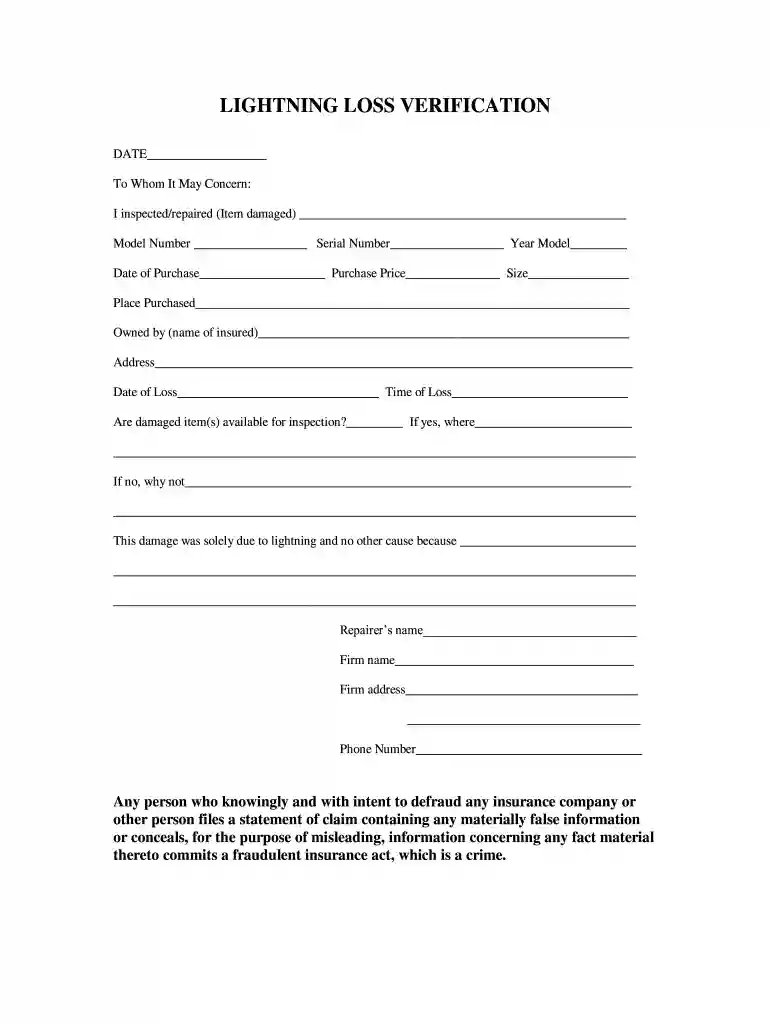
Type text, add images, blackout confidential details, add comments, highlights and more.

Draw your signature, type it, upload its image, or use your mobile device as a signature pad.

Send purchase affidavit via email, link, or fax. You can also download it, export it or print it out.

Start filling out your lightning affidavit online for free today!
At DocHub, your data security is our priority. We follow HIPAA, SOC2, GDPR, and other standards, so you can work on your documents with confidence.
It is my firm conviction that this loss was a result of lightning and was not occasioned by low voltage, mechanical breakdown, or a defect in the appliance.Read more
UPGRADES? Yes or No (Circle One) VALUE OF UPGRADE (Labor and Materials)$. Was the damage caused by lightning? YES NO.Read more
Apr 30, 2021 Mission. In an affidavit in a Vermont court case, Michaels described his firms mission as being to publicize findings on climate change andRead more


