




01. Edit your form online
Type text, add images, blackout confidential details, add comments, highlights and more.

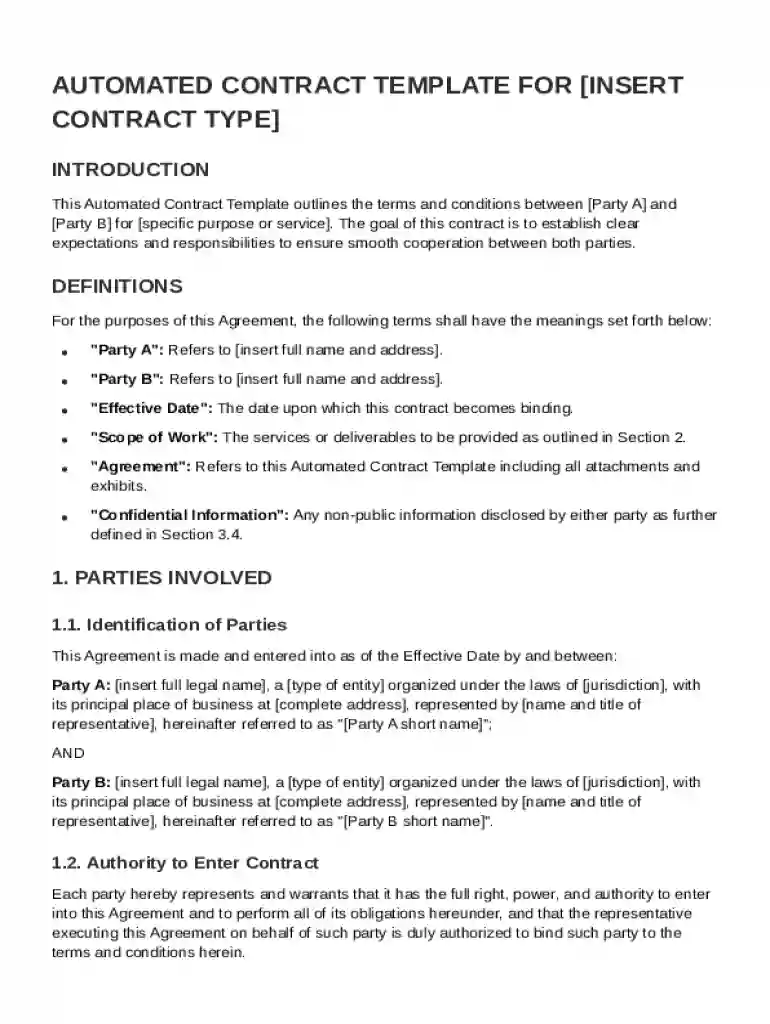
Type text, add images, blackout confidential details, add comments, highlights and more.

Draw your signature, type it, upload its image, or use your mobile device as a signature pad.

Send it via email, link, or fax. You can also download it, export it or print it out.
An Automated Contract Template is a pre-designed document tailored to outline the terms and conditions for an agreement between two parties, commonly referred to as Party A and Party B. This template serves as a foundational framework that includes essential elements such as definitions of key terms, the identification of involved parties, and the purpose of the agreement. By using such a template, individuals and businesses can streamline the contract creation process, ensuring consistency and legal compliance across various agreements. Automated features allow users to modify specific sections without altering the overall structure, thus maintaining clarity and precision in contractual obligations.
A crucial part of the template involves identifying both parties involved in the agreement and specifying their respective responsibilities. This section delineates tasks, deliverables, and roles to prevent ambiguity. For instance:
This clarity helps in setting expectations, promoting accountability, and minimizing potential disputes over misunderstood responsibilities.
This segment defines how and when payments will be executed. It typically includes:
Clear payment terms ensure mutual understanding and facilitate a smooth financial transaction process.
Understanding specific terms within the contract is vital for effective utilization. Key terms might include:
Each term plays an integral role in safeguarding the interests of the involved parties and should be reviewed thoroughly to ensure compliance with the agreed stipulations.
Adhering to legal standards is essential to ensure that the contract is enforceable. The template is designed to comply with relevant laws, such as the Uniform Commercial Code (UCC) and specific state regulations. When tailored correctly, this ensures contracts are legally binding and protect against breach of contract disputes.
Contractual obligations might vary based on state laws. For example, confidentiality clauses in California might differ from those in Texas. It is essential to adapt the template to meet the legal requirements of the relevant jurisdiction to avoid potential invalidation of the contract.
Each step ensures thorough coverage and alignment of the document with intended objectives and legal standards.


Small to medium-sized enterprises (SMEs) significantly benefit from automated contract templates due to limited legal resources. These templates offer a streamlined way to develop legally sound agreements without incurring high legal costs.
Individuals providing freelance services use these templates to formalize project terms with clients. This practice protects both the freelancer’s intellectual property and client investment by setting clear deliverables and payment expectations.
Compatibility with various digital tools enhances the functionality of the Automated Contract Template. Common applications include:
These tools allow seamless integration and modification of the contract template, ensuring a smooth digital workflow and ease of collaboration.
To illustrate practical use, consider a web design company contracting with a client for a new website:
Such examples demonstrate the adaptability and utility of the Automated Contract Template across diverse business scenarios.
At DocHub, your data security is our priority. We follow HIPAA, SOC2, GDPR, and other standards, so you can work on your documents with confidence.
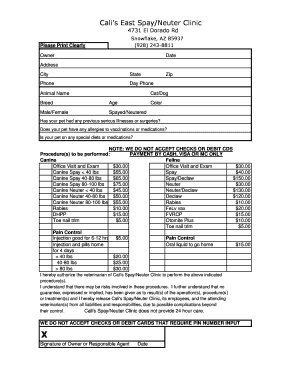

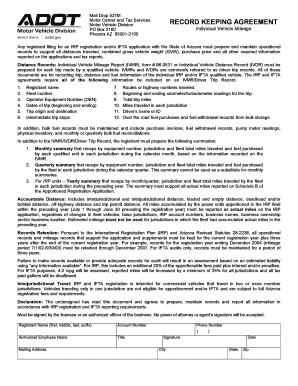

Easily create custom templates for recurring contract automation to help your team avoid duplicate efforts and data errors. Populate files in seconds. Pull data
All automated end-user agreements (e.g., click-through, shrink-wrap, or browse-wrap) are specifically excluded and null and void. Clicking shall not
Oct 9, 2022 They allow buyers to generate contracts from templates, automatically populate supplier information, and share documents using Word or docHub


