01. Edit your form online
Type text, add images, blackout confidential details, add comments, highlights and more.

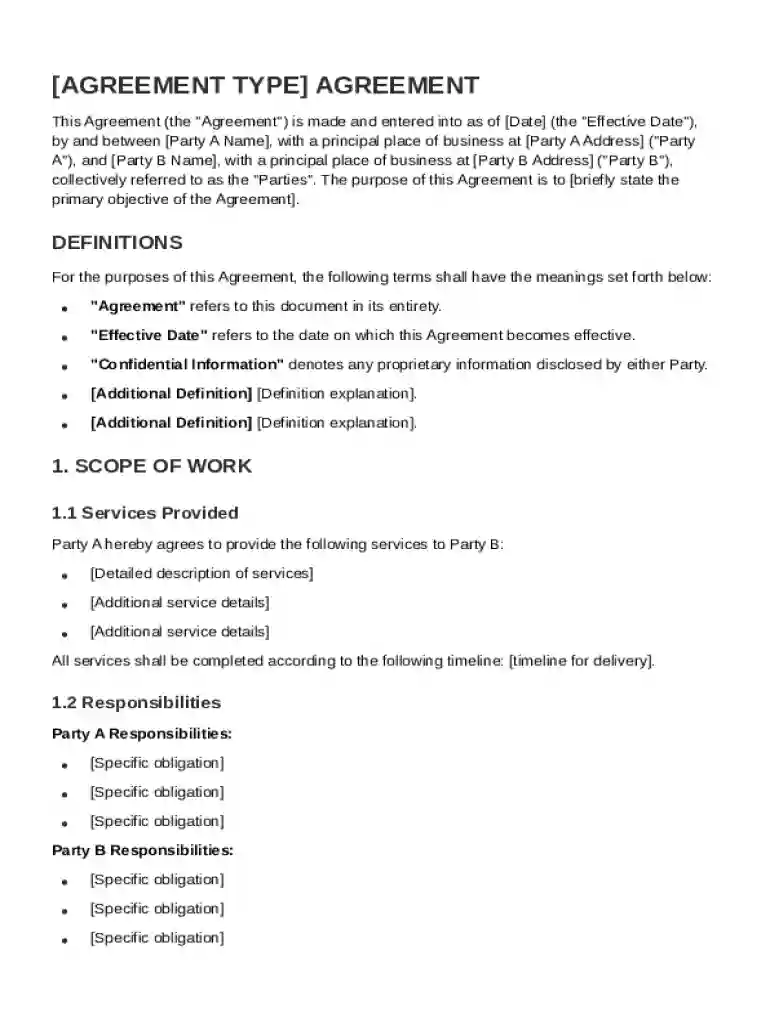
Type text, add images, blackout confidential details, add comments, highlights and more.

Draw your signature, type it, upload its image, or use your mobile device as a signature pad.

Send it via email, link, or fax. You can also download it, export it or print it out.
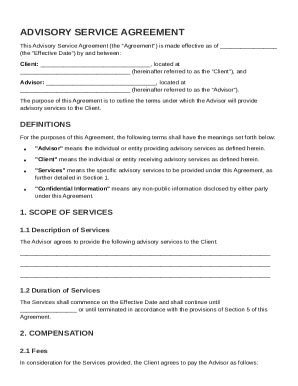
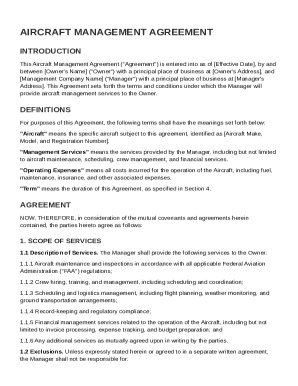
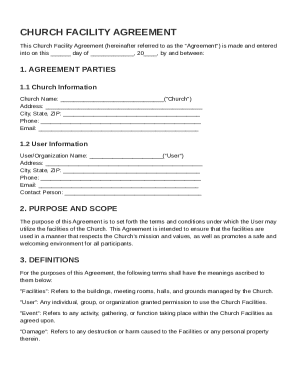
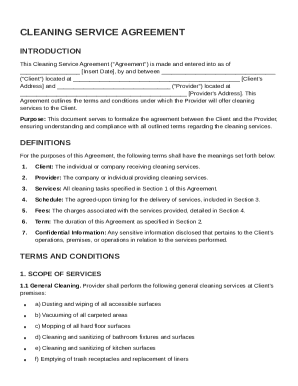
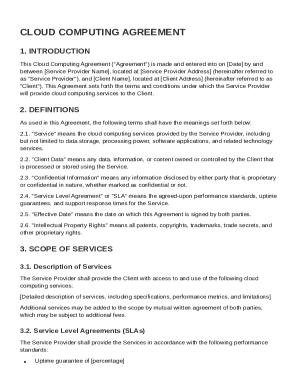
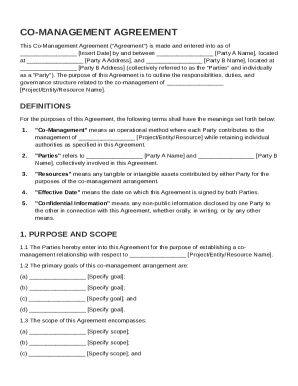
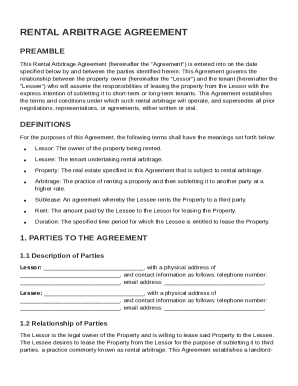
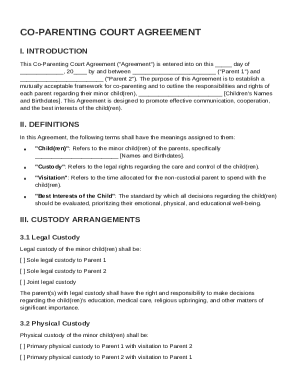
The agreement template is a pivotal tool in structuring formal agreements between two parties, often referred to as Party A and Party B. These templates serve as a blueprint, detailing essential components such as scope of work, responsibilities, compensation details, and confidentiality obligations. By laying down clear expectations, these templates help prevent potential disputes and ensure both parties are aligned with the terms. Real-world scenarios demonstrate how organizations and individuals use these templates to settle terms efficiently and reduce negotiation time. The comprehensive nature of these documents ensures that both parties have a legally binding reference in case of disputes.
Each agreement template includes several critical elements designed to cover all aspects of a formal agreement. These typically involve:
These components are fundamental for ensuring that all parties have a mutual understanding and agreement on their roles and expectations.
Using an agreement template effectively requires a systematic approach:
These steps help ensure that the agreement template is utilized correctly, providing a solid foundation for the business relationship.
Agreement templates are widely used across various sectors, including:
Individuals and entities often rely on these templates to structure agreements efficiently, reducing time spent on drafting new documents from scratch for each engagement.


The legal validity of an agreement template depends largely on its compliance with applicable laws. In the United States, both federal and state laws may impact the enforceability of agreements. For instance, the ESIGN Act ensures the legal recognition of electronic signatures, which can be applied directly to agreement templates. However, understanding nuances such as state-specific variations or industry-specific regulations ensures that the agreement stands up to legal scrutiny.
Completing an agreement template involves:
This sequence enables both parties to ensure clarity and completeness before finalizing the agreement.
Understanding the specific terminology related to agreement templates is crucial for precise interpretation:
Grasping these terms can help clarify the structure and implications of any agreement.
Agreement templates can be utilized in both digital and paper forms. Digital versions offer flexibility and convenience, enabling edits and electronic signatures, which can be integrated with other software like DocHub for enhanced collaboration and storage. Conversely, paper versions may be preferred for more traditional settings or when electronic means are not feasible. Each format has its benefits and potential drawbacks, depending on the specific needs and circumstances of the users involved.
At DocHub, your data security is our priority. We follow HIPAA, SOC2, GDPR, and other standards, so you can work on your documents with confidence.