




01. Edit your foreclosure letter online
Type text, add images, blackout confidential details, add comments, highlights and more.

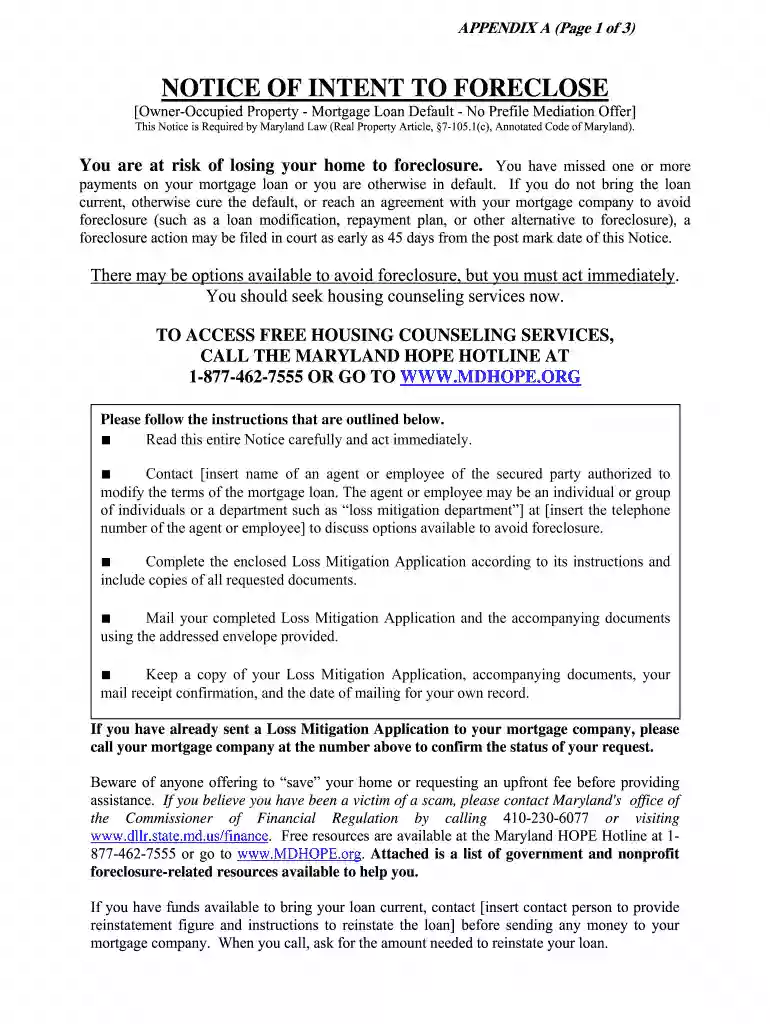
Type text, add images, blackout confidential details, add comments, highlights and more.

Draw your signature, type it, upload its image, or use your mobile device as a signature pad.

Send loan foreclosure letter format via email, link, or fax. You can also download it, export it or print it out.

Start using our platform today to efficiently manage and submit your foreclosure forms for free!
With DocHub, you can quickly sign your foreclosure letter format or any other document on iOS, even without setting up extra programs. You can access your DocHub account from any web-connected browser and fill out and sign your document in any way you like with just a few clicks.
It is a no-brainer on a computer or via a mobile phone to fill out a housing loan foreclosure letter format with DocHub. All you need to do is open any installed browser on your smartphone and proceed to the DocHub site. Once authenticated, add your file and open it in editing mode. Use our toolbar to make your edits and save changes. Optionally, keep your file in your files or send it to a recipient immediately.
At DocHub, your data security is our priority. We follow HIPAA, SOC2, GDPR, and other standards, so you can work on your documents with confidence.
Committee on Administrative, Executive, and Legislative Review (AELR Committee) for approval as an emergency adoption. The unit must publish the regulation
This advisory is intended to provide guidance on recent changes made to the mortgage foreclosure process in Maryland. Regulations Governing the ForeclosureRead more


