






Definition and Meaning
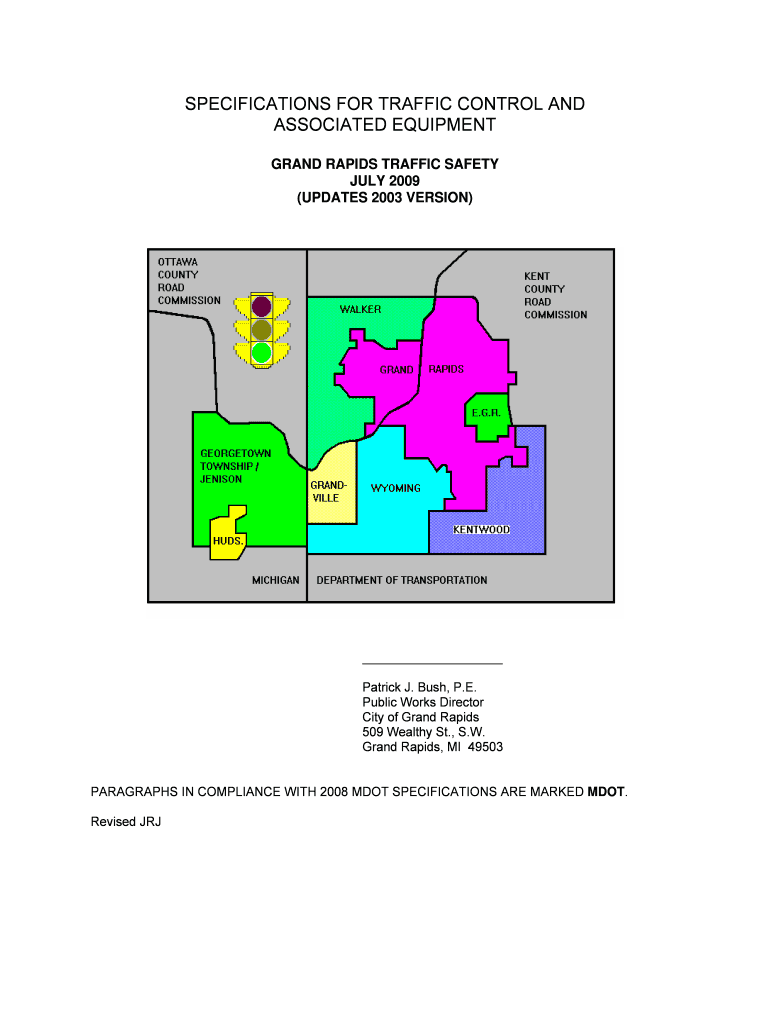
The "Specifications for Traffic Control and Associated Equipment - GRCity" is a comprehensive guide detailing the technical and functional requirements necessary for traffic control devices and systems in Grand Rapids. This document offers insight into the necessary standards and specifications that these types of equipment must meet to ensure compliance and efficiency in managing traffic flow and safety. It covers a range of components, including controller units and emergency vehicle preemption systems, adhering to established industry standards such as NEMA and MDOT.
How to Use the Specifications for Traffic Control and Associated Equipment - GRCity
Understanding and utilizing the provided specifications is crucial for those engaged in the procurement, installation, or maintenance of traffic control systems. The document serves as a reference guide, outlining the necessary features, operational protocols, and standards for each equipment type. Users can refer to specific sections detailing equipment requirements and installation guidelines to ensure that all elements are compliant and operationally effective. By adhering to these guidelines, users can ensure that all traffic control systems are effective and meet regulatory standards.
Key Elements of the Specifications for Traffic Control and Associated Equipment - GRCity
The document covers essential elements necessary for traffic control systems in Grand Rapids:
- Controller Units: Specifications include operational capabilities and compatibility requirements.
- Traffic Cabinets: Details the dimensions, environmental controls, and security features.
- Terminal Facilities: Outlines communication protocols and power supply considerations.
- Intersection Detectors: Specifies sensor types, placement, and connection guidelines.
- Emergency Vehicle Preemption Systems: Covers priority settings and installation requirements.
Understanding these elements helps in selecting equipment that fits specific site conditions and traffic management goals.
Steps to Complete Understanding of the Specifications
- Read the Document Thoroughly: Begin with an overview, then delve into detailed sections.
- Identify Relevant Sections: Focus on the parts most pertinent to your project, such as specific types of equipment.
- Consult with Experts: Engage industry professionals to clarify technical requirements and interpret complex standards.
- Compare with Existing Systems: Assess current installations to ensure they meet the current specifications.
- Update and Maintain: Regularly review and update equipment as new versions or addendums to the specifications are released.
Who Typically Uses the Specifications for Traffic Control and Associated Equipment - GRCity
These specifications are primarily used by:
- Municipal Planning Authorities: For designing and implementing city infrastructure.
- Civil Engineers: Experts in planning and deploying traffic systems.
- Traffic Management Companies: Organizations specializing in traffic flow and safety solutions.
- Construction Firms: They use the specifications during the infrastructure development process.
- Equipment Manufacturers: To ensure products meet local standards.
By following the outlined guidelines, these users can ensure compliance and functionality within Grand Rapids.


Important Terms Related to the Specifications for Traffic Control and Associated Equipment - GRCity
Understanding key terms can aid in better application and compliance:
- NEMA Standards: National Electrical Manufacturers Association standards for reliability.
- ATC: Advanced Transportation Controller guidelines for hardware and software integration.
- MDOT Specifications: Michigan Department of Transportation rules influencing local compliance.
- Preemption: System control that allows emergency vehicles priority passage at intersections.
- Intersection Detectors: Devices used to manage traffic light cycles in response to real-time vehicle presence.
Grasping these terms helps professionals in correctly implementing and maintaining traffic systems.
Legal Use of the Specifications for Traffic Control and Associated Equipment - GRCity
The specifications ensure legal compliance with both local and broader national standards. Adhering to these standards reduces liabilities related to traffic mishaps or malfunctions. Legal implications might include adherence to mandated safety protocols and assurance that all systems are properly maintained. By following these specifications, organizations can mitigate risk and minimize liability associated with the use and maintenance of traffic control equipment.
Examples of Using the Specifications for Traffic Control and Associated Equipment - GRCity
Several case studies demonstrate the application of these specifications effectively:
- Intersection Upgrades: Implementing advanced traffic signals following controller unit specifications for improved flow.
- Emergency Response Optimization: Installation of vehicle preemption systems to reduce emergency vehicle response times.
- New Development Projects: Designing newly constructed roads with compliant traffic cabinets and intersection detectors.
These examples showcase the practical application of specified guidelines to enhance infrastructure and ensure public safety.