




Here's how it works



How to use or fill out writ of restitution new mexico with DocHub

- Click ‘Get Form’ to open the writ of restitution in our editor.
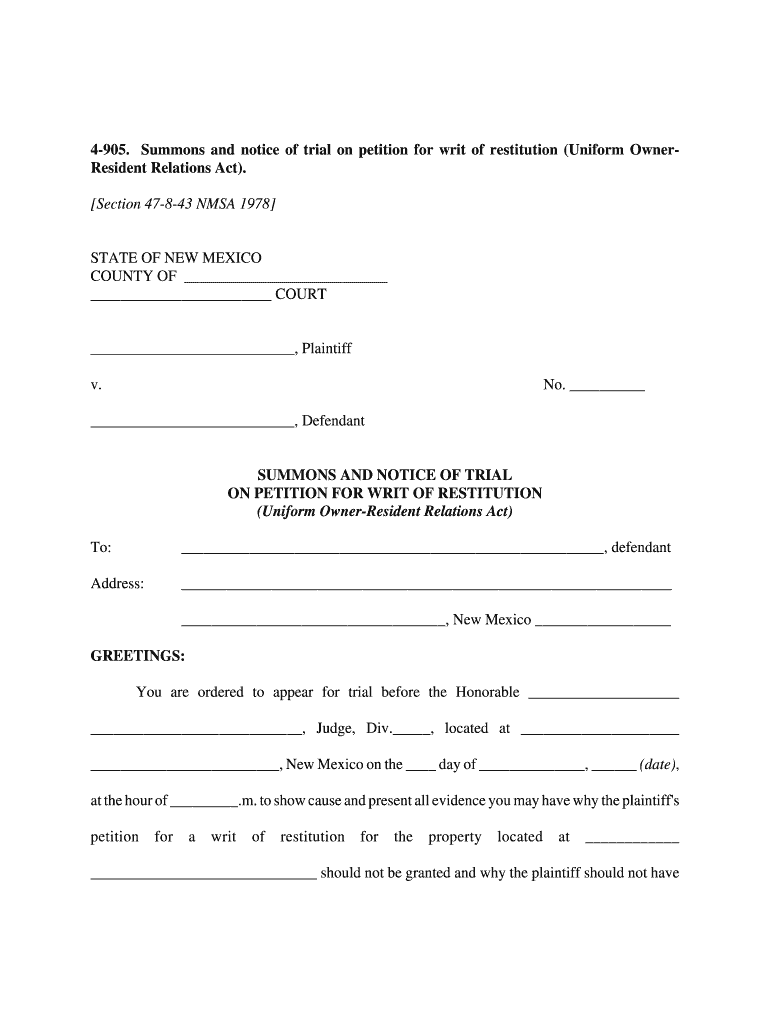
- Begin by filling in the court details at the top, including the county and court name. This ensures your document is correctly filed.
- Next, enter the names of the plaintiff and defendant along with their addresses. Accurate information here is crucial for proper notification.
- Specify the trial date and time in the designated fields. This informs all parties involved when they need to appear.
- Complete the service section by detailing how the summons was served, including dates and methods used. This is important for legal compliance.
- Finally, review all entries for accuracy before saving or exporting your completed form. Our platform allows you to easily modify any sections as needed.
Start using our platform today to fill out your writ of restitution quickly and efficiently!
It's free
Got questions?
How do I sign my petition by owner for restitution new mexico without printing?
eSignatures are an excellent replacement for traditional signing, as they save time, effort, and costs people spend on printing, scanning, and paper delivery. You can electronically sign your petition by owner for restitution new mexico using a reliable and powerful online document management tool like DocHub. It complies with primary eSignature policies (ESIGN and UETA), so all forms approved there are legally binding and have the same validity as physically signed ones.
Do I need to set up software to edit my writ of restitution?
When you edit your writ of restitution with DocHub, you merely need a steady web connection and virtually any web browser installed on your device. No need to install any third-party applications or research guides. Just open a tab with DocHub, drag and drop your file, and modify it on the spot.
Security and compliance
At DocHub, your data security is our priority. We follow HIPAA, SOC2, GDPR, and other standards, so you can work on your documents with confidence.
Learn more




