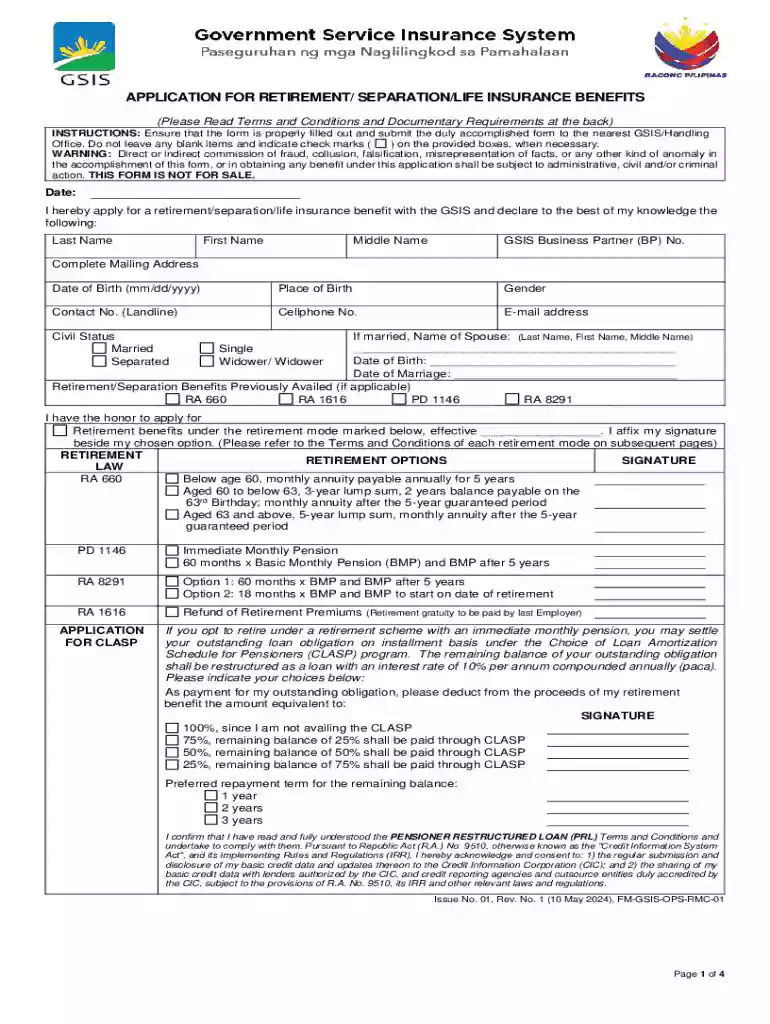
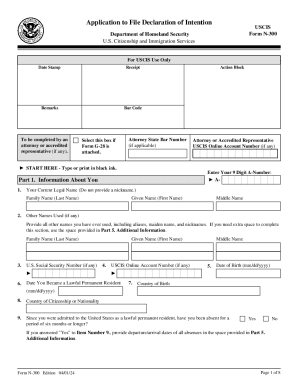
Definition and Meaning of "Form Online"
"Form online" refers to any document or application available electronically, designed to be filled out, submitted, or managed over the internet. This method allows users to complete forms on digital platforms without needing physical paperwork, streamlining processes across a variety of areas such as legal, financial, and administrative tasks. The term is broad and can encompass tax forms, legal documents, application forms, and more. Online forms typically feature interactive elements like text boxes, checkboxes, and dropdown menus, facilitating user input and ensuring accuracy and consistency in data collection.
Benefits of Using Forms Online
- Efficiency: Automates the completion and submission process, saving time.
- Accessibility: Forms can be accessed from any device with internet connectivity.
- Integration: Often integrated with other software, enabling seamless data transfer between applications.
Practical Examples
- Tax Filings: Submit federal and state tax returns online using secure platforms.
- Job Applications: Complete and send job applications through employer websites.
- Legal Documents: E-sign contracts and agreements using digital signature tools.
How to Use the Form Online
Using forms online generally involves accessing the form through a specific website or platform, filling out the necessary fields, and submitting it directly through the same online interface. This process can vary slightly depending on the form type and purpose.
Step-by-Step Guide
- Access the Form: Visit the website hosting the form. Use search functions if needed.
- Fill Out Required Fields: Enter data in interactive fields, ensuring all mandatory sections are completed.
- Review Entries: Double-check for accuracy to avoid errors.
- Submit: Click the submit or send button. Confirmation will often be provided.
Additional Features
- Save Progress: Many platforms allow saving forms mid-process for completion at a later stage.
- Error Checking: Some systems automatically flag incomplete or incorrectly filled sections.
Steps to Complete the Form Online
Completing a form online involves a series of straightforward steps designed to ensure accuracy and efficiency. This process can accommodate various document types and user needs.
Detailed Steps
- Login or Register: Set up an account if necessary to access form features.
- Locate the Form: Use the platform’s navigation tools to find the specific form required.
- Enter Information: Use digital tools to input text, select options, and complete all fields.
- Attach Documents: Upload any necessary supporting documents through available options.
- Verification: Some forms require additional verification through codes sent via email or SMS.
- Consent and Legal Acknowledgment: Agree to terms where applicable, ensuring all legal boxes are ticked.
- Final Submission: Complete the process by submitting, and wait for confirmation or further instructions.
Important Terms Related to Form Online
Understanding the terminology associated with online forms is crucial for efficient navigation and usage. These terms help clarify form processes, from completion to submission.
Key Terms
- E-signature: A digital version of a handwritten signature used to validate online documents.
- Drop-down Menu: A list from which users can select a single option.
- Checkbox: A box that a user can check or uncheck as part of form entry.
Additional Definitions
- Form Fields: Areas within the form for inputting data.
- Submission Confirmation: Notification that the form has been received, often through email or within the platform.
Legal Use of the Form Online
Forms available online are often used for legal purposes, requiring compliance with various regulations and standards to ensure data security and validity.
Compliance and Security Measures
- Data Encryption: Most platforms use SSL encryption to protect information.
- Legal Validation: Many forms, especially for contracts and agreements, comply with acts such as the ESIGN Act to ensure legality of digital signatures.
- User Authentication: Secure login processes, including two-factor authentication, ensure only authorized access.
Common Use Cases
- Client Contracts: Initiating and signing contracts in professional settings.
- Government Filings: Electronically submitting government-related documents, such as tax forms.
Software Compatibility
Online forms may require compatibility with specific software to ensure a seamless experience, especially when integrating data with other applications or platforms.
Compatible Software Examples
- TurboTax: For tax form completion and submission.
- Adobe Acrobat: For viewing and editing PDF forms.
- QuickBooks: For business financial forms and documents.
Integration Benefits
- Streamlined Processes: Automatic data transfer between compatible applications reduces manual data entry.
- Enhanced Functionality: Automated calculations and validations can be performed within supported software.
Digital vs. Paper Version
The choice between digital and paper forms involves considering various factors, from convenience to security and accessibility.
Pros of Digital Forms
- Environmental Impact: Reduced use of paper contributes to environmental conservation.
- Real-Time Updates: Immediate access to the most current version of a form.
- Dynamic Features: Utilize interactive tools for data input and validation.
Cons of Paper Forms
- Limited Accessibility: Requires physical presence to fill out and submit.
- Manual Processing: Involves time-consuming manual entry and potential error-prone processes.
State-by-State Differences
Online forms may vary significantly across states, reflecting local laws, regulations, and procedures. Understanding these differences ensures compliance and accuracy.
Variations to Note
- Tax Rates: Different states have varying tax rates impacting state-specific tax forms.
- Business Licenses: Requirements can change based on local state legislation affecting business registration forms.
- Health Regulations: State-specific health forms may differ in terms of required disclosures and data collection.
Navigating State Rules
- Consult Local Authorities: Verify requirements through official state websites or contact relevant agencies.
- Use Localized Forms: Ensure forms are tailored to state-specific regulations to avoid non-compliance issues.