






Definition & Meaning
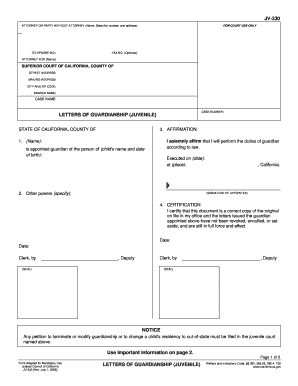
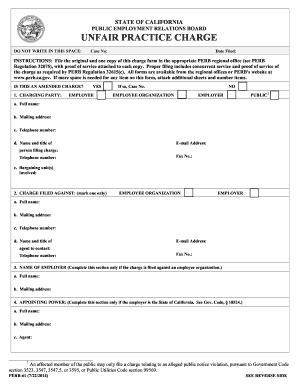
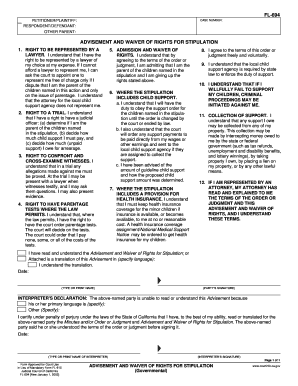
The term "form online" refers to digital documents or templates that users can complete and submit over the internet. These forms are designed for a wide range of purposes, from simple surveys to complex legal applications, and are accessible via web browsers on various devices. Digital forms offer the convenience of instant submission, eliminating the need for physical paperwork. They often include fillable fields for user input, making the process of data collection efficient and organized.
How to Use the Form Online
- Accessing the Form: Users can browse through the DocHub platform to find the specific form they need. Forms can be accessed directly from the platform or imported from connected cloud storage services like Google Drive or Dropbox.
- Filling Out the Form: Once the form is opened in the editor, users can click on the fillable fields to input their information. Additional tools allow users to add text, images, or annotations as needed.
- Review and Edit: After initial completion, users can review their entries to ensure accuracy. Edits can be made easily by returning to any field or using the platform’s editing tools.
How to Obtain the Form Online
Forms can be obtained through several methods on DocHub:
- Download from Website: Some forms are directly downloadable from the DocHub website or affiliated government websites.
- Email Request: Users may receive forms via email, which can be opened with DocHub for editing.
- Cloud Storage Access: Forms stored in users' Google Drive, Dropbox, or OneDrive can be accessed directly through DocHub.
Steps to Complete the Form Online
- Open the Form: Launch the desired form in DocHub’s editor.
- Enter Information: Use the fillable fields to enter necessary data. Fields may include text boxes, checkboxes, signature fields, and more.
- Attach Documents: If supplementary documentation is needed, attach these directly within the form.
- Review and Adjust: Check for accuracy and completeness. Make any necessary adjustments before finalizing.
- Save and Submit: Save the finalized form and submit it as instructed. Options may include sending via email or uploading directly to the intended recipient’s system.
Why Should You Form Online
Using forms online offers several compelling advantages:
- Efficiency: Complete and submit forms quickly without needing to print and scan documents.
- Accessibility: Access and fill out forms on any device with internet connectivity.
- Data Accuracy: Digital entry reduces the likelihood of errors associated with manual data entry.
- Eco-Friendly: Reduces paper consumption, contributing to sustainable practices.
Who Typically Uses the Form Online
Different groups and individuals benefit from online forms, including:
- Business Professionals: For contracts, applications, and other organizational needs.
- Educational Institutions: Facilitating student enrollments, surveys, and administrative paperwork.
- Government Agencies: Offering a streamlined method for citizens to complete tax forms, permits, and applications.


Important Terms Related to Form Online
- Fillable Field: Interactive elements in a form where users can input data.
- Signature Field: A section designated for digital signatures, confirming the user's consent or approval.
- Template: A pre-designed structure of a form that serves as a starting point for creating new forms.
- Encryption: Security measures ensuring that data sent through online forms are protected from unauthorized access.
Legal Use of the Form Online
Forms completed online may carry the same legal weight as their paper counterparts under certain conditions:
- Compliance with ESIGN Act: Ensures that digital signatures are recognized as legally binding in the U.S.
- Authentication: Verification processes, such as OAuth 2.0, confirm the identity of users completing the forms.
- Audit Trails: Document histories tracking submission or alteration timestamps, maintaining legal and procedural integrity.
Key Elements of the Form Online
- Header Information: Includes the form title, date, and unique identifiers or reference numbers.
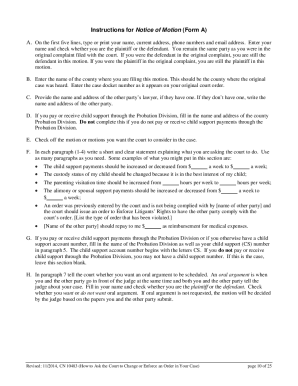
- Instruction Sections: Guides outlining how to complete the form accurately.
- Fillable Fields: Designated areas for entering specific data like personal information, financial details, etc.
- Submission Instructions: Final section providing details on how and where to submit the completed form.
Digital vs. Paper Version
While paper forms have been a traditional means for documentation, digital forms present distinct benefits:
- Environmental Impact: Significantly reduces paper usage.
- Real-Time Editing: Edits can be made immediately, allowing for timely corrections.
- Secure Storage: Digital files are less prone to physical damage or misplacement compared to paper copies.
- Integration with Software: Allows easy linkage with data management tools, enhancing overall productivity.
This comprehensive coverage of online forms provides an extensive insight into their utility, ensuring users can navigate their document needs effectively and securely.